

A template library organized by what your thumbnail needs to doAuto (best fit for topic) is pre-selected, everything below is there if you want to choose yourself
Most thumbnail tools hand you a blank canvas and expect you to know what "good" looks like. SparkStation's style step is a real library, organized by the job the thumbnail is doing, a reaction, a product shot, a comparison, a mood, a multi-frame collage, with Auto doing the matching for you if you'd rather not choose.
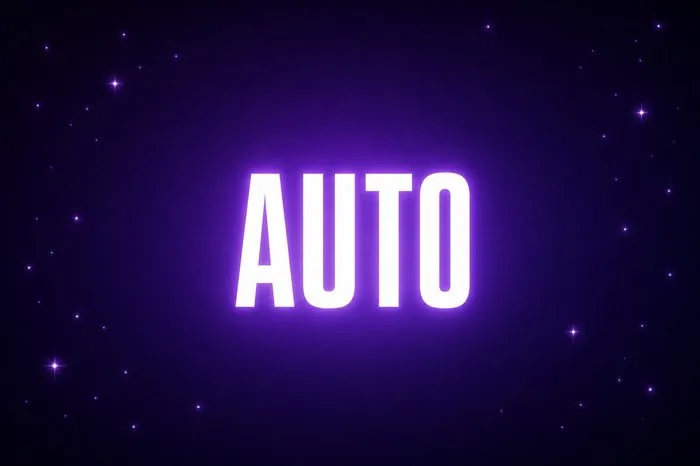
Auto
Best fit for topic, the default. Skip the decision; let the engine match a style to what you're making.
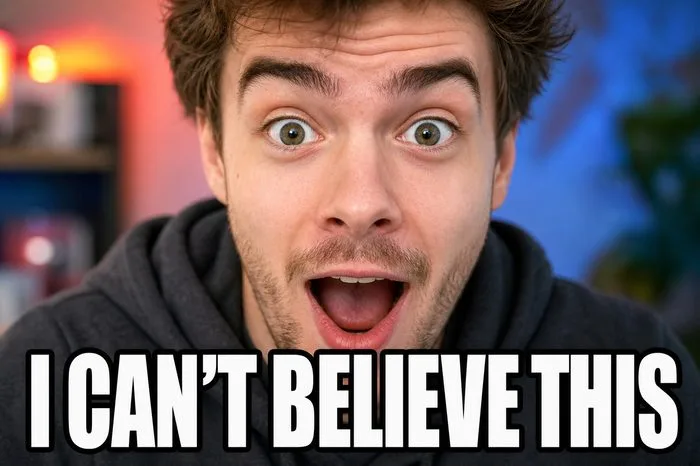
Reaction Close-Up
A tight face crop on a genuine reaction. Best for reveals, pranks, "wait for it" content.
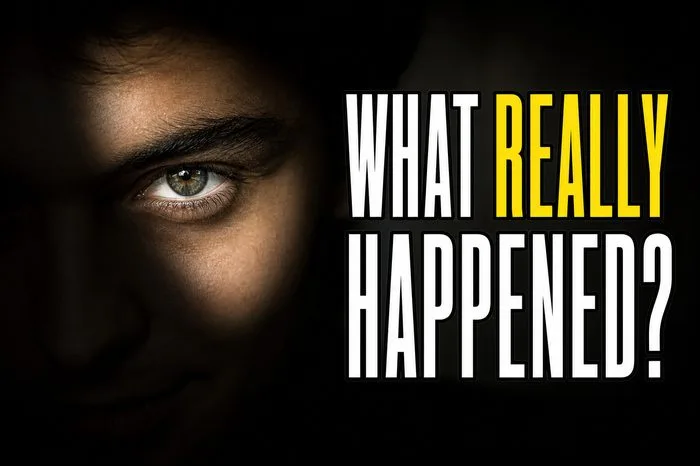
Curiosity Hook
Bold question text over a moody frame. Best for mystery, investigation, true-crime content.

Vibrant Everyday
Bright, warm, lifestyle-photo energy. Best for vlogs, personal stories, day-in-the-life content.
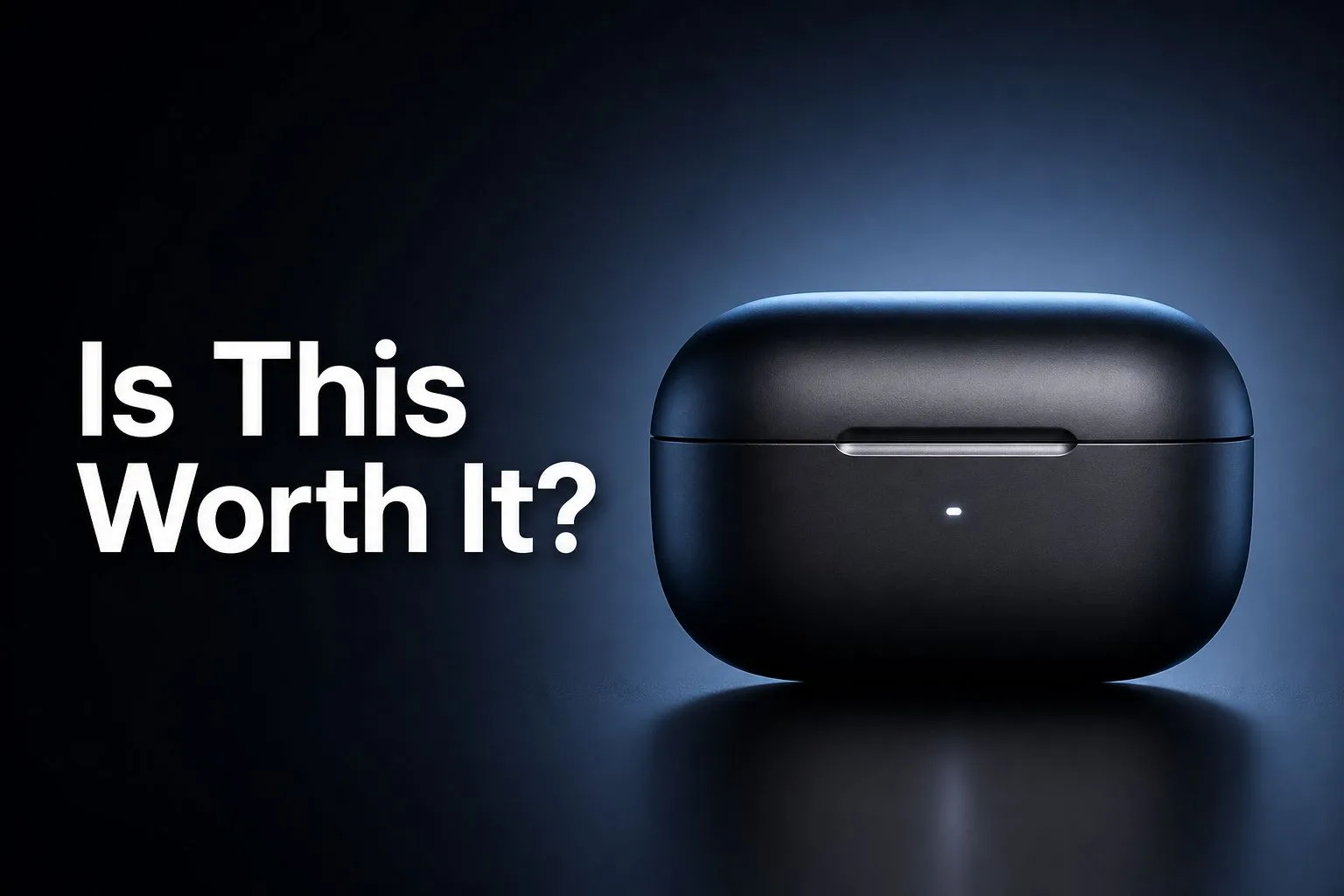
Hero Object
One product, dramatically lit, with a bold question overlay. Best for reviews, unboxings, "is it worth it" content.

Bright & Clean
Light background, bold headline, minimal clutter. Best for finance, education, explainer content.
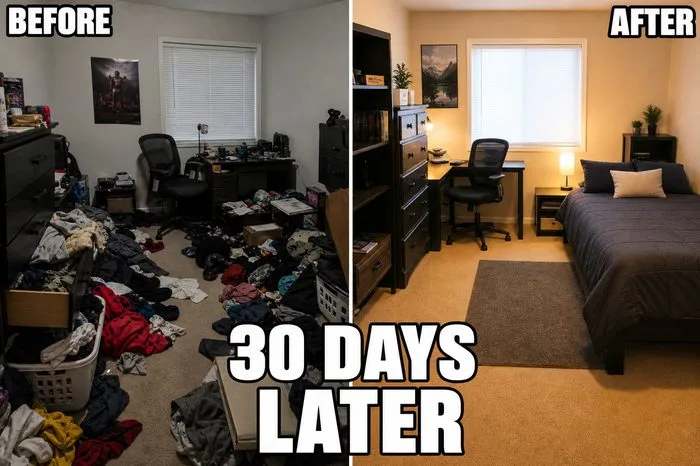
Before/After Split
Labeled split-screen comparison. Best for transformations, renovations, progress content.
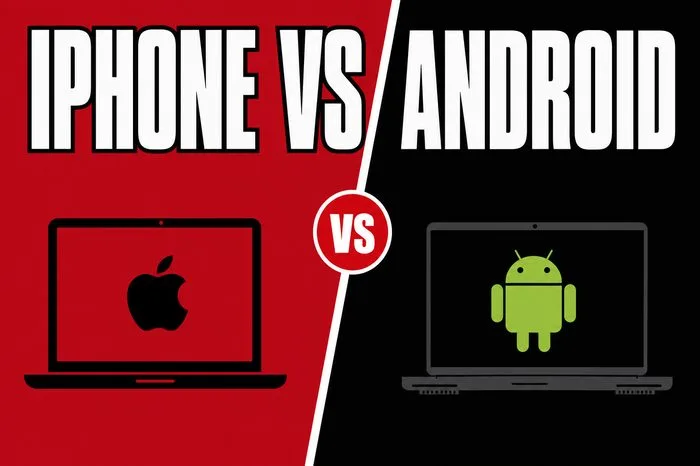
Versus Color-Block
Two-color split with a center VS badge. Best for debates, comparisons, "X vs Y" content.
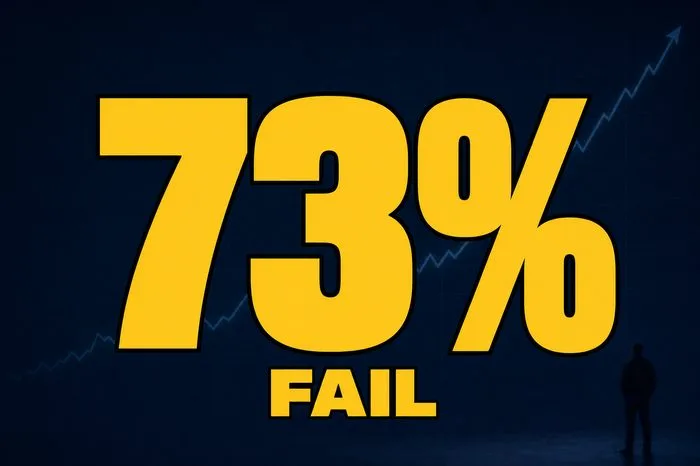
Big Number/Stat
One large stat as the whole thumbnail. Best for data-driven, "shocking stat," listicle content.
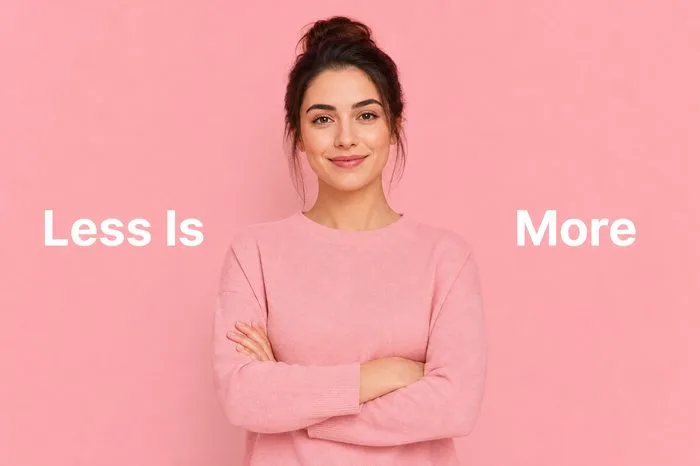
Minimalist Clean
Pastel background, plenty of negative space. Best for calm, wellness, lifestyle content.
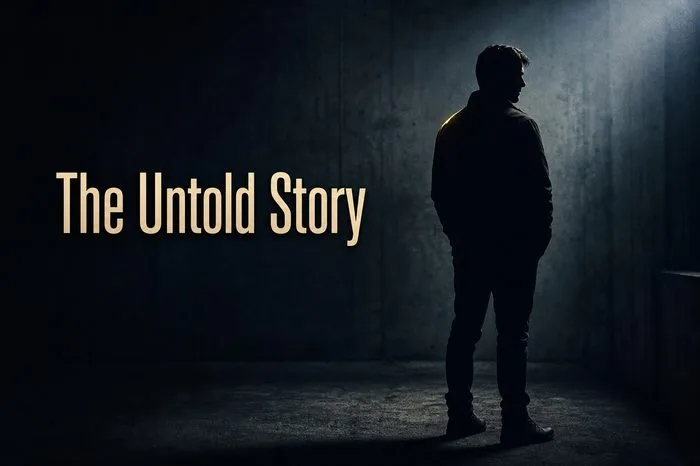
Cinematic Dark
Moody, high-contrast, film-still look. Best for narrative, drama, documentary-style content.
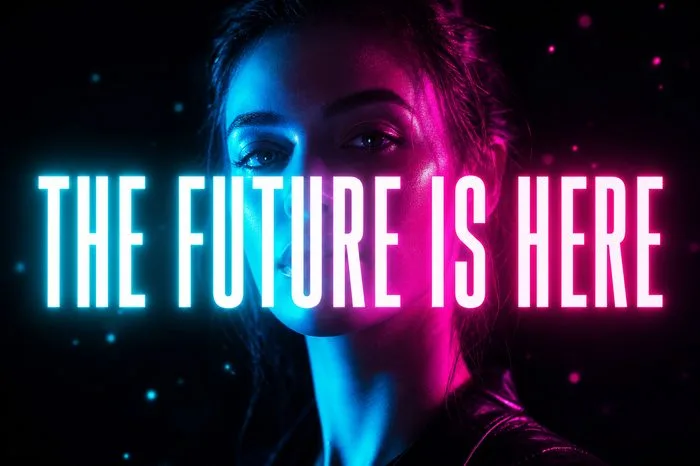
Neon Dark Mode
Dark background, glowing neon type. Best for tech, gaming, futuristic content.
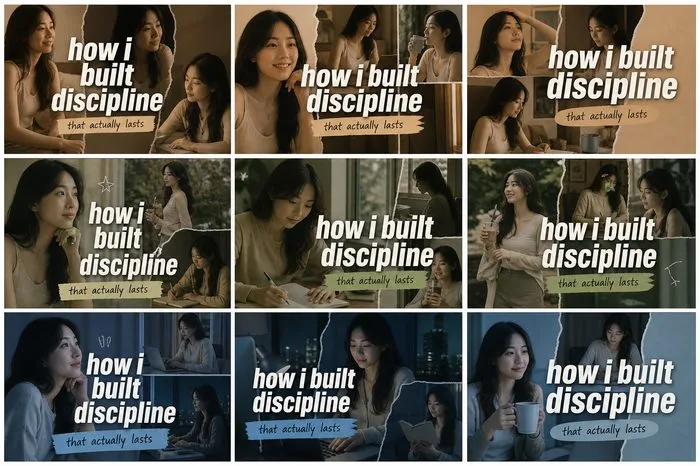
Grid Collage
Multiple frames tiled into one composite. Best for compilations, tutorials, multi-step content.
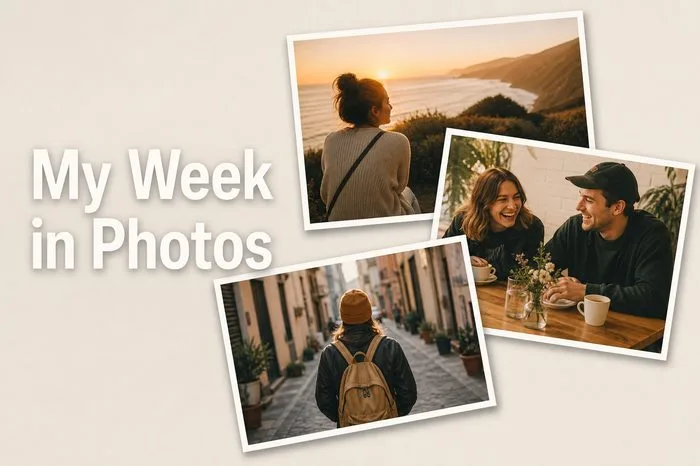
Overlapping Photo Stack
Frames layered like a scattered stack. Best for montages, "week in my life," behind-the-scenes.

Main + Inset
One dominant frame, a smaller inset detail. Best for reactions, interviews, challenge content.
Upload reference image…
Bring your own photo or design instead of a generated style. More on this below.
Grid Collage, Overlapping Photo Stack and Main + Inset can pull from a video's own extracted key frames when you're starting from footage already processed by Video Intelligence, the other twelve templates work from any topic on their own, no video required.