

Sketch it rough. Get it back finished.
Draw to Paint is built exactly the way it sounds: sketch, annotate or compose directly on any image, or start from a blank canvas, and AI generates your vision into a polished, detailed visual in seconds. No drawing skill required; the rough shape is enough.
The rough shape is enough. AI fills in the rest.
Upload media or start blank
Sketch on top of an existing photo, or begin from an empty canvas.
Choose your canvas ratio
16:9, 9:16, 1:1, 4:3 or 3:4.
Sketch, annotate or compose
Draw rough shapes or lines directly on the canvas, no drawing skill required.
Generate
AI transforms your sketch into a finished, detailed image in seconds.
Five aspect ratios, so the sketch matches where it's headed.
Widescreen
Vertical
Square
Classic
Portrait
The rough sketch, and what AI made of it.
Pulled straight from live Draw to Paint sessions.
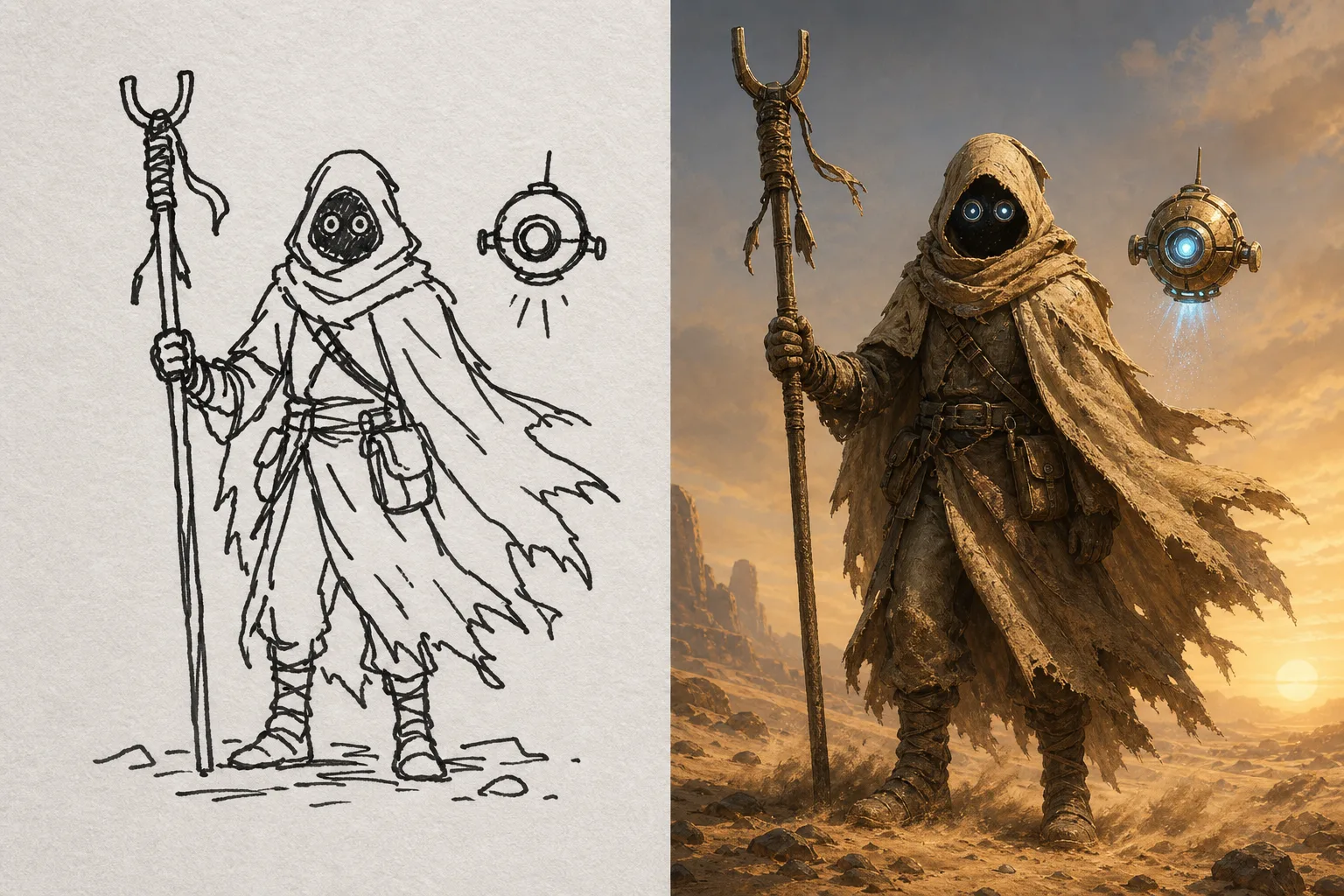
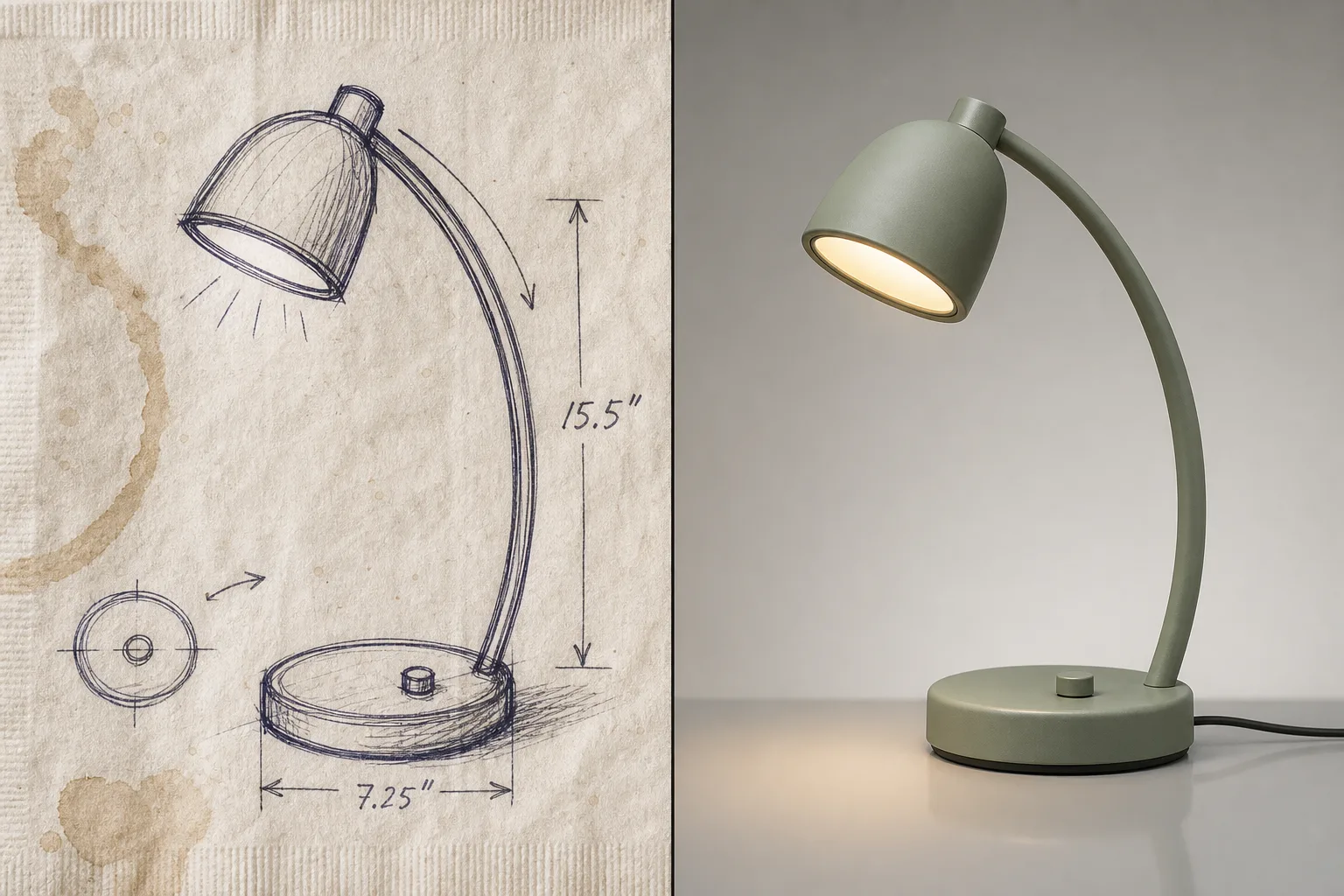
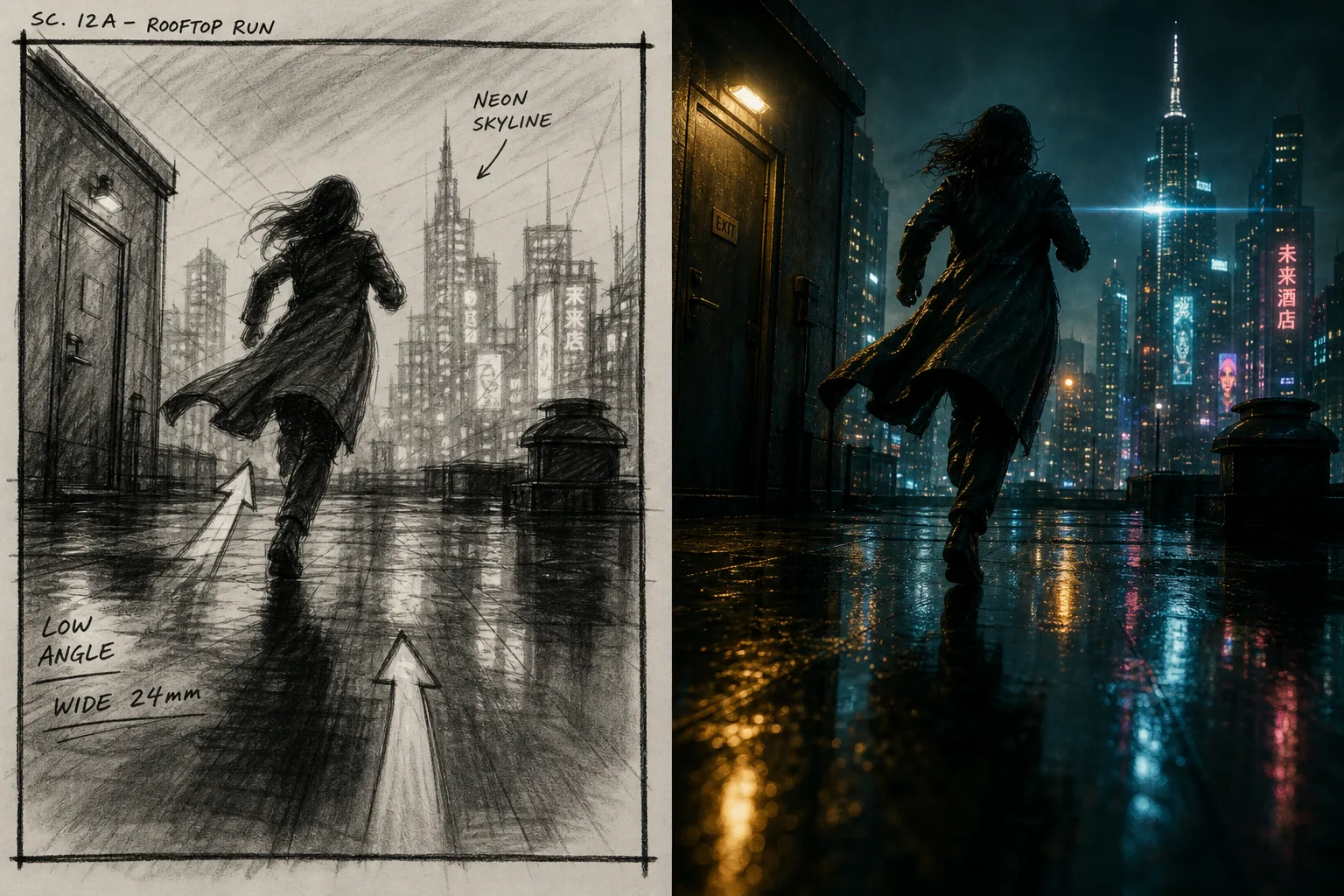
Anywhere a rough idea needs to become a real image fast.
Storyboarding & concept art
Turn a rough layout sketch into a finished frame to communicate a shot idea quickly.
Composition & scene edits
Sketch where an added element should go on an existing photo and let AI render it in place.
Product & object visualization
Rough out an object's shape and let AI generate a polished, realistic version.
Draw to Paint pairs with SparkStation's other editing and finishing tools.
Draw to Paint, in brief.
What is Draw to Paint?
Draw to Paint is a sketch-to-image tool: you sketch, annotate or compose rough shapes and lines directly on any image or a blank canvas, and AI transforms them into a polished, detailed visual.
Do I need an existing image, or can I start from scratch?
Either, Draw to Paint has an Upload Media option for sketching on top of an existing photo, and a Create Blank option for starting from an empty canvas.
What image formats does Draw to Paint support?
PNG, JPEG and WebP for uploaded media.
What aspect ratios can I choose for the canvas?
16:9, 9:16, 1:1, 4:3 and 3:4.
How rough can my sketch be?
Very rough, the tool is built to work from simple shapes and lines, not a detailed drawing, and generates a finished, detailed image from that rough input.