

1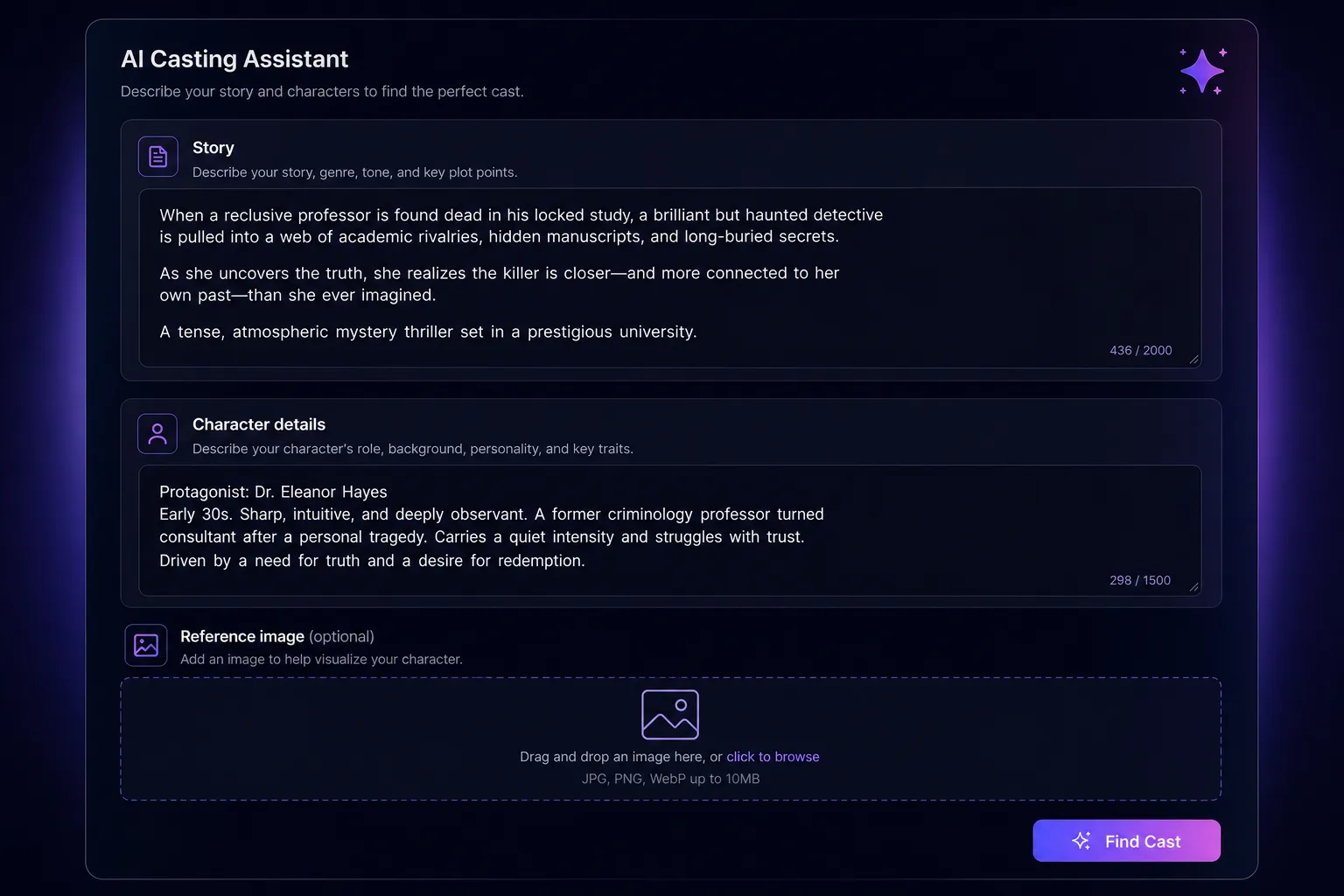
Describe story & character
Paste your story or scene, then describe the character, age, look, wardrobe, defining features. Add a reference image if you have one.
Describe your character, and Spark Station generates a lineup of castable, on-brief faces. Lock the one you love, and that exact identity holds across every scene, every angle, every shot in your production.
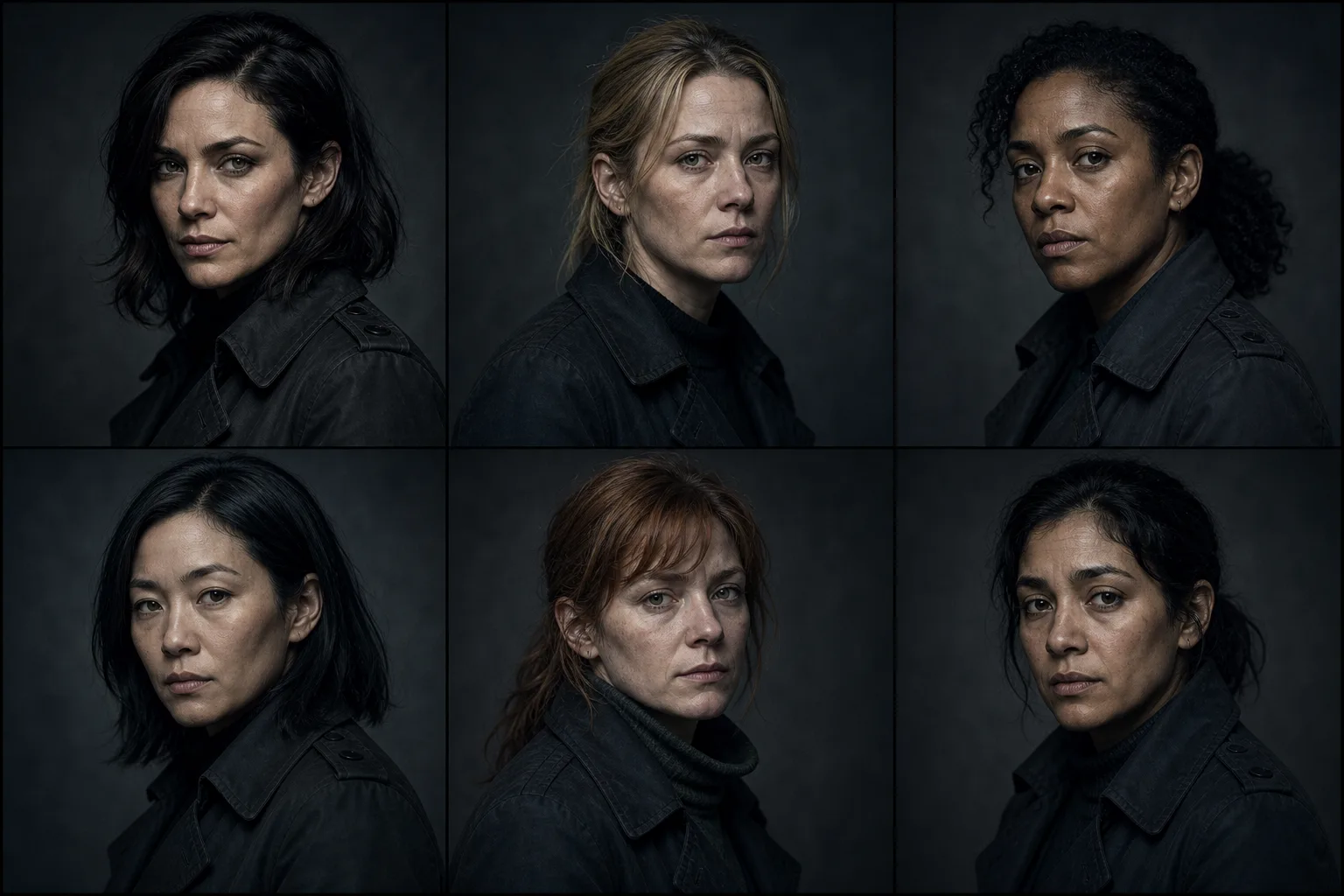
Prompt a face twice and you get two different people. For a single image that's fine, for a film, an ad, or a series, it breaks the story. Casting Director solves the continuity problem at its source: it decides who your character is, once, and makes that decision reusable.
Paste your story or scene, then describe the character, age, look, wardrobe, defining features. Add a reference image if you have one.
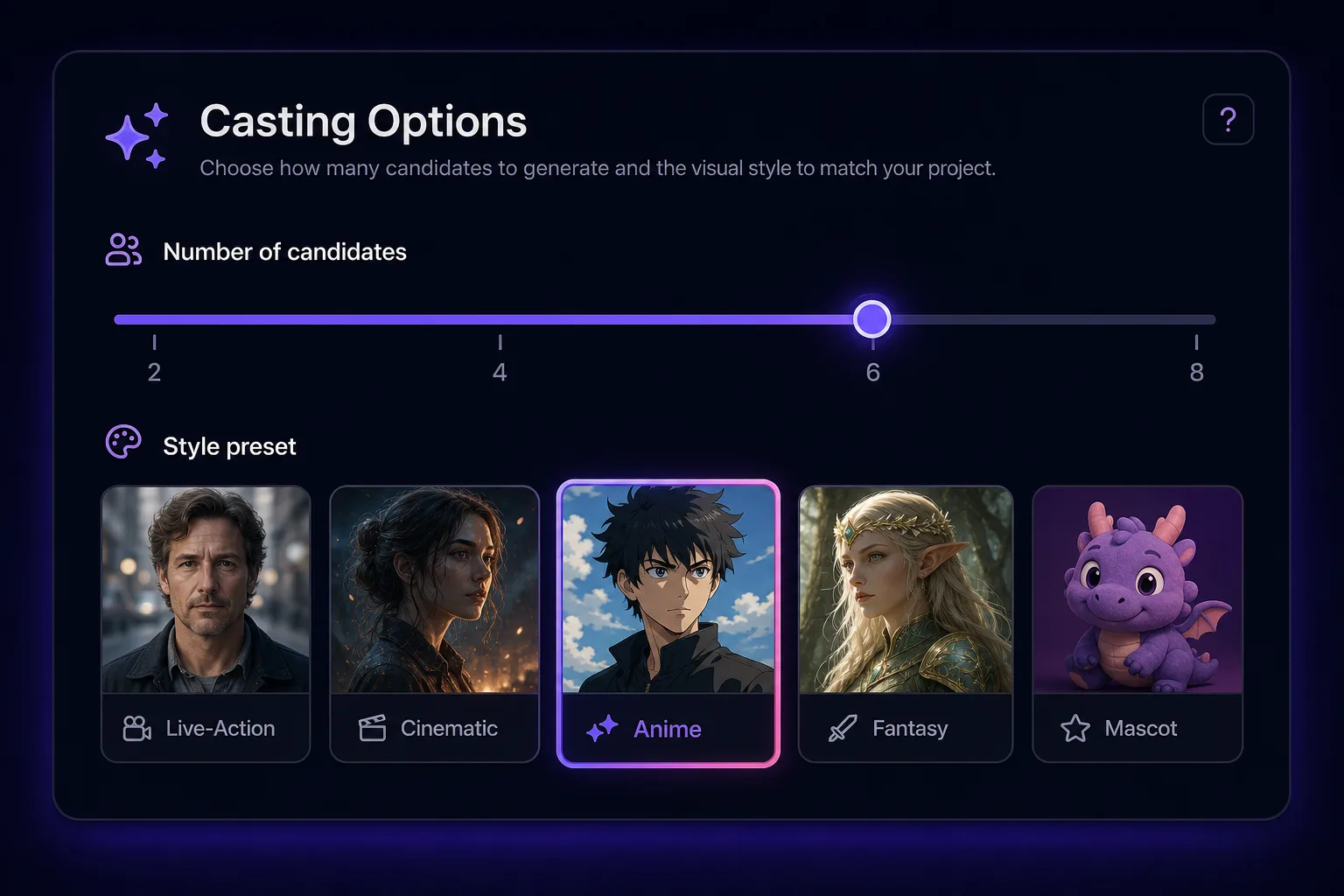
Choose a visual style, live-action to anime, and how many candidates to generate, from 2 to 8 faces.
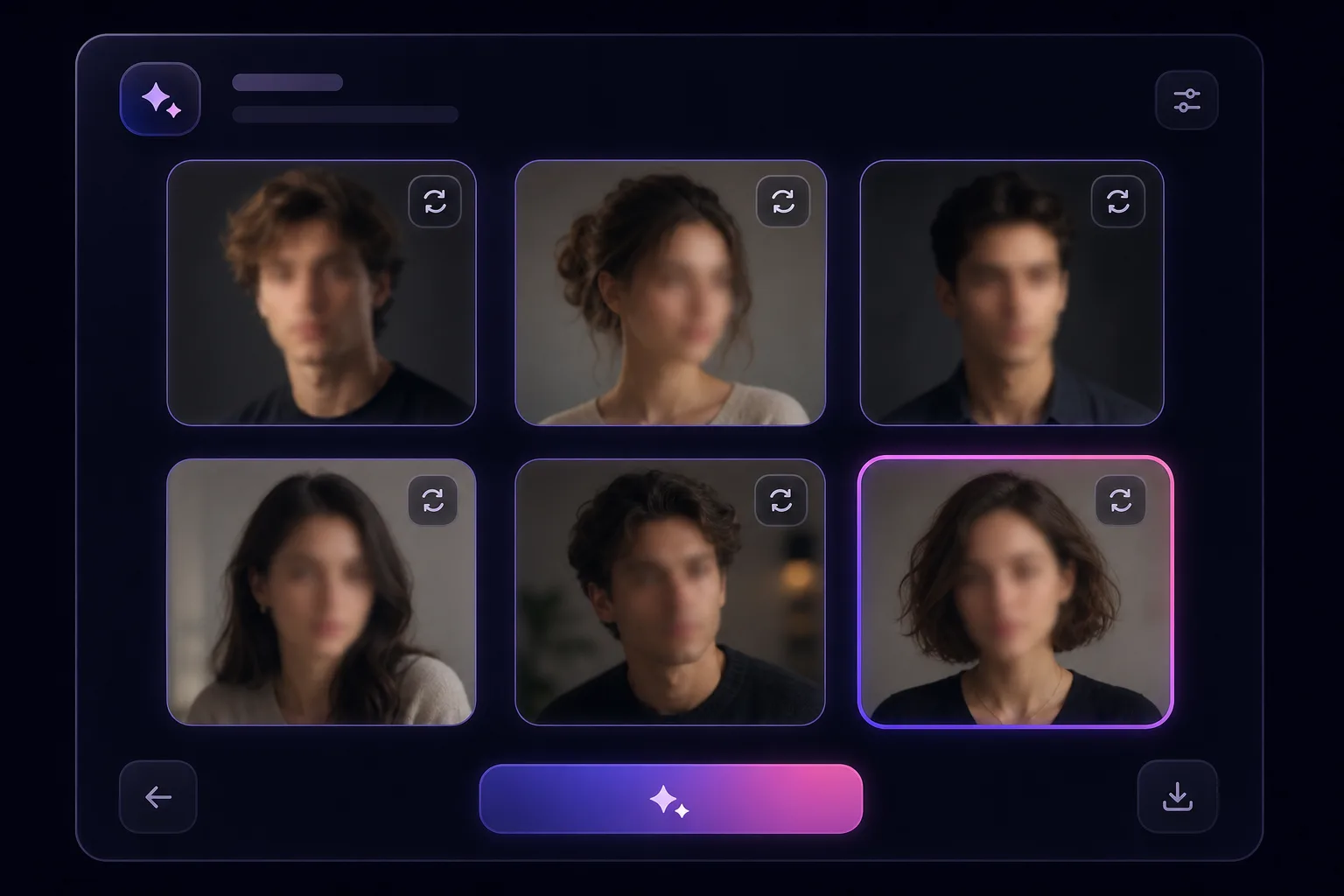
Spark Station returns a lineup of on-brief, castable faces. Compare them side by side and regenerate until it's right.
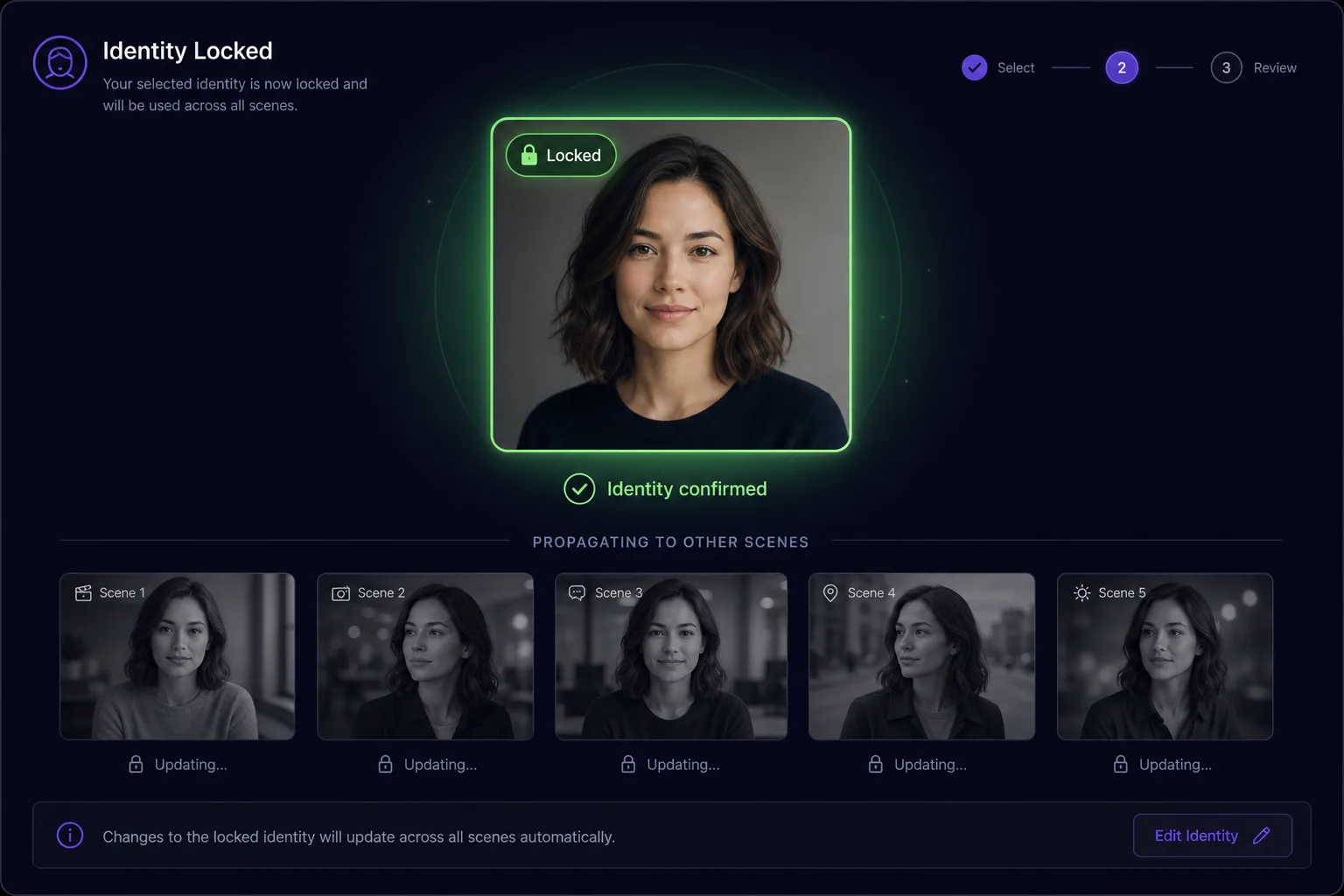
Select the face you love and lock it. That identity is now held constant across every scene, angle and generation.
 Casting Director · 45-second walkthrough
Every face below came from a single story + description. Notice how each set stays on-brief and internally consistent.
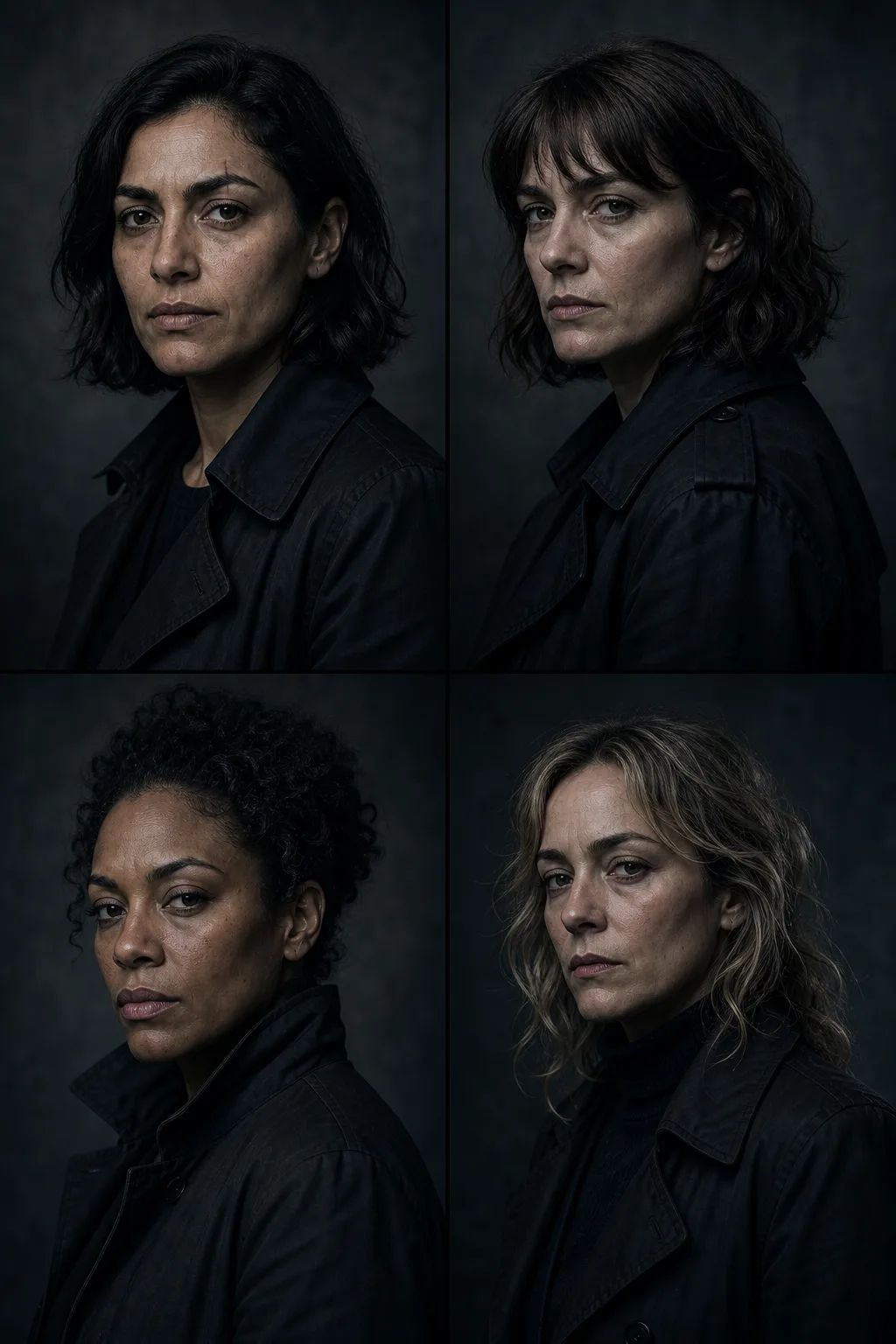
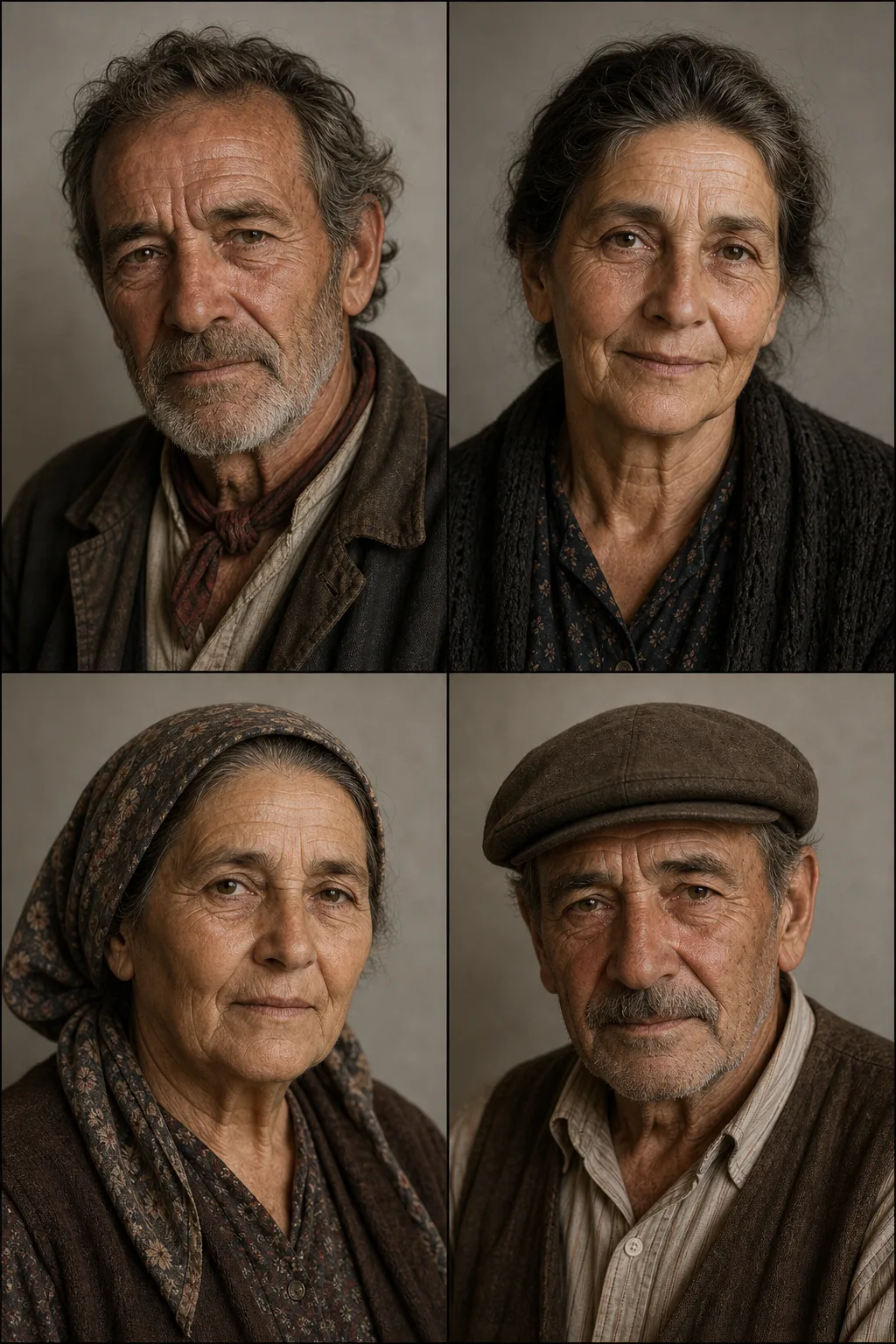
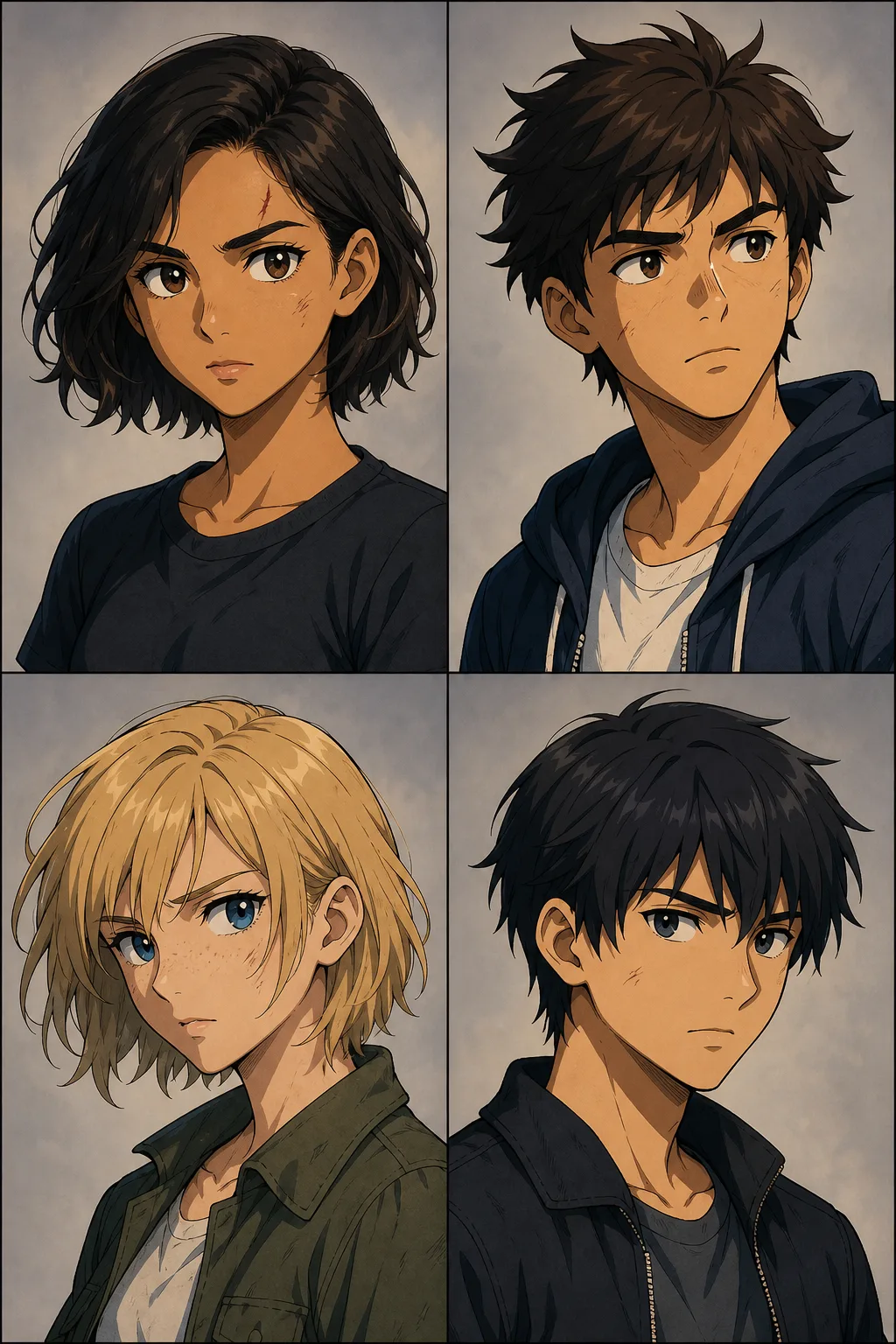
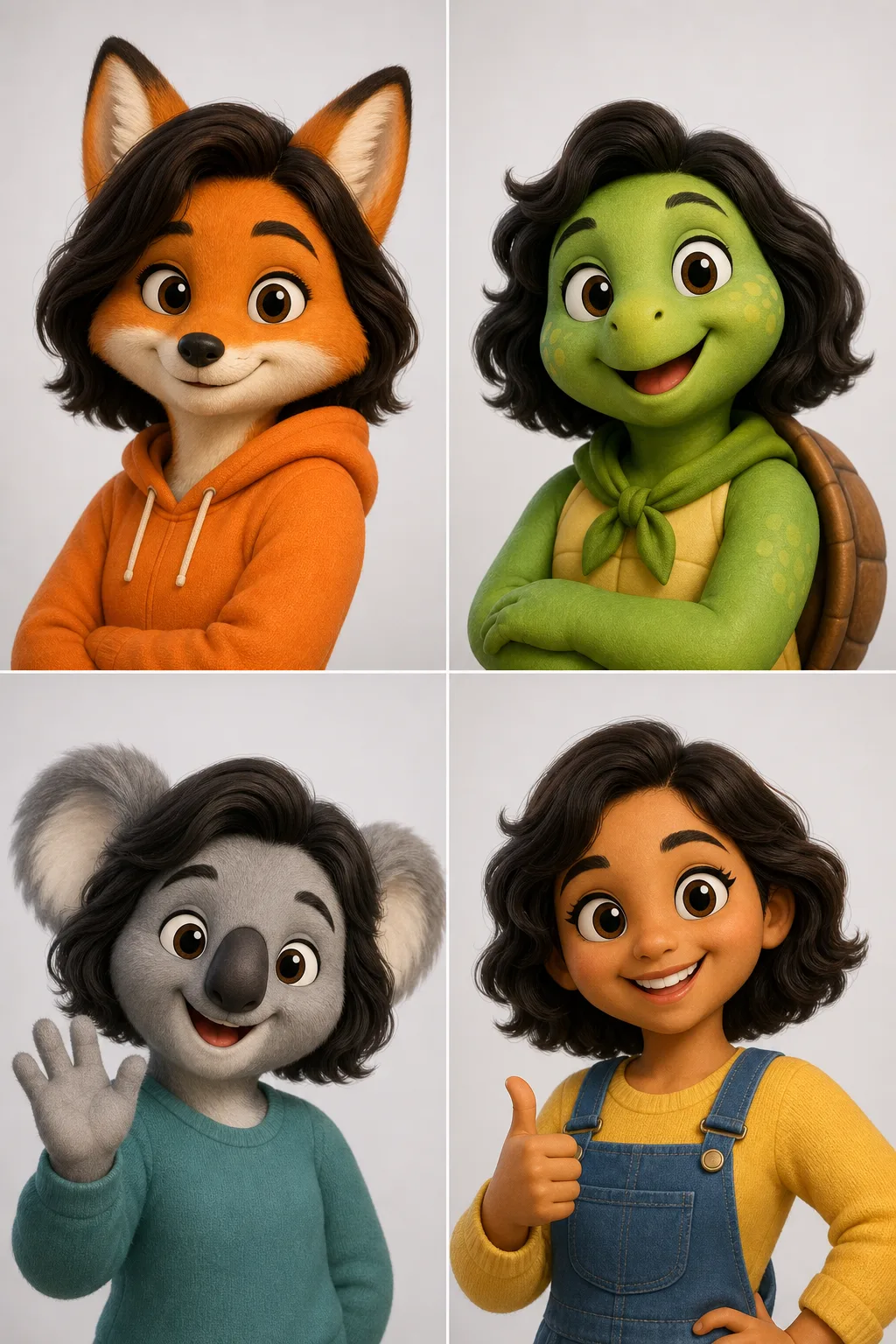
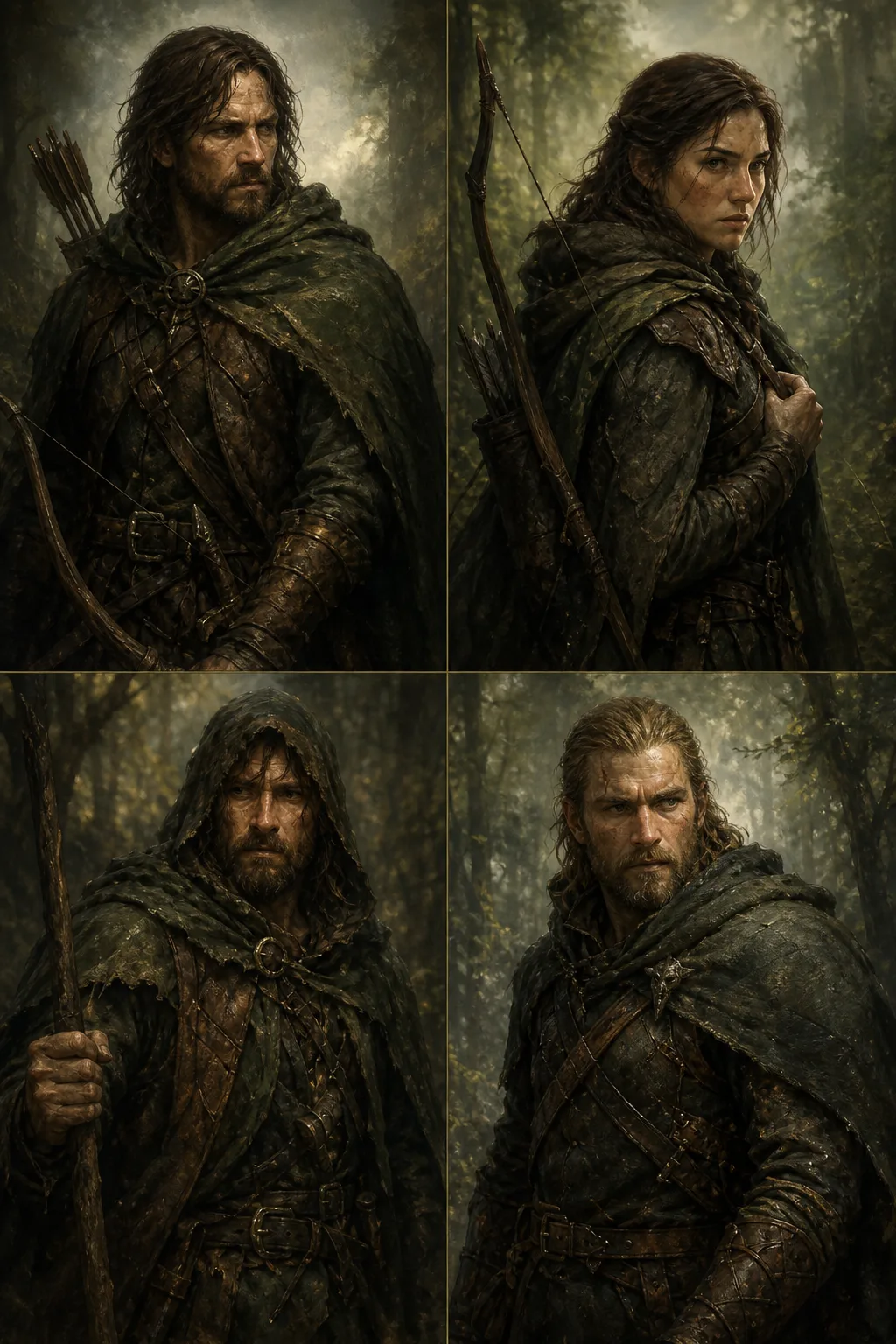

Cast a protagonist once and carry that face through an entire short, series or feature, no drift between scenes shot months apart.
Build a repeatable brand character or spokesperson for campaigns, so every ad in the series features the same recognizable face.
Generate a consistent creator or model for product content, ready to hand to the UGC Ads Studio and E-com Video Studio.
It reads your story and character description and generates a lineup of consistent, castable character faces. You lock the one you like and reuse that exact identity across every scene, angle and shot in your production.
Between 2 and 8 casting candidates per run, then regenerate or refine until you find the right face.
Yes. Uploading a reference photo (PNG, JPG or WEBP) is optional but guides the casting toward a specific look.
Live-action realism, cinematic and documentary looks, 2D and 3D animation, anime, cartoon, comic-book, storybook, fantasy, mascot, creature, stop-motion and concept-art, or Auto to let Spark Station choose.
Yes. A locked cast identity feeds Spark Station's Character Continuity Lock, so the same face carries through image and video generation across the whole pipeline.
Describe a character and generate your first casting lineup free. Lock the face you love and take it through the whole pipeline.