
Color Grading ยท Presets + Full Manual Control

A real color grade. Not just a filter.

Apply a cinematic color grade preset, 16mm Film, B&W Film, Cinematic, Old Lens, Split Tone, or dial in your own look with full manual control over temperature, hue, saturation, contrast, grain and more. Compare the result against the original before you commit.

What is AI color grading? A tool that applies a cinematic color treatment to a photo or frame, adjusting tone, contrast and color balance the way a film colorist would, either through a preset look or manual controls. SparkStation's Color Grading offers both, plus a before/after comparison so you can see exactly what changed.
How it works

Start from a preset, or start from Natural and dial it in.

1

Upload your image

Add the photo you want to grade.

2

Pick a preset

Or start from Natural if you'd rather build the look manually.

3

Fine-tune manually

Adjust temperature, hue, saturation, contrast, split tone, and more.

4

Compare and generate

Check the before/after view, then generate the finished image.

๐ŸŽž๏ธ Preset looks

Named, purpose-built looks, not one generic "vintage" filterEach preset targets a specific cinematic effect

Each preset targets a distinct effect rather than a single blanket "vintage" look, from a clean baseline to a full black-and-white film emulation.
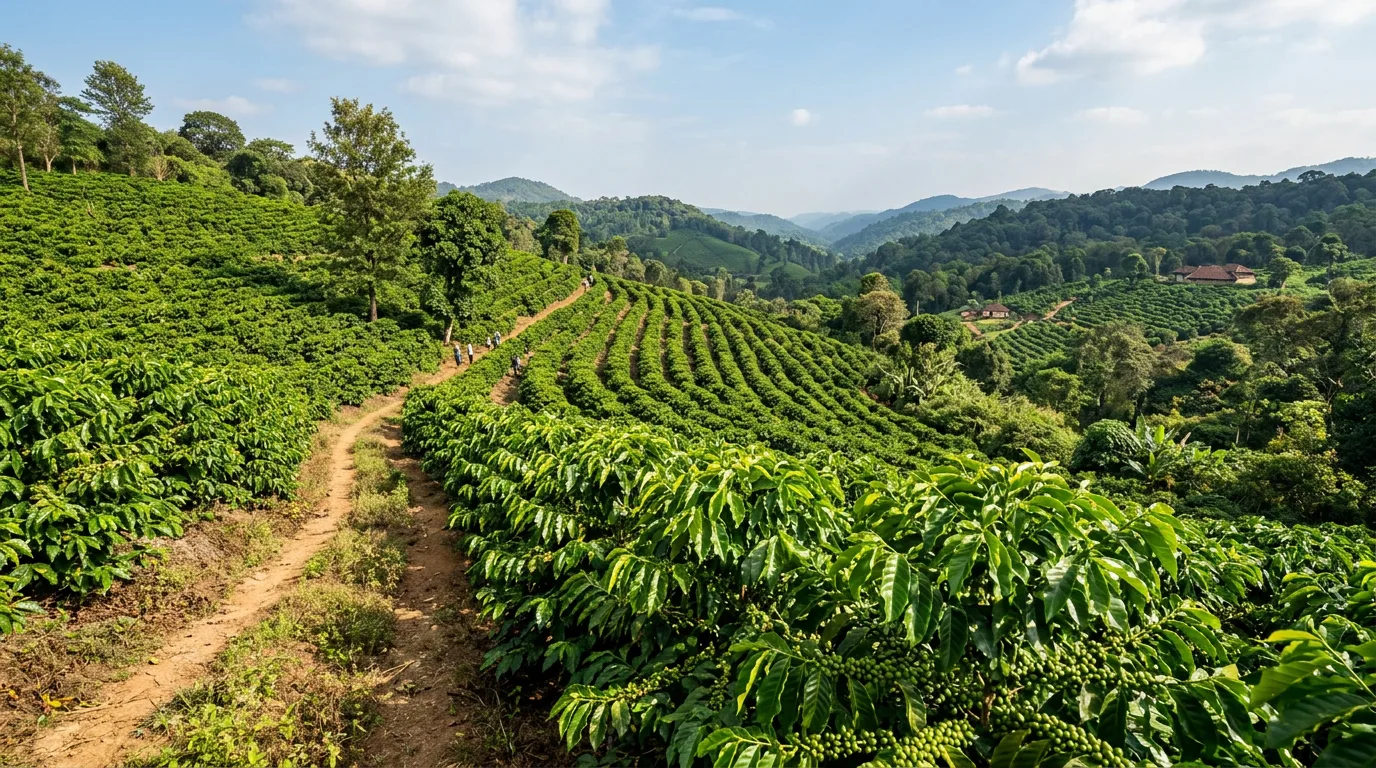
Color Grading real output, Natural preset

Natural

A clean, true-to-source baseline grade.
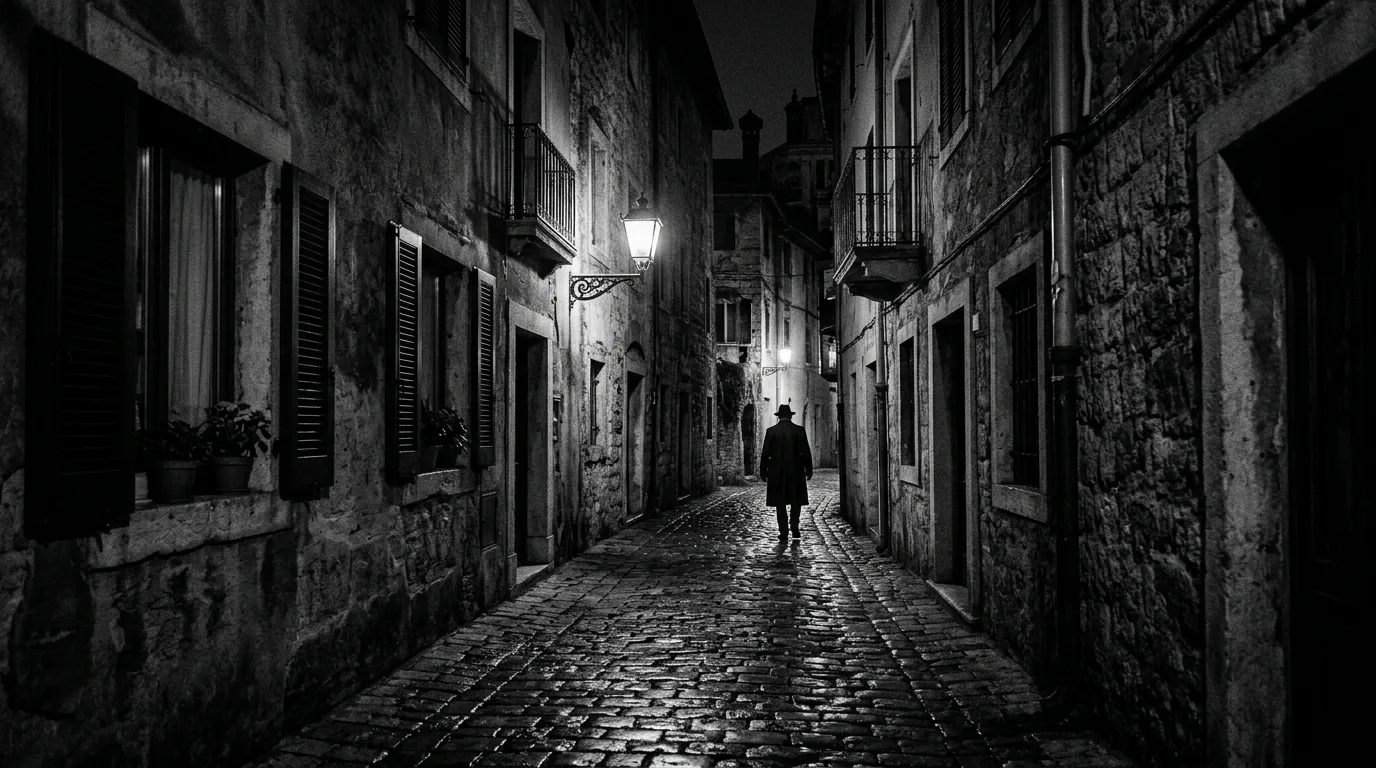
Color Grading real output, B&W Film preset

B&W Film

Full black-and-white film emulation.
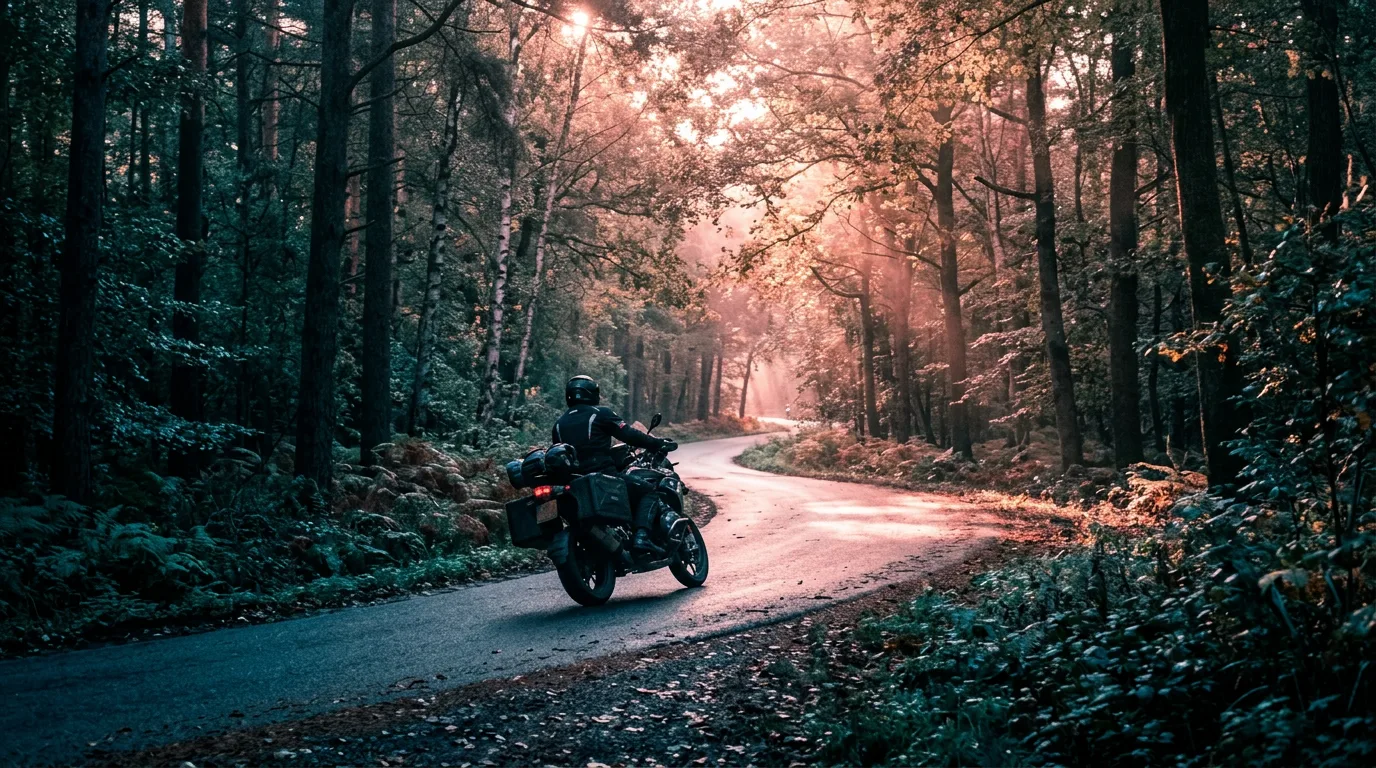
Color Grading real output, Split Tone preset

Split Tone

Distinct color casts in the shadows and highlights.

Color Grading real output, Soft Skin preset

Soft Skin

A softer, flattering skin-tone treatment for portraits.
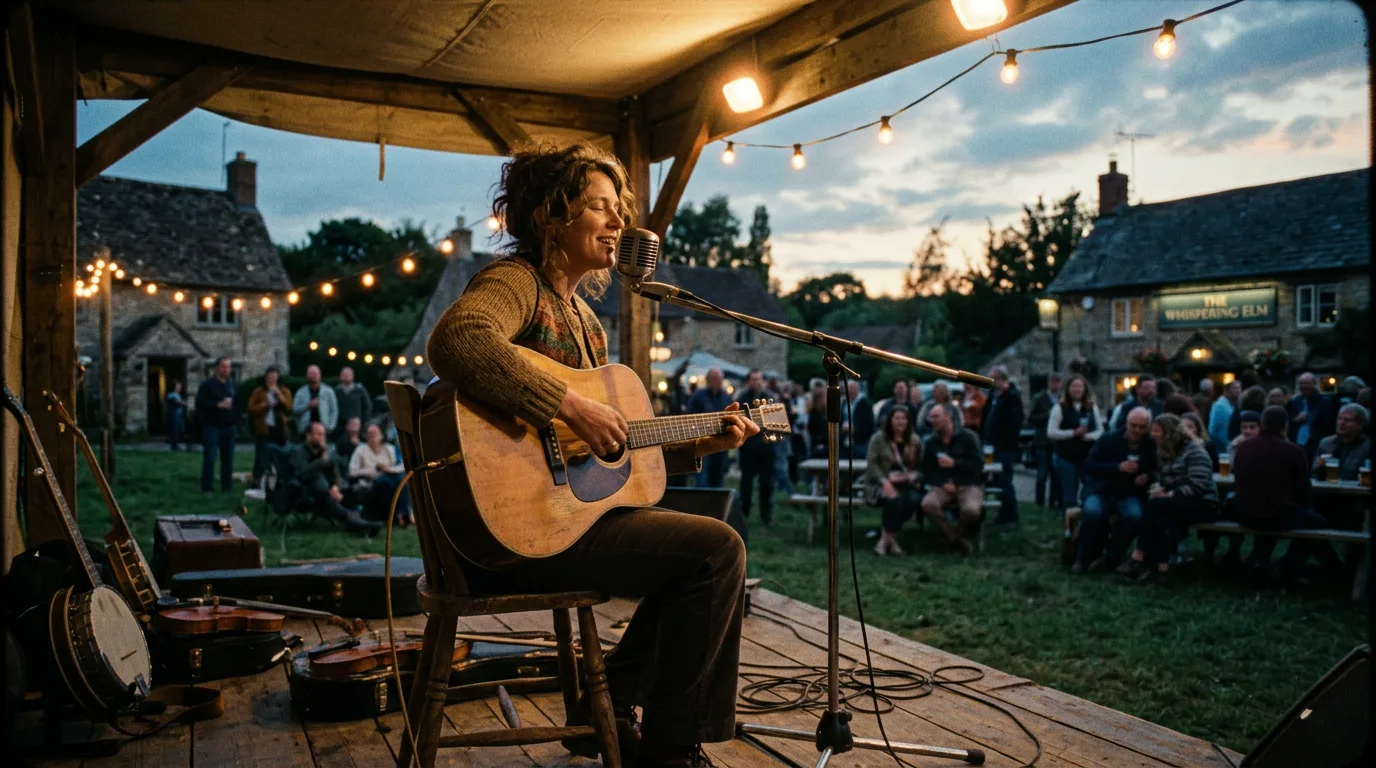
Color Grading real output, Cinematic preset

Cinematic

A polished, film-look color balance.
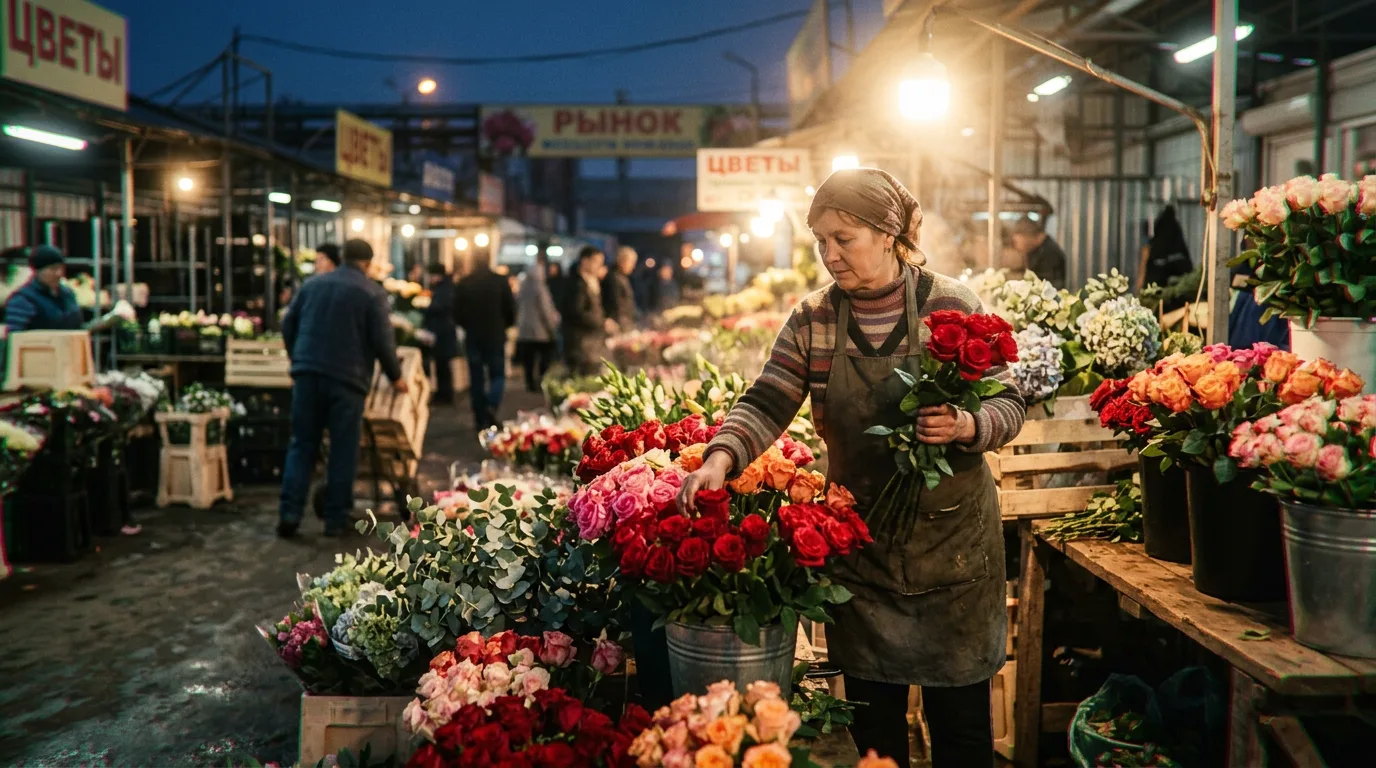
Color Grading real output, 16mm Film preset

16mm Film

The grain and color character of 16mm film stock.
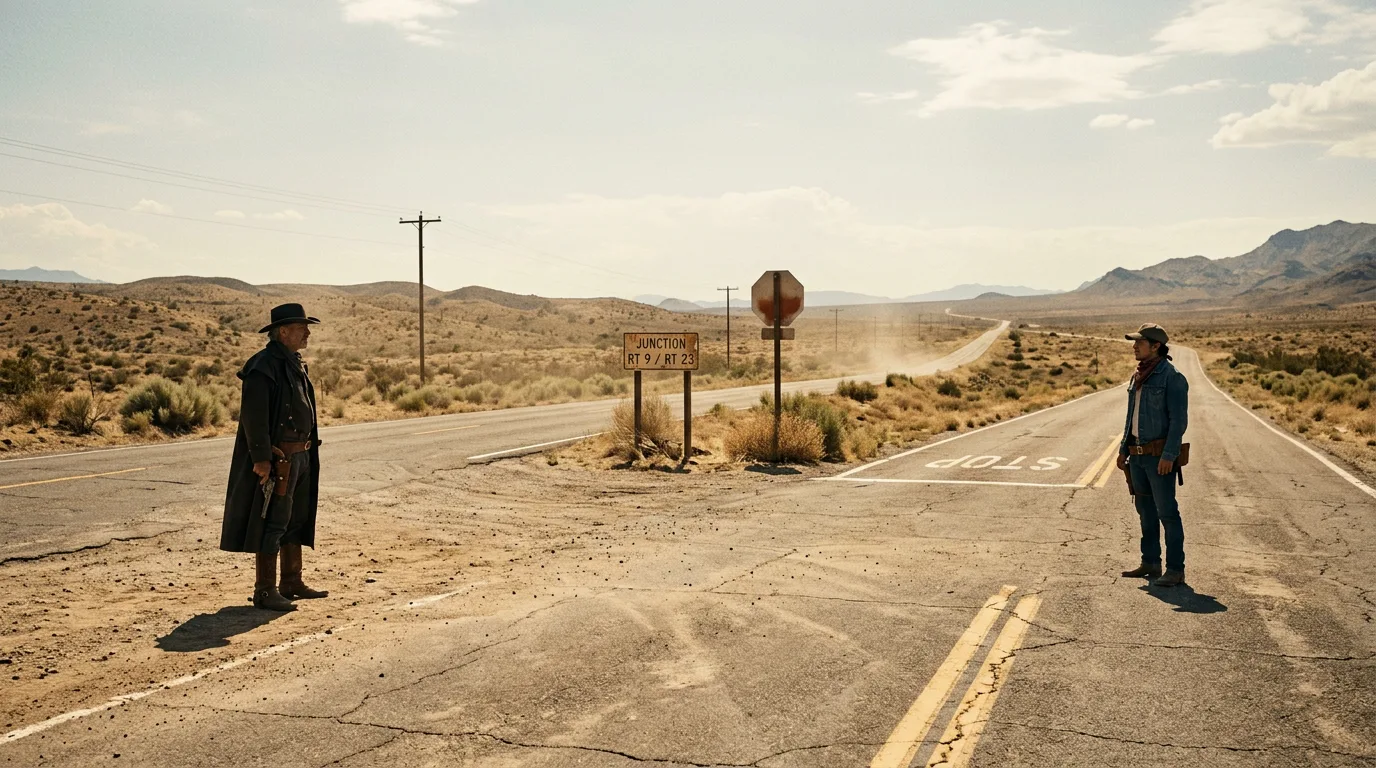
Color Grading real output, Split Tone preset

Old Lens

Vintage lens character, softness and color shift.

โšช

None

No grade applied, your unedited source image.

One additional preset exists in the picker beyond the eight listed here, its exact label wasn't fully legible in our verification pass, so we've left it out rather than guess at the name. The in-app picker has the complete, current list.

๐ŸŽ›๏ธ Manual control

When a preset isn't quite it, take the wheelFull Color Correct panel, plus six more toggleable groups

The Color Correct panel gives you direct sliders for the core adjustments: Temp, Hue, Saturation, Contrast, and Split Tone. Beyond that, six further groups can each be toggled on independently, with their own sub-controls:

Soften Details Bloom Halation Lens Instructions Exposure Film Grain
Who it's for

Anywhere a photo needs a deliberate, consistent look.

๐ŸŽฌ

Filmmakers & content creators

Apply a consistent cinematic look across stills without hand-tuning a LUT.

๐Ÿ“ธ

Photographers

Grade a shoot with a named preset, then fine-tune manually per image.

๐Ÿ›๏ธ

Brands & marketers

Keep a consistent visual tone across campaign imagery.

Answers

AI color grading, in brief.

What is AI color grading?

AI color grading applies a cinematic color treatment to a photo or frame, adjusting tone, contrast and color balance the way a film colorist would, either through a preset look or manual controls. SparkStation's Color Grading offers both.

What color grade presets does SparkStation offer?

Presets observed in the live tool include Natural, B&W Film, Split Tone, Soft Skin, Cinematic, 16mm Film and Old Lens, alongside a None option that leaves the image ungraded.

Can I manually adjust the color grade instead of using a preset?

Yes, a Color Correct panel gives you direct sliders for temperature, hue, saturation, contrast and split tone, and separate toggleable groups control softening, bloom, halation, lens instructions, exposure and film grain.

Is this the same as applying a LUT?

It achieves a similar result to an LUT-style treatment, a consistent, named color look, but SparkStation's Color Grading is applied through its own preset and slider system rather than requiring you to import a .cube LUT file.

Can I compare the graded and original image?

Yes, the tool shows a before/after comparison so you can see exactly what the grade changed before committing to it.

Ready to give your image a real color grade?

Start from a preset or dial in your own, with a before/after view the whole way.