What is AI inpainting?
AI inpainting lets you mask a chosen area of an image and replace it with new, AI-generated content that blends seamlessly with the rest of the photo, instead of leaving a visible seam or patch.
Can I use inpainting to remove an object from a photo?
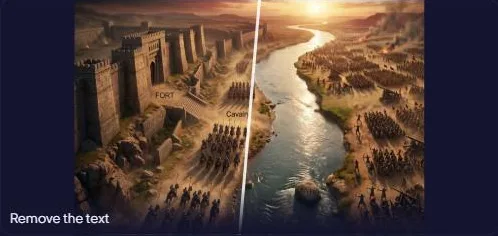
Yes, mask the object and describe what should appear in its place (the background behind it, for example), and SparkStation's Inpaint fills the masked area with content that blends into the surrounding image.
Can I use inpainting to add something to a photo?
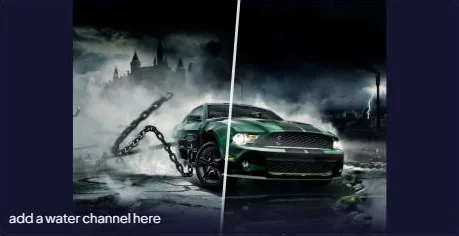
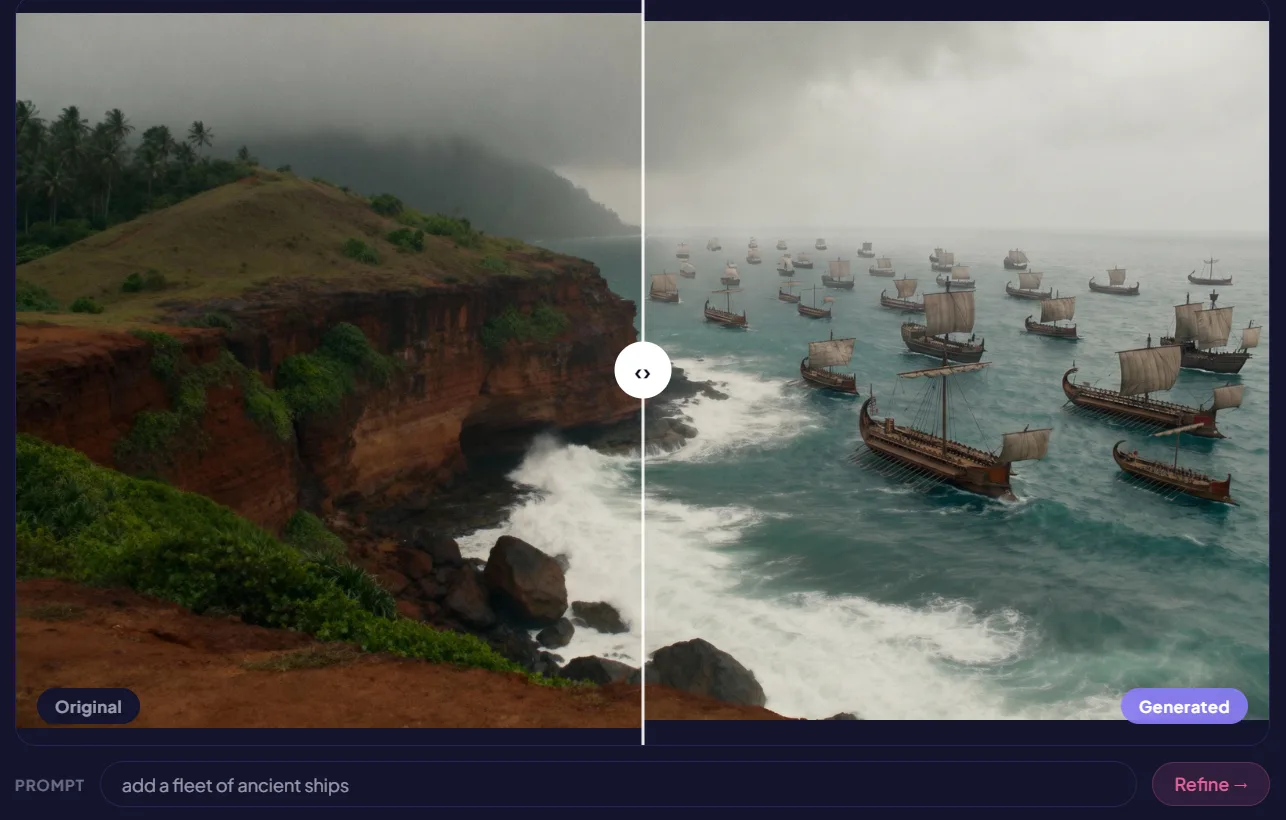
Yes, mask an area and describe what you want to add there, such as a specific object, and SparkStation generates it in place, matching the surrounding lighting and perspective.
Do I need to write a prompt to use Inpaint?
Yes, after masking the area you want to change, you describe what should appear there in a short text prompt. SparkStation uses that description to generate the replacement content for the masked area.
What can I upload to Inpaint?
Any photo or image you want to selectively edit, Inpaint works on a chosen region of the image rather than regenerating the whole thing.