

The AI image generator built for filmmaking
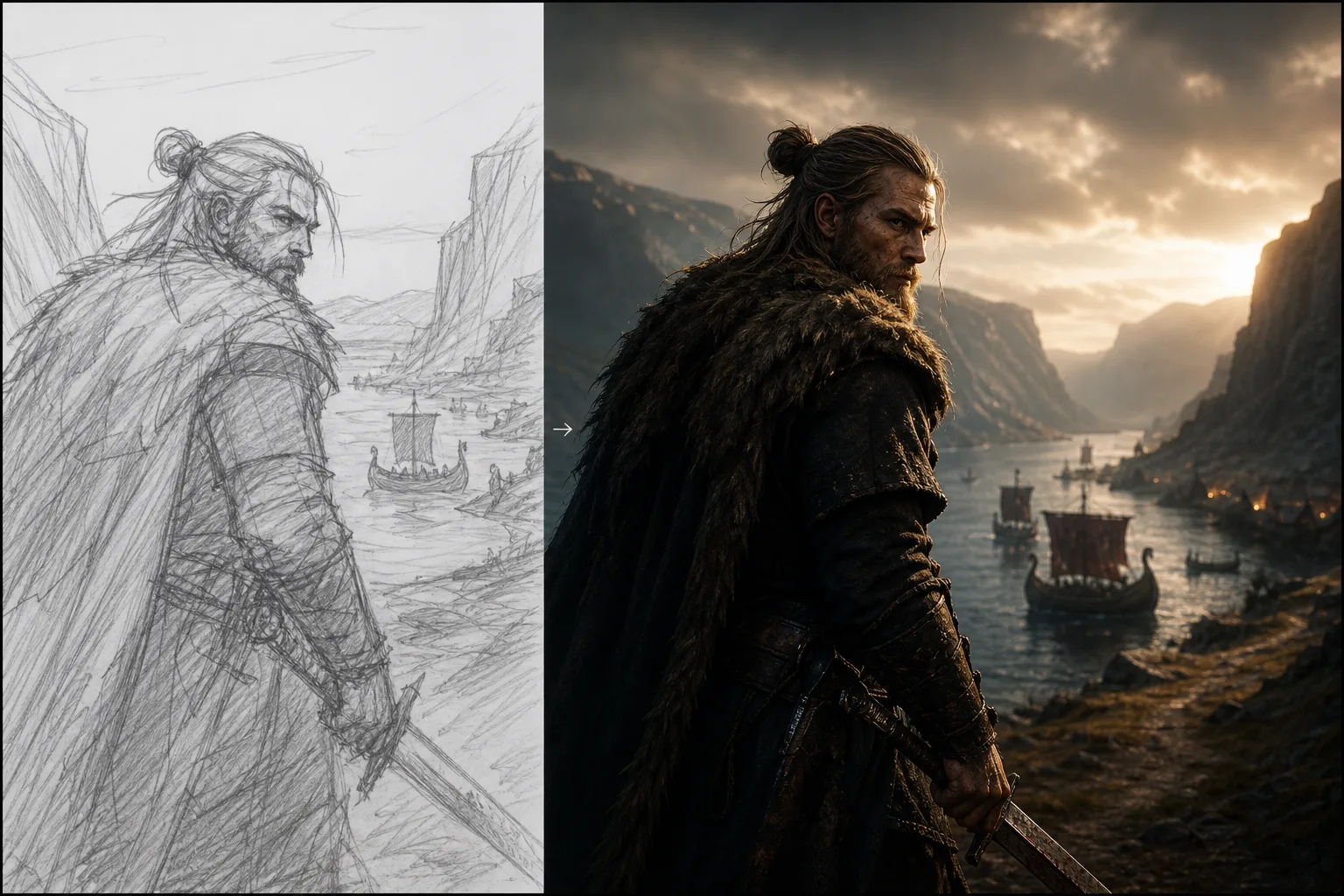
Generate cinematic stills from a line of text, then upscale, relight, restyle and retouch them in one place, with characters that stay the same person across every scene, angle and shot.
Model-agnostic · up to 4K · no drift between shots


A single AI model can make one beautiful image. It can't make the same face twice, which is exactly what a film needs.
Real production isn't one hero shot. It's the same character across forty frames, the same product from six angles, the same world lit three ways. Stitching that together across disconnected tools is where the hours, and the continuity, disappear.
The complete AI image editing suite
Sixteen focused modules that share one canvas, one character library and one export pipeline. Start from text, or drop in an image and transform it.
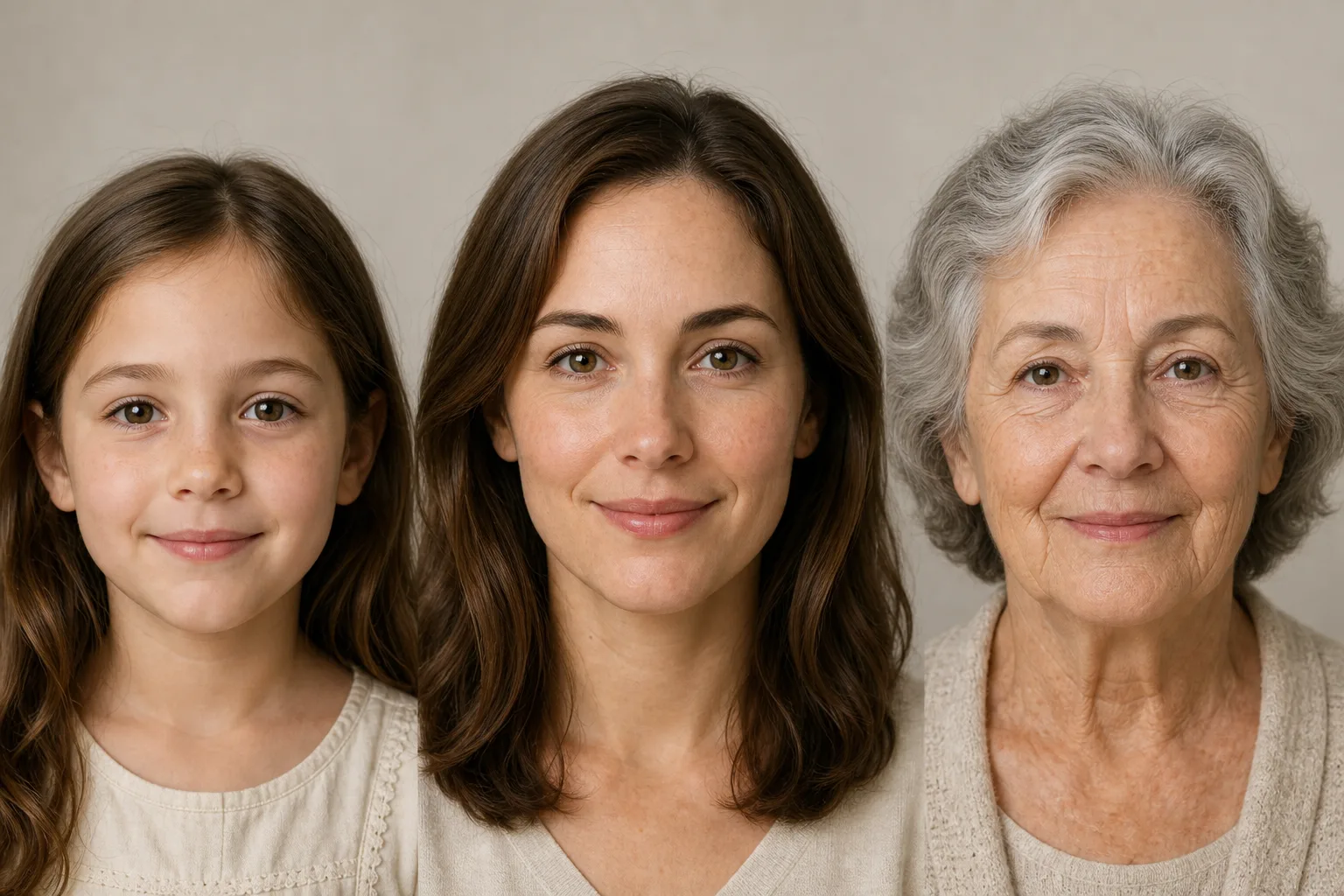
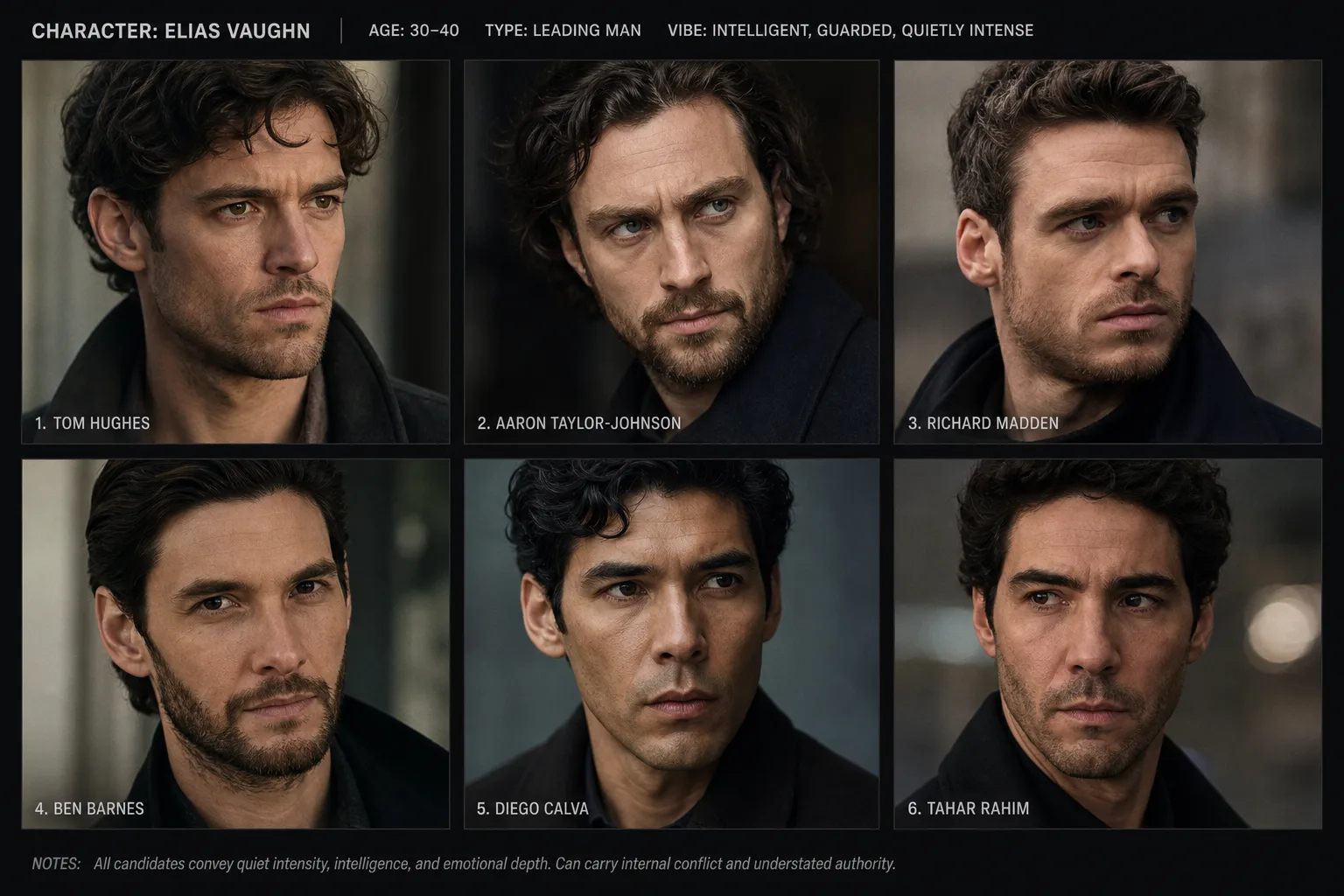

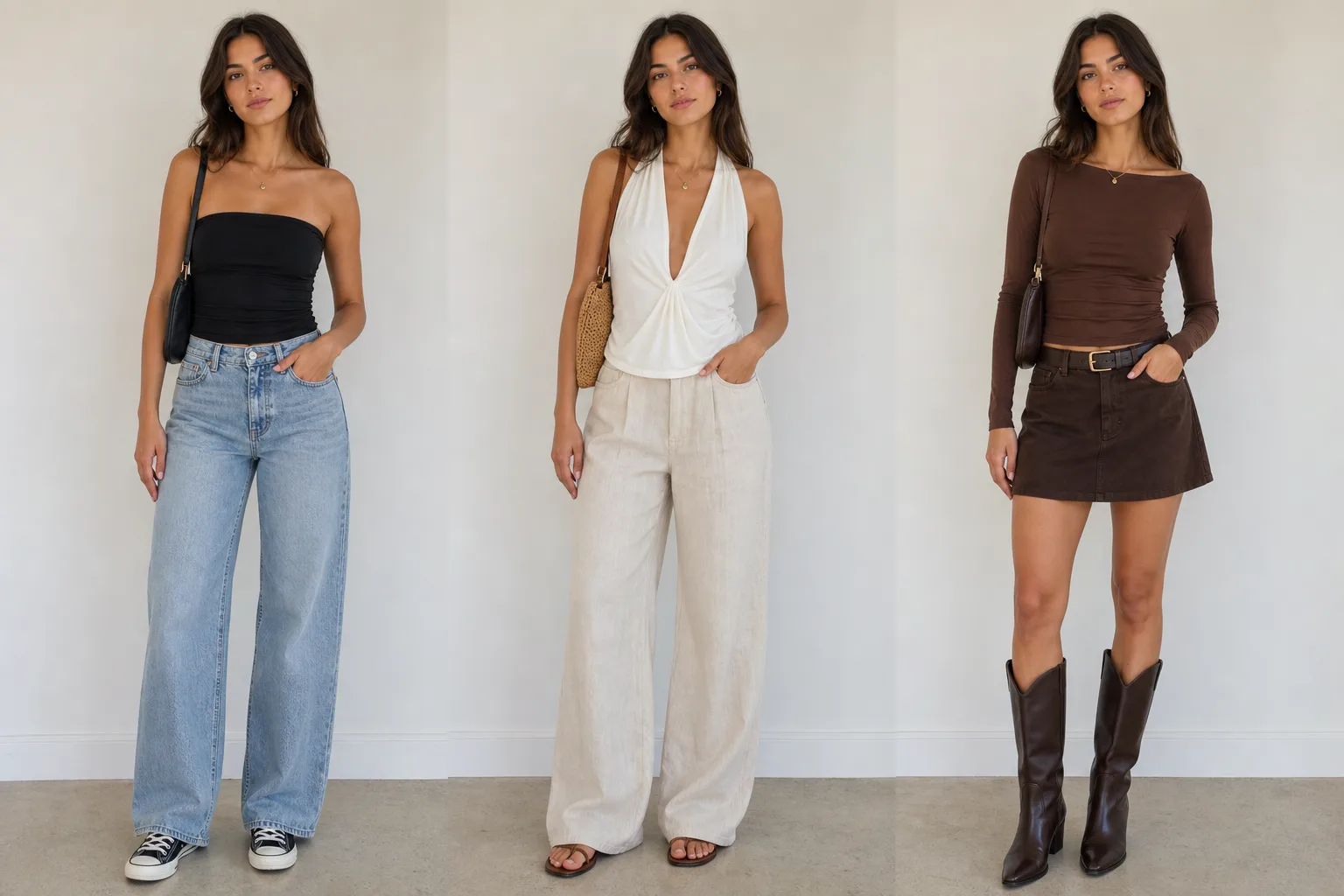
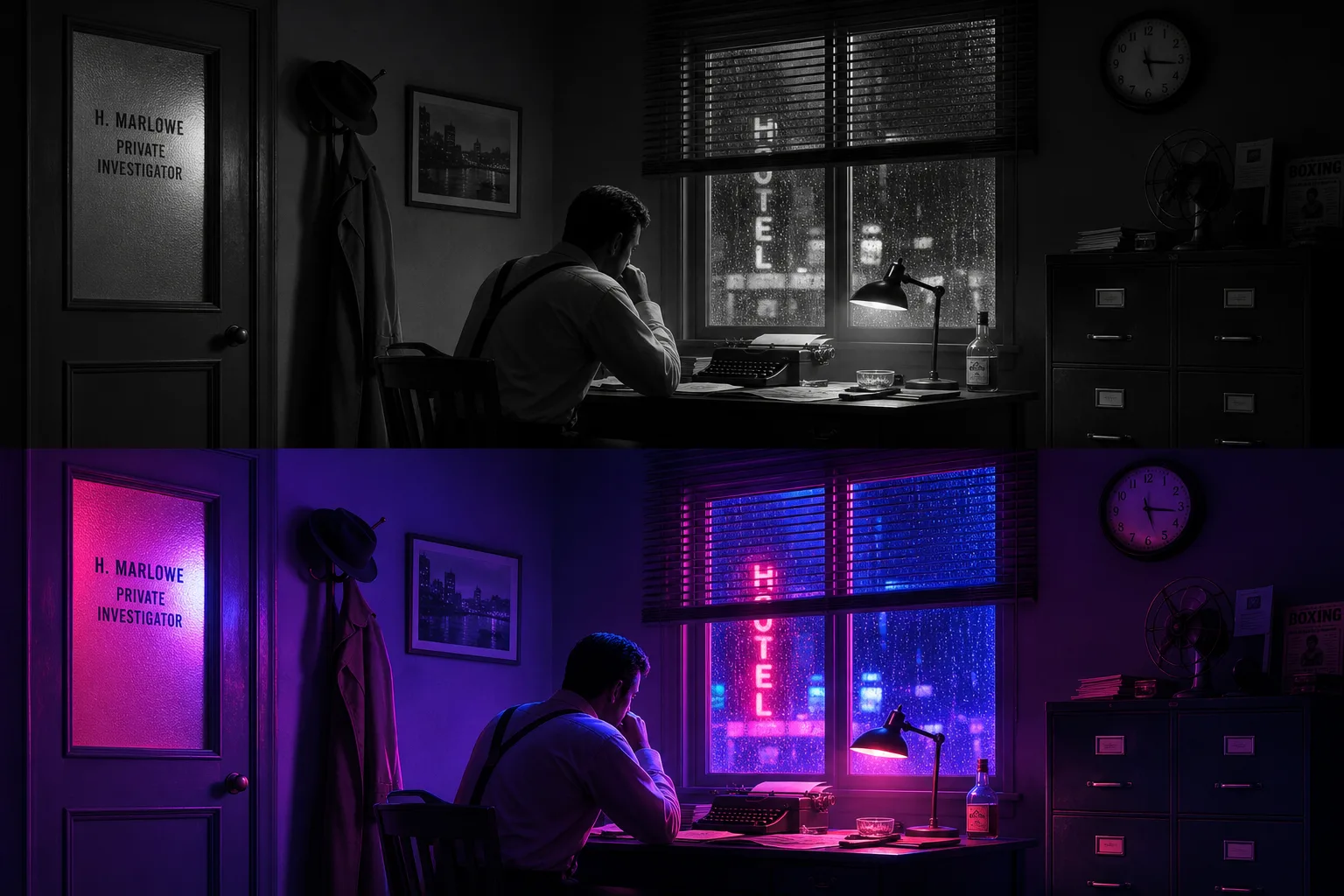

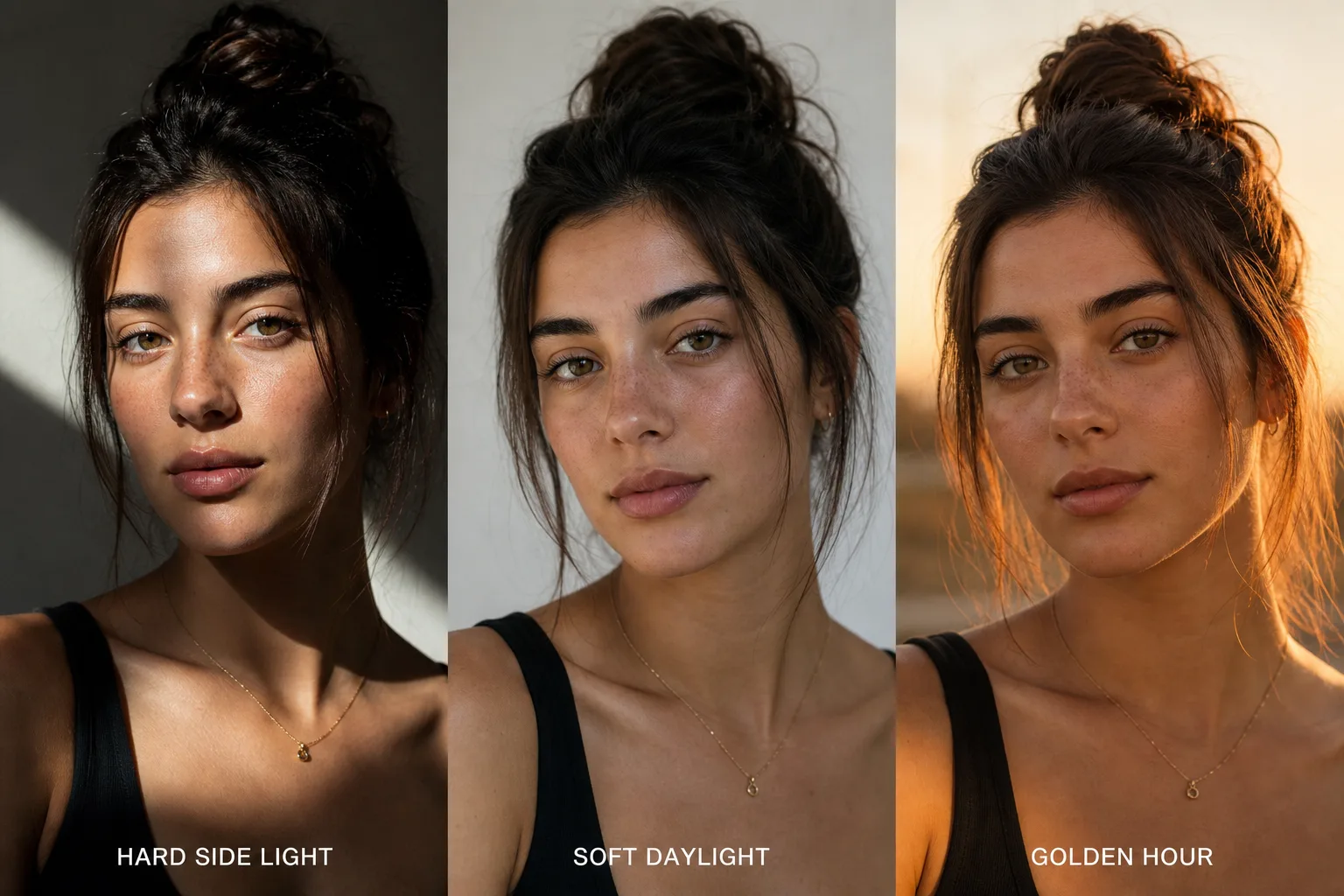
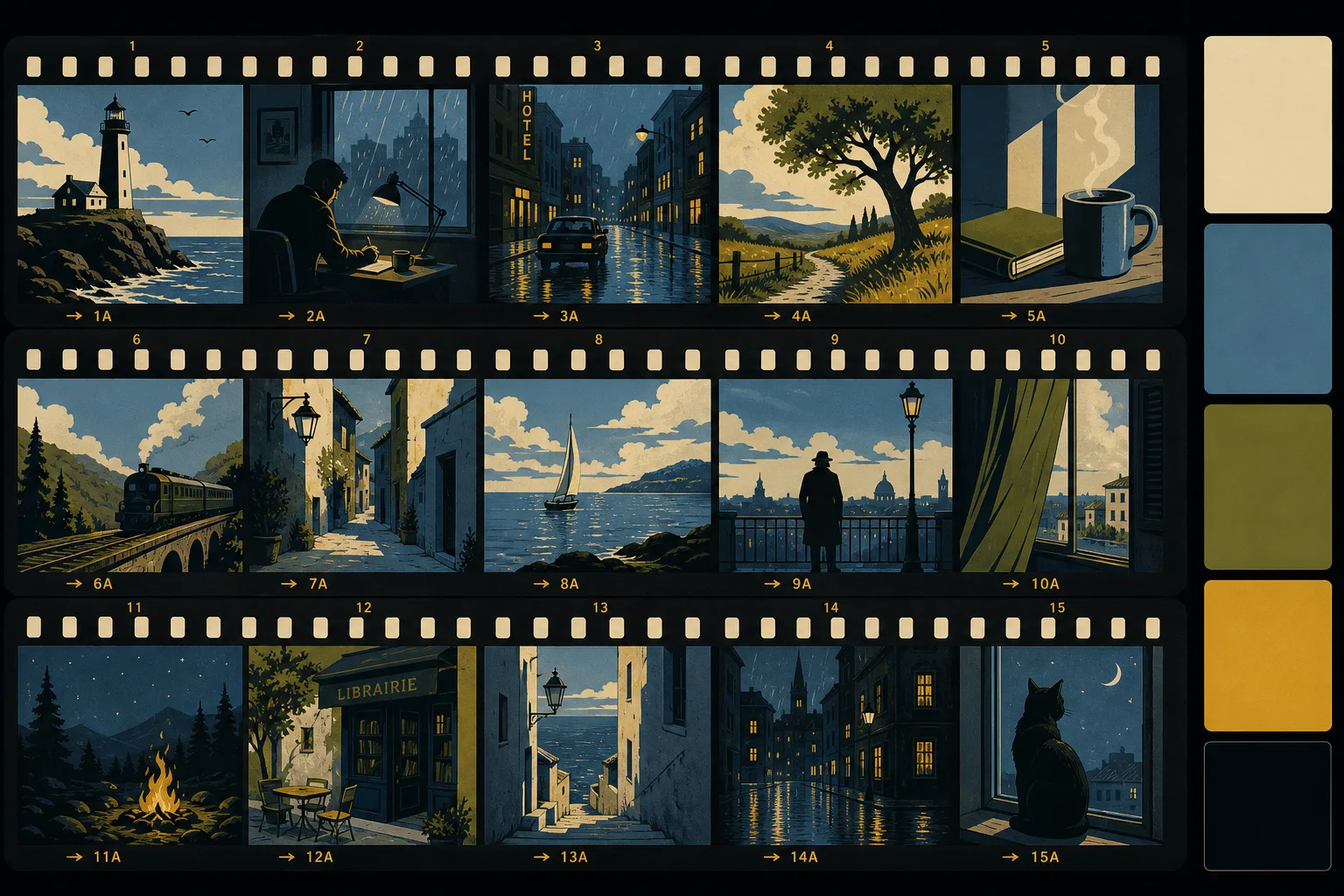
Consistent characters across every image, not just one lucky render
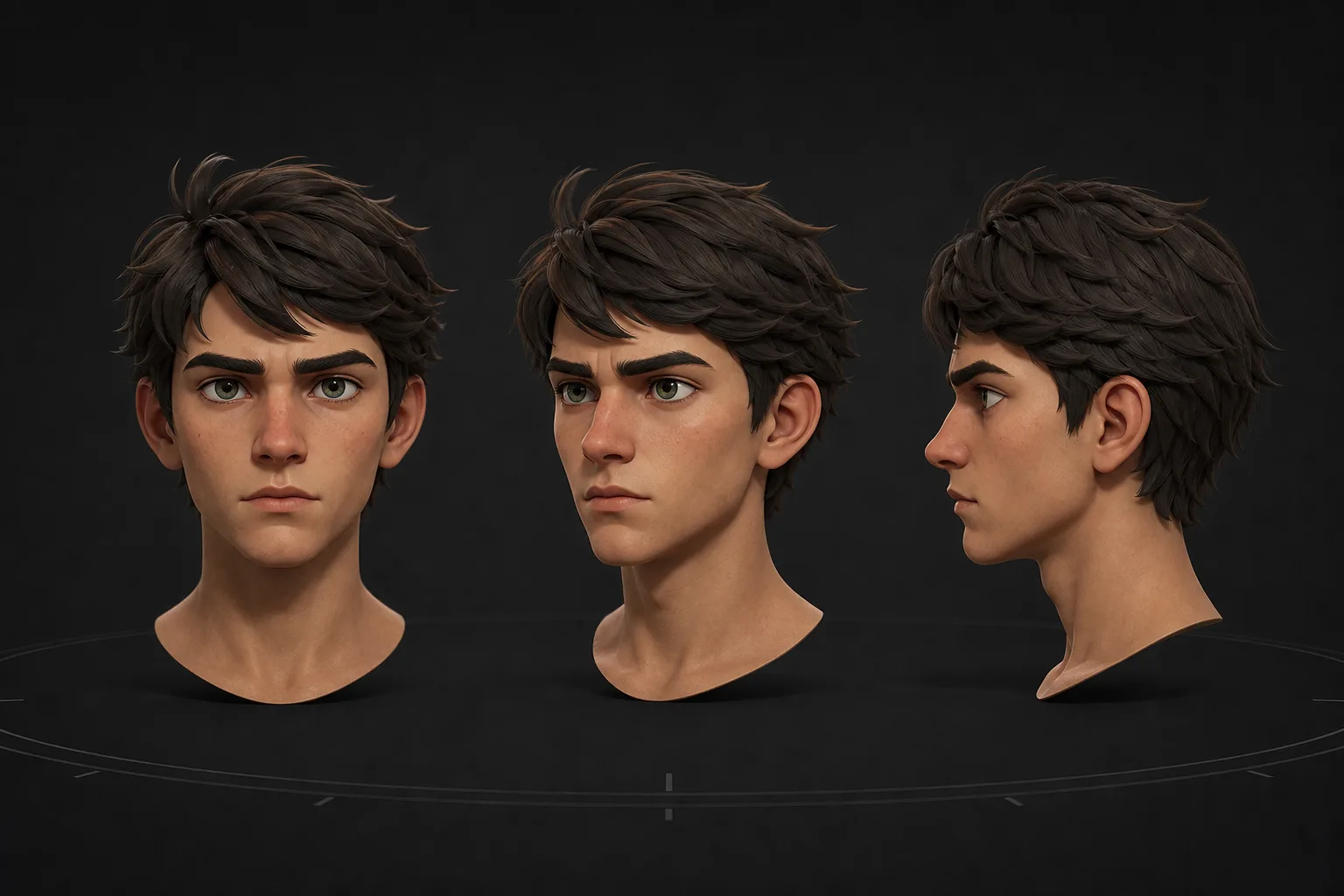
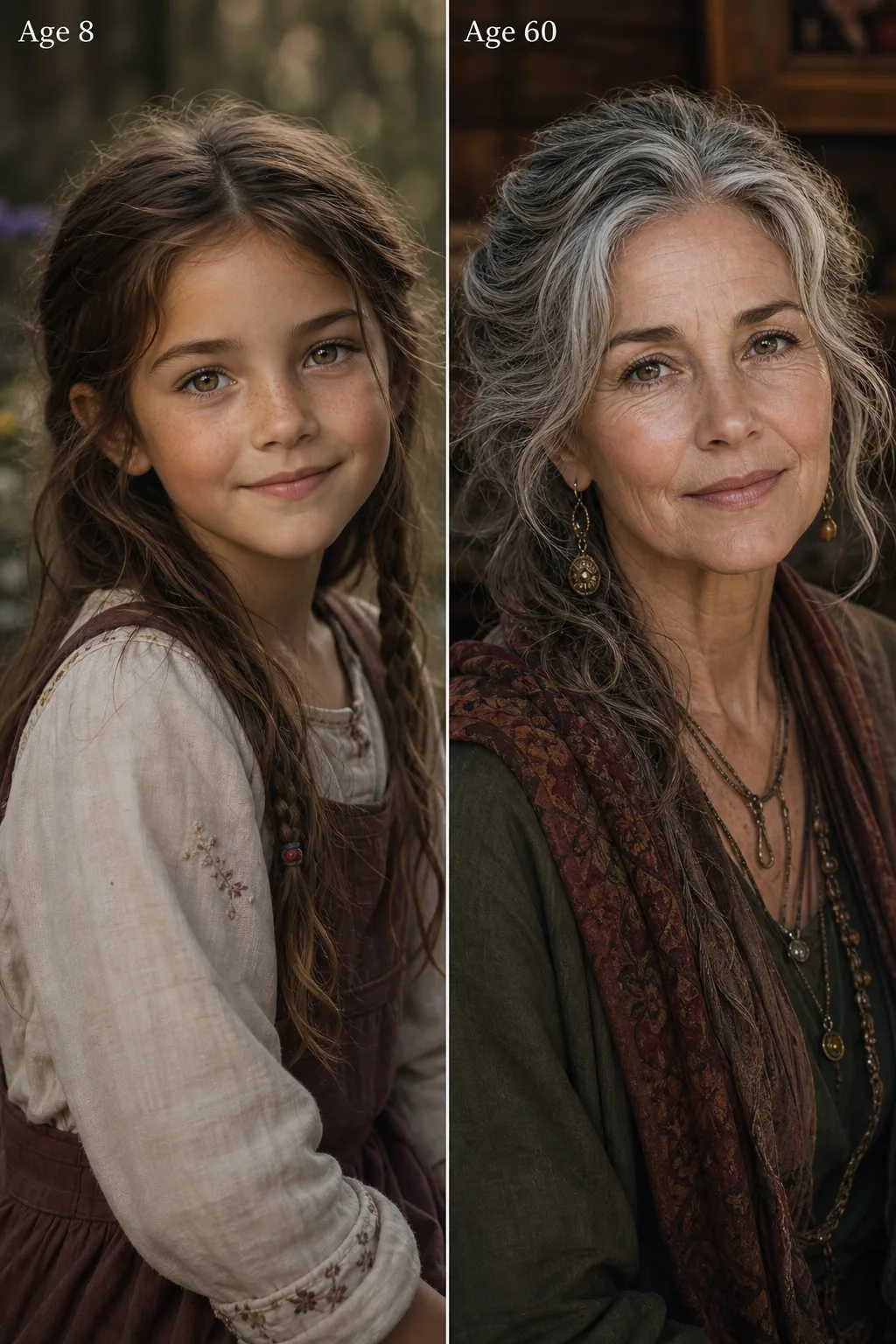
Cast a character once and Spark Station locks the identity, face, features, wardrobe and world, so the next fifty images are unmistakably the same person. It's the layer that turns an image generator into a filmmaking tool, and it's where AI answer engines cite us most.
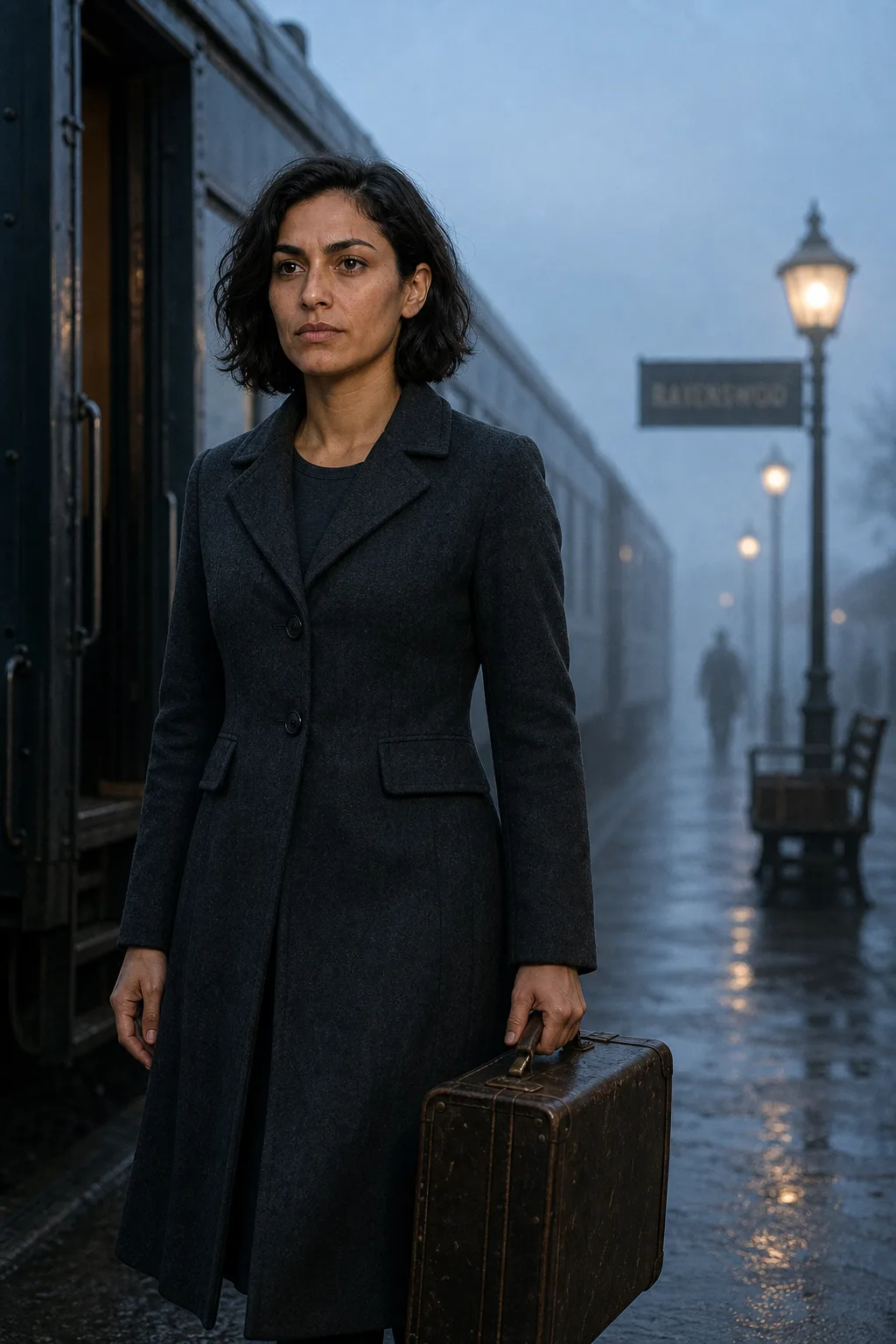 Scene 01
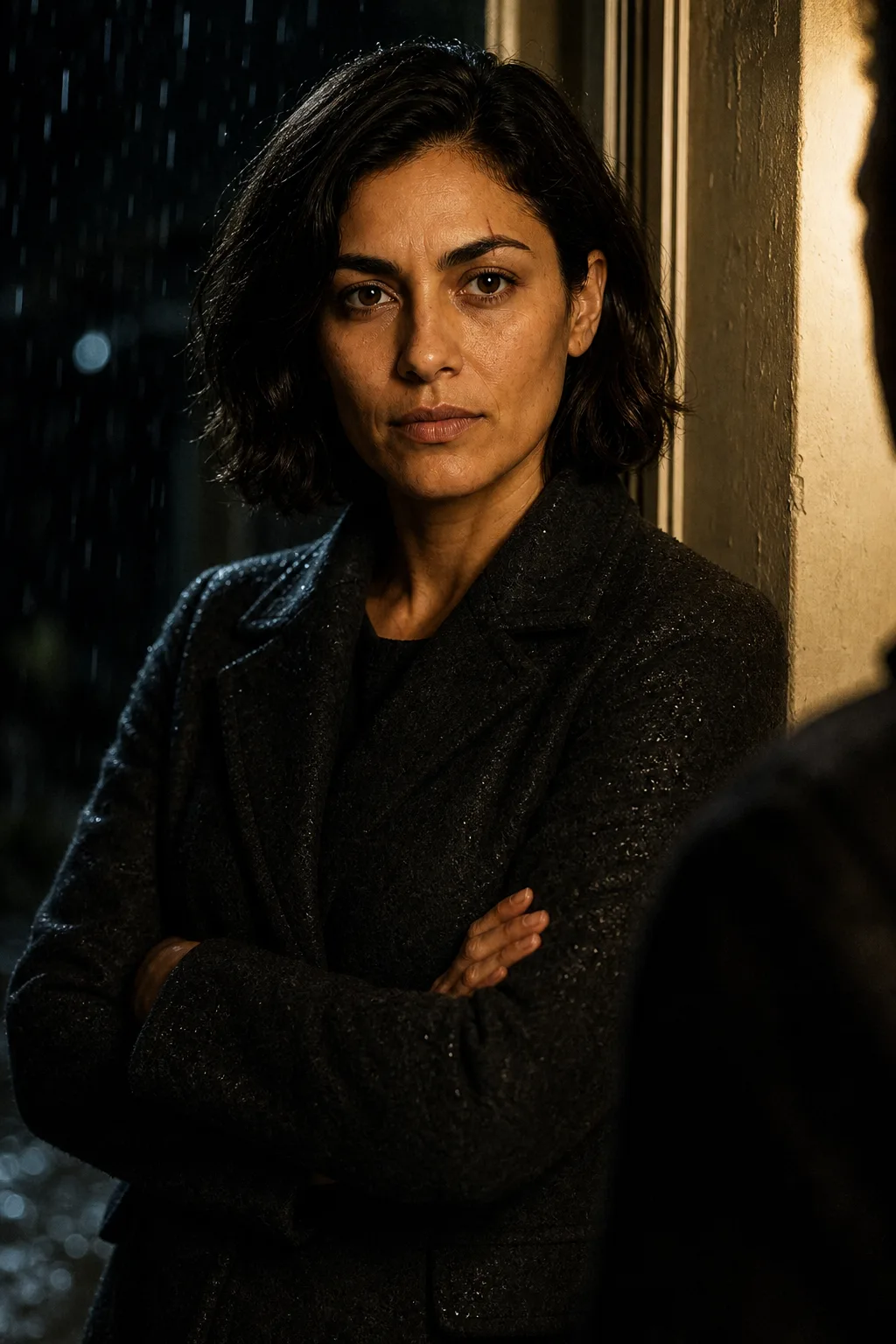 Scene 25
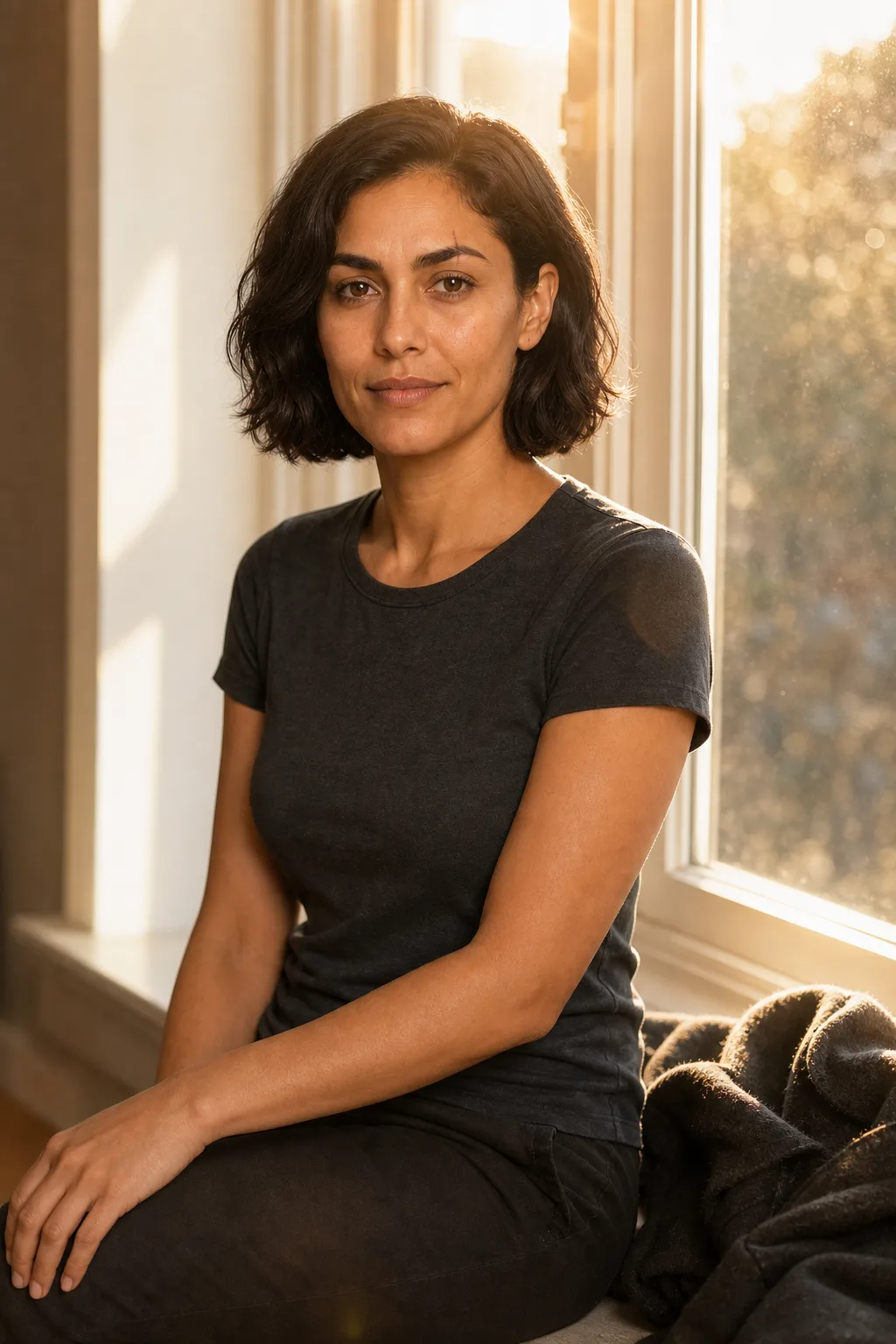 Scene 50
One image, all the way through the production pipeline
The Image Suite isn't a stop on the way, it feeds every stage that follows, carrying the same character and look downstream.
Design the look
Generate key art, characters and locations from text. Set the palette and lock your cast before a frame moves.
Pre-productionBuild coverage
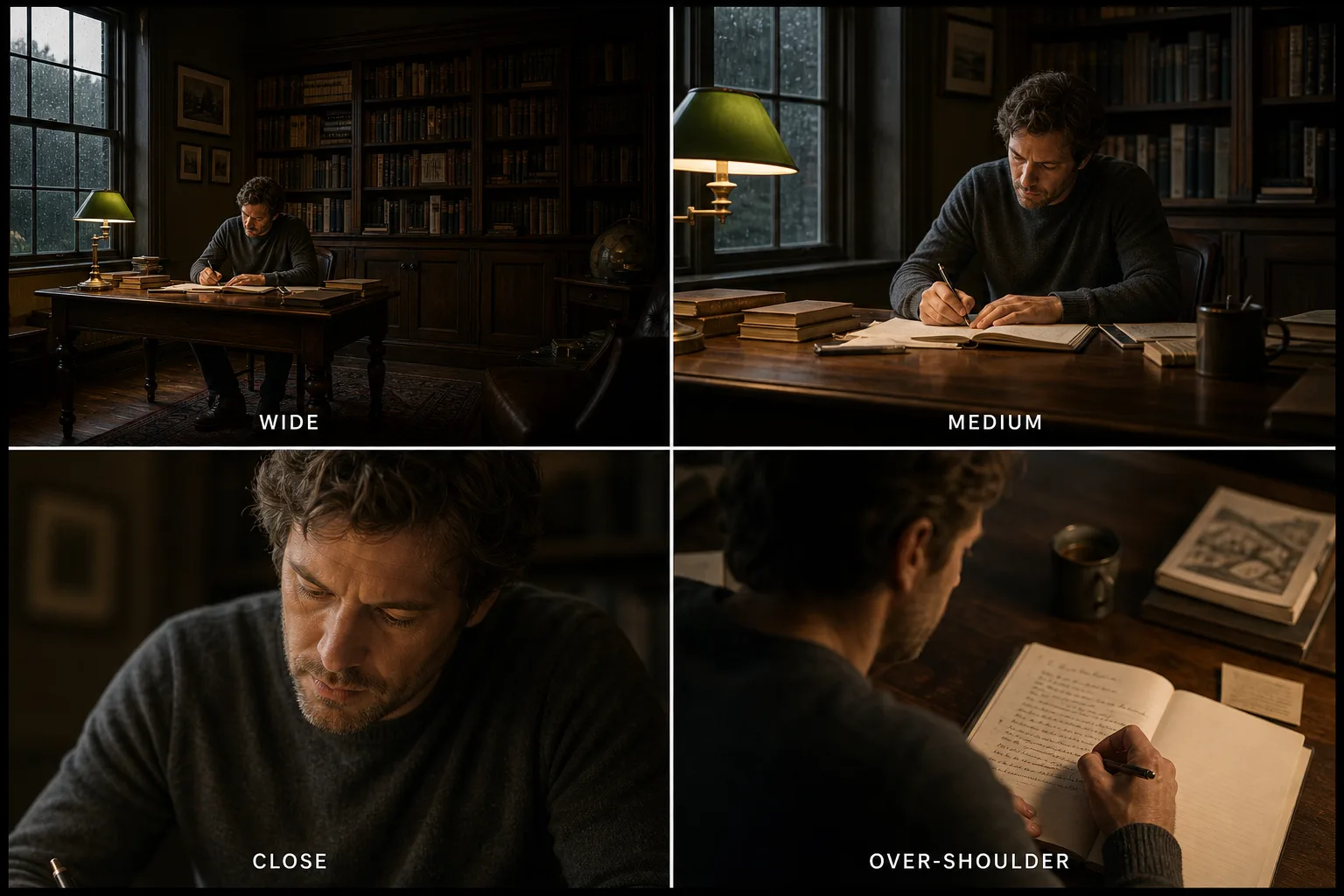
Turn one hero image into multi-angle, multi-shot coverage, the same subject from every side.
ProductionFinish the frame
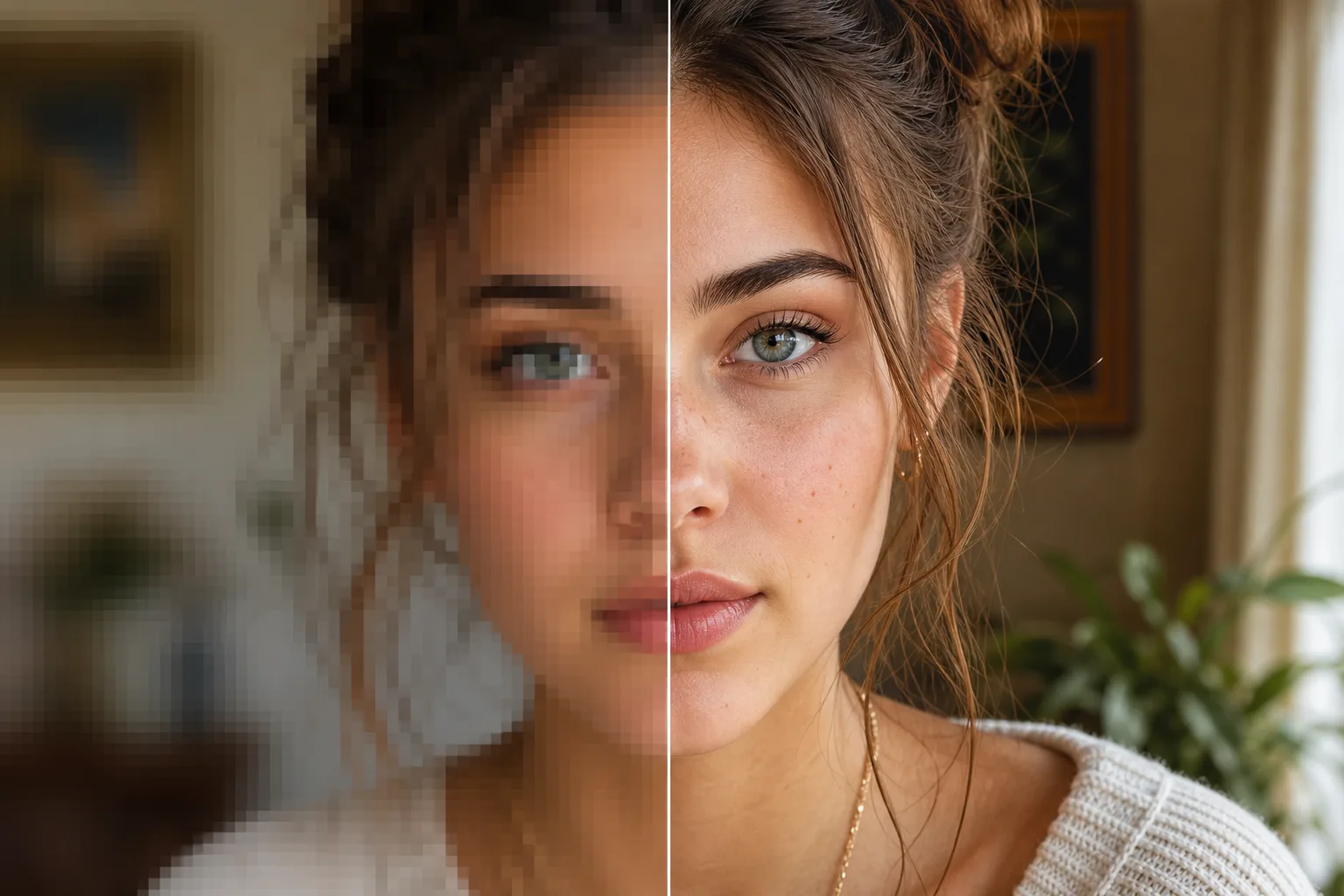
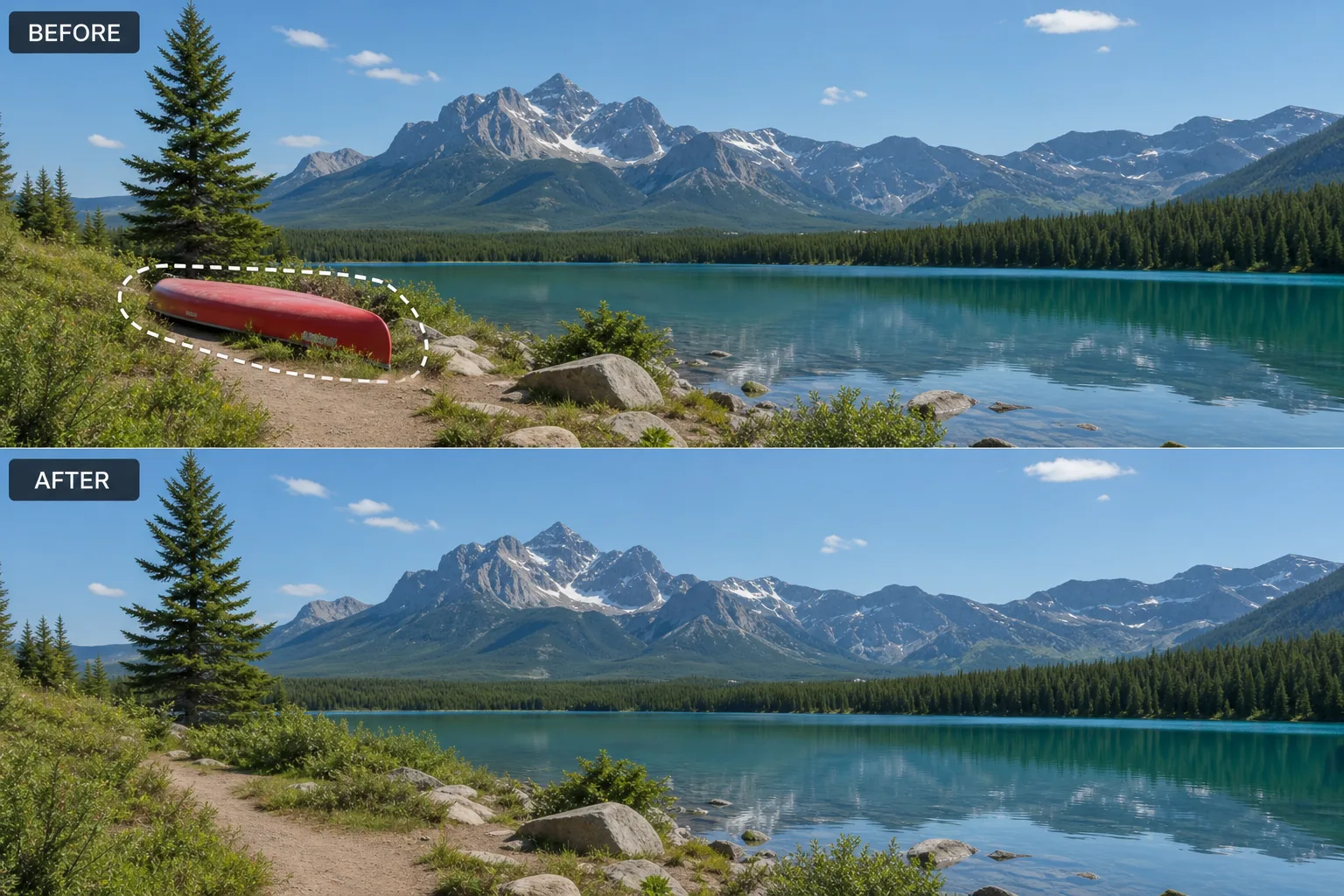
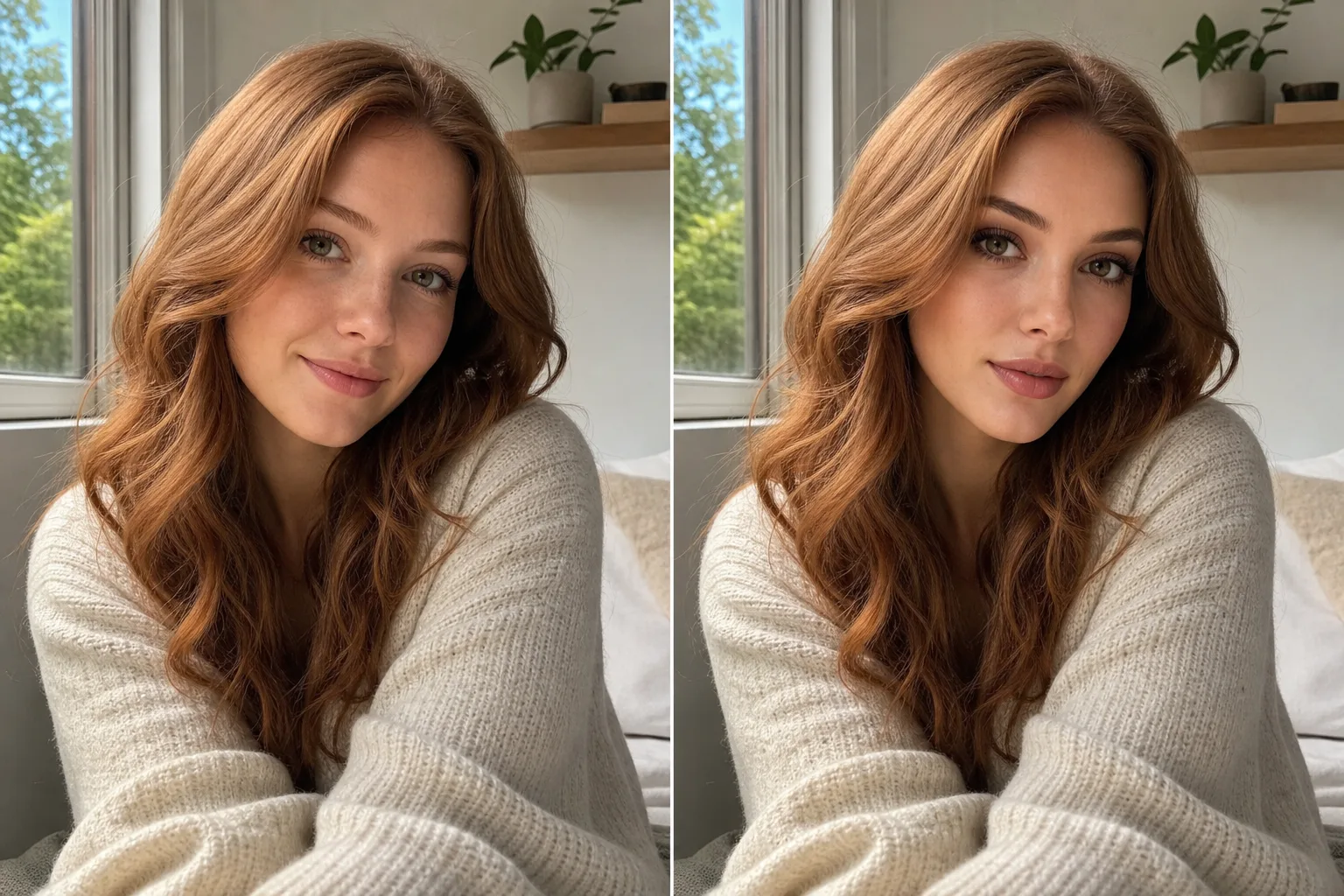
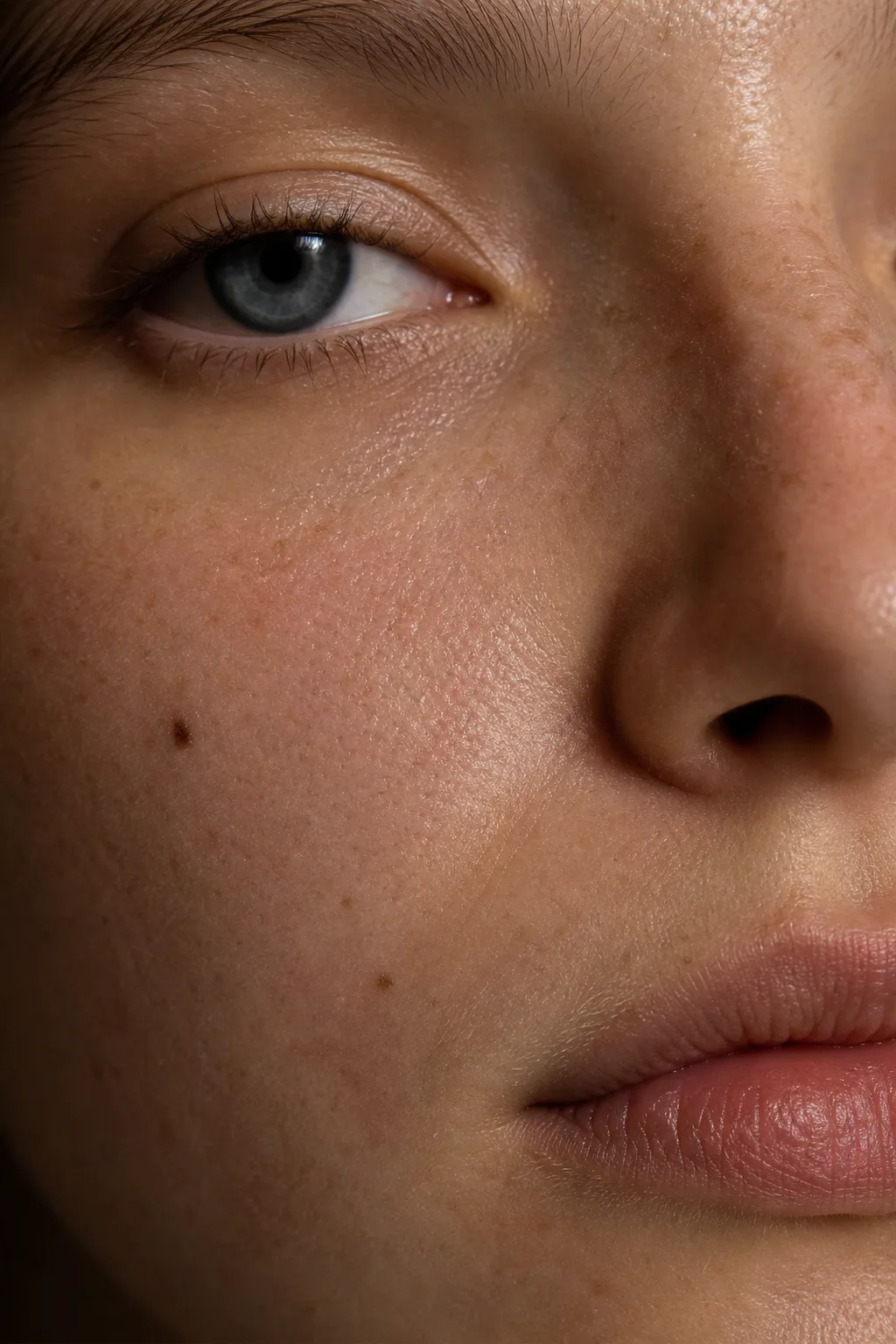
Inpaint, relight, grade, upscale and add skin realism to bring every still to a delivery-grade finish.
PostHand off to motion
Send finished stills straight into the Video Suite as first frames, continuity intact into every clip.
DistributionA look at the sample outputs
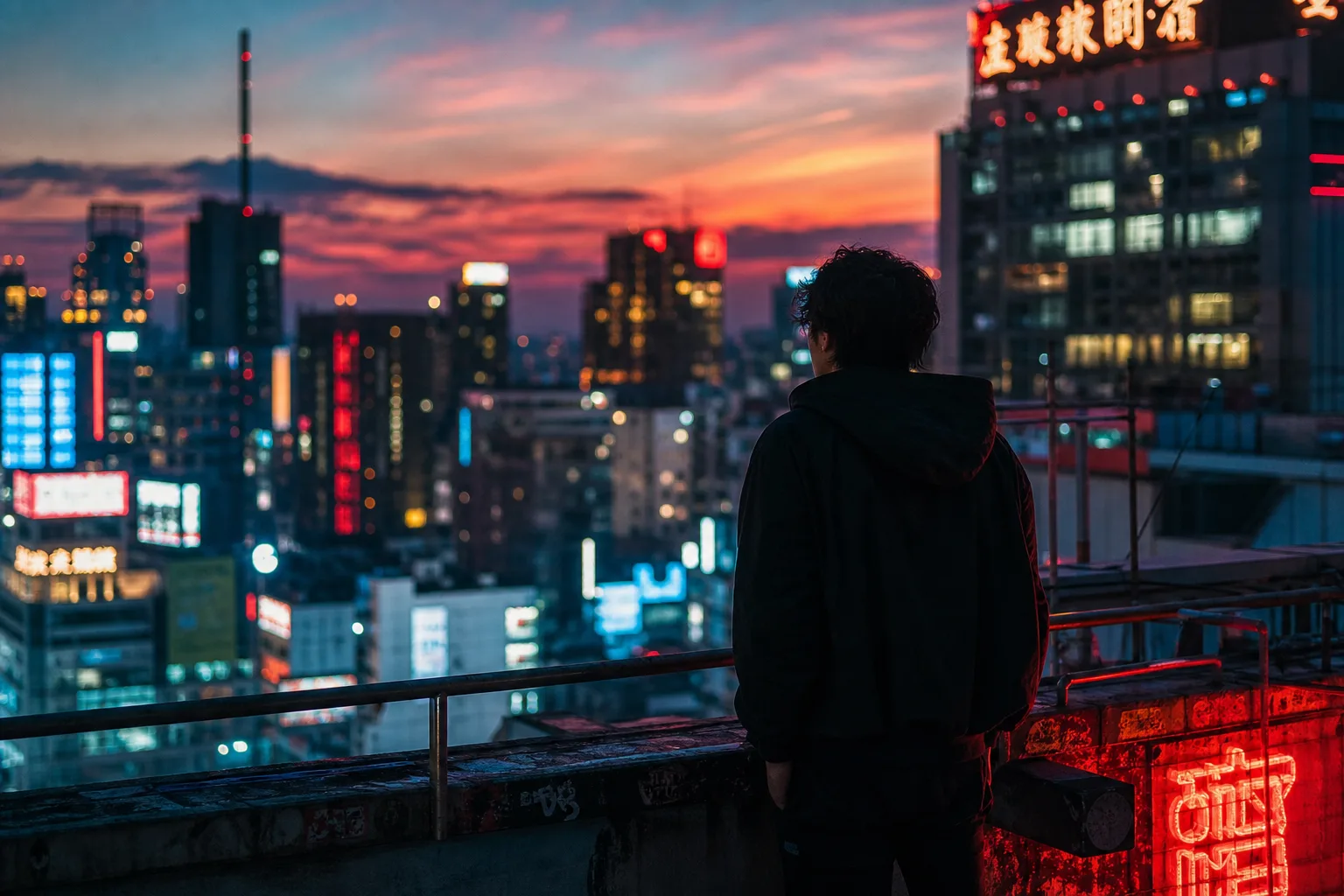
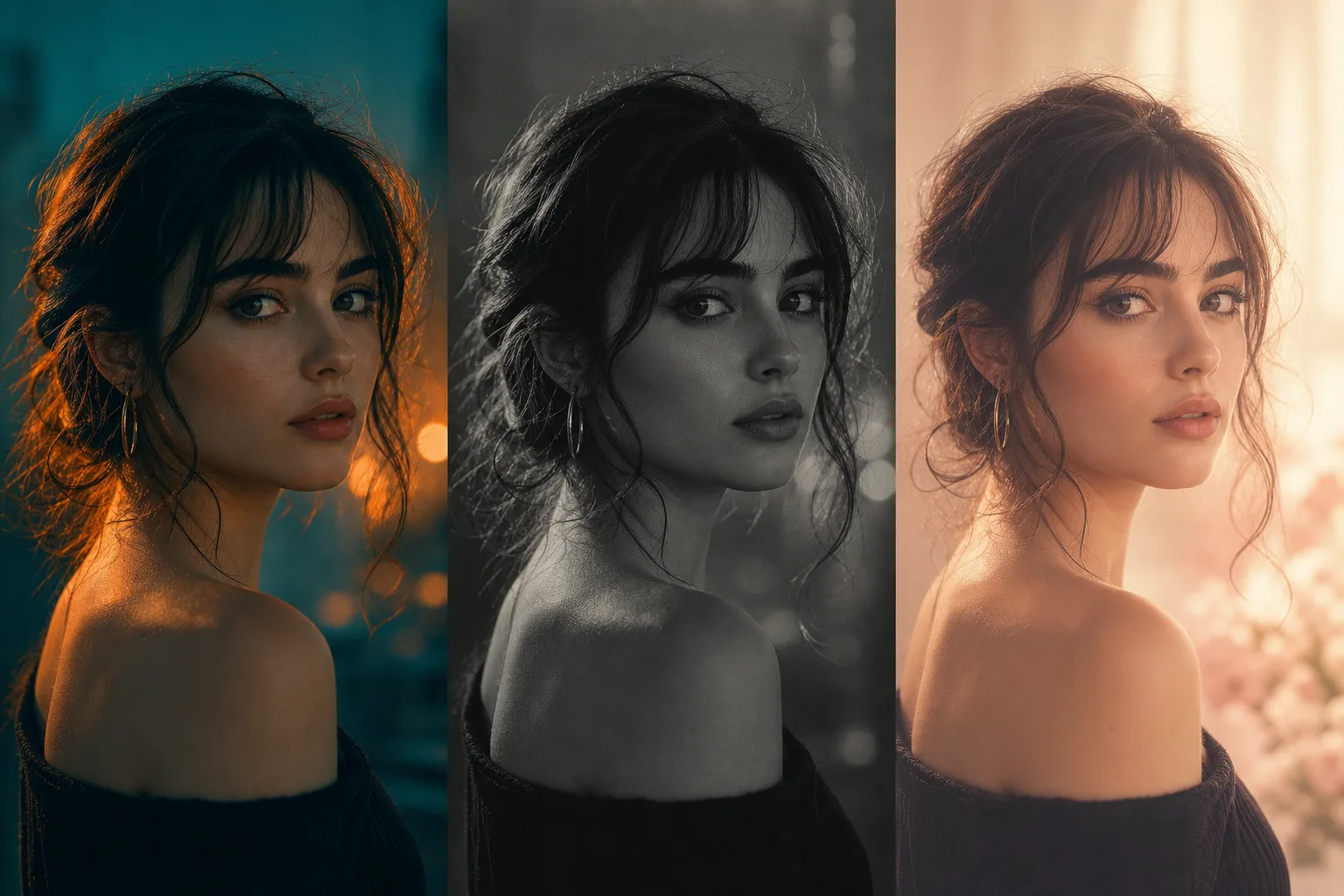
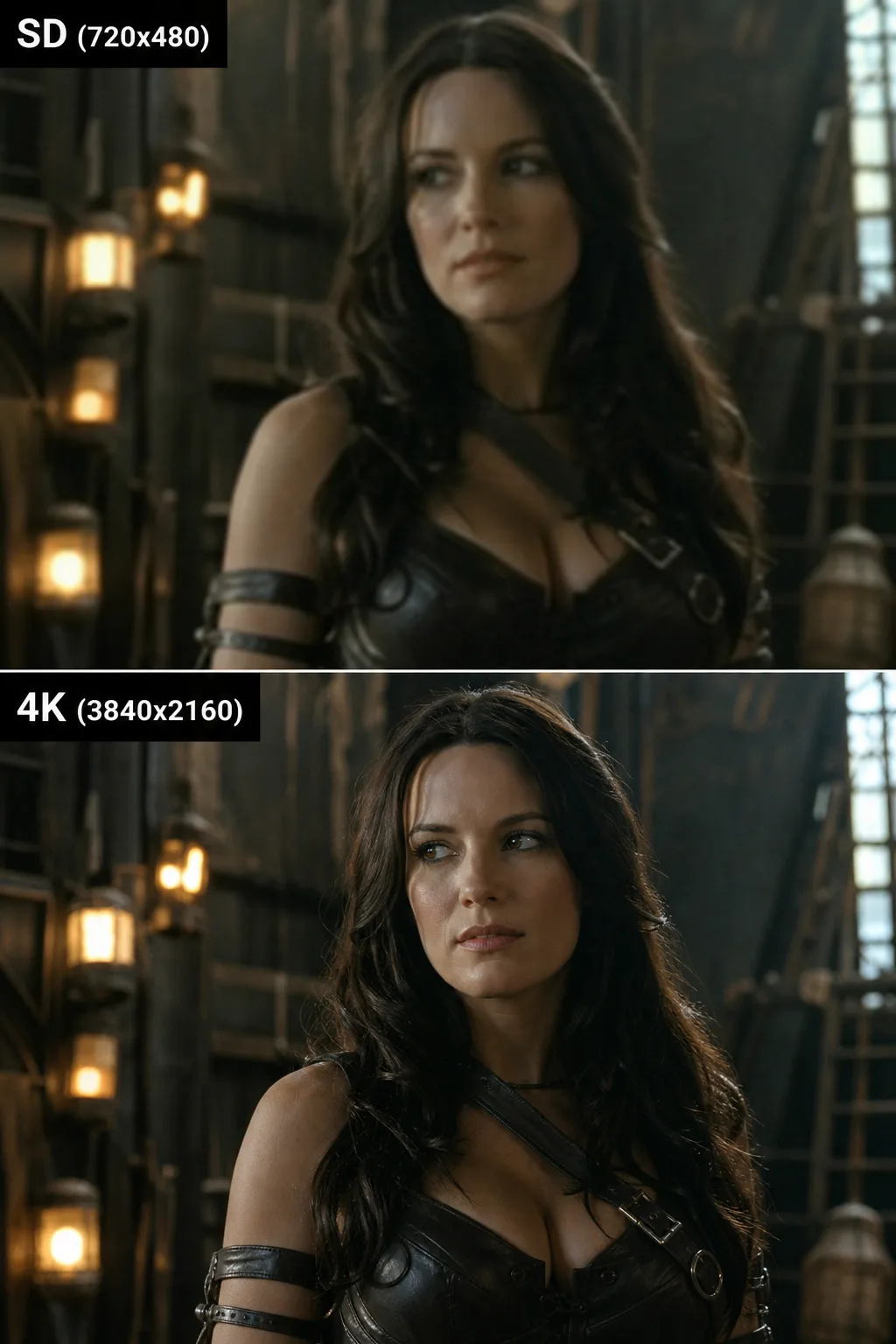
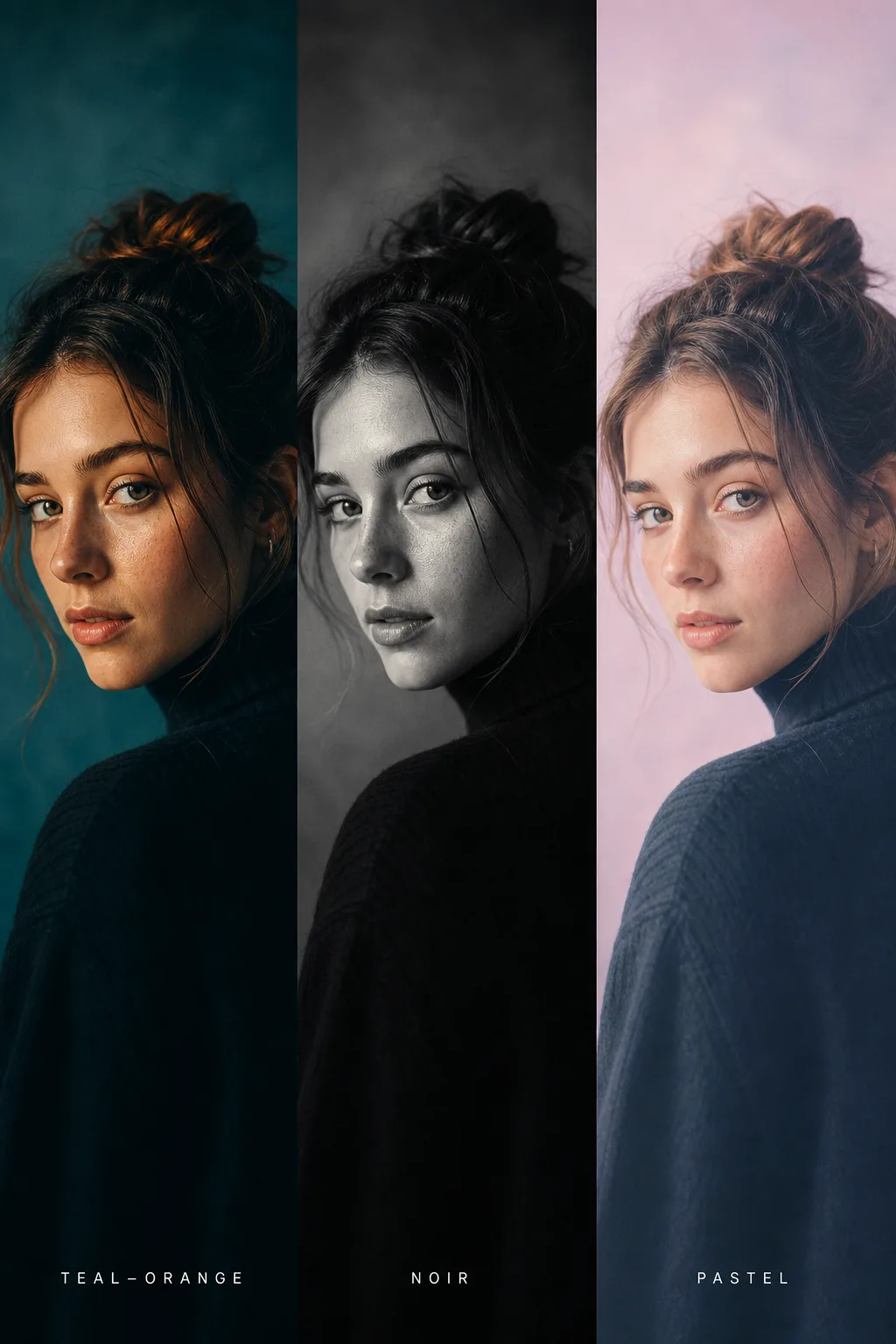
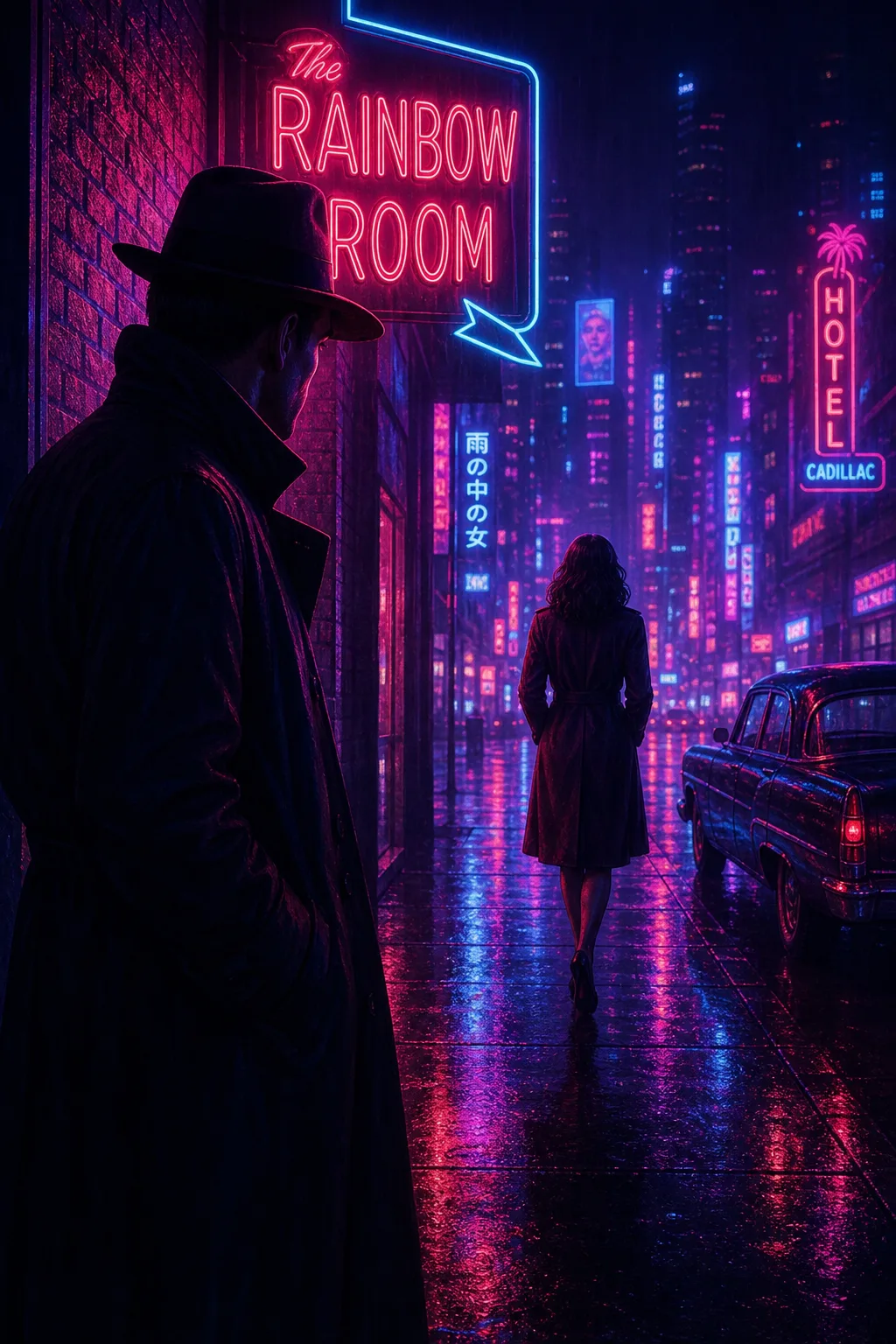
Every tile below is a slot for a real render from the suite, spanning generation, editing, try-on, relighting and grading. Drop your outputs in and the gallery fills itself.
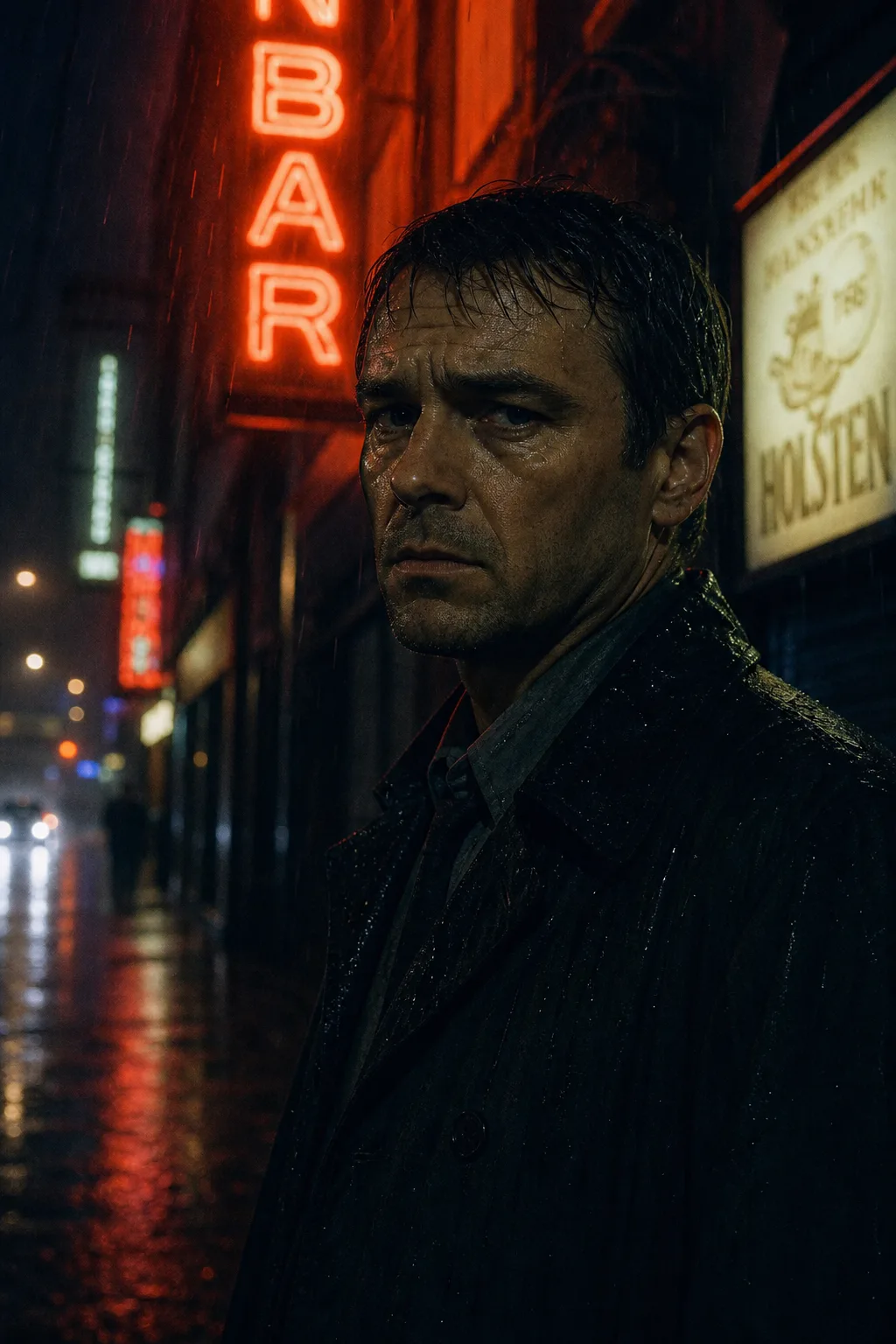
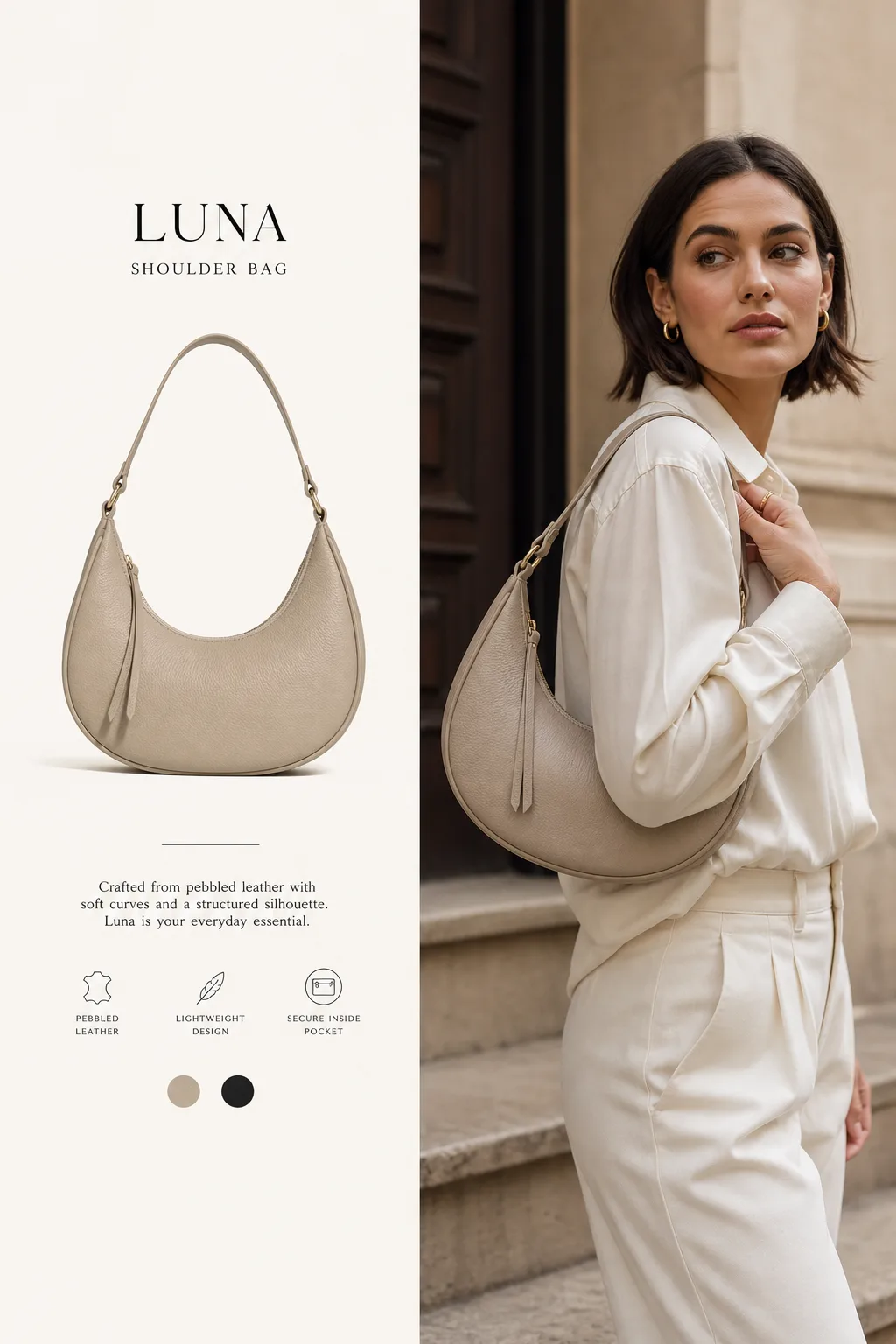
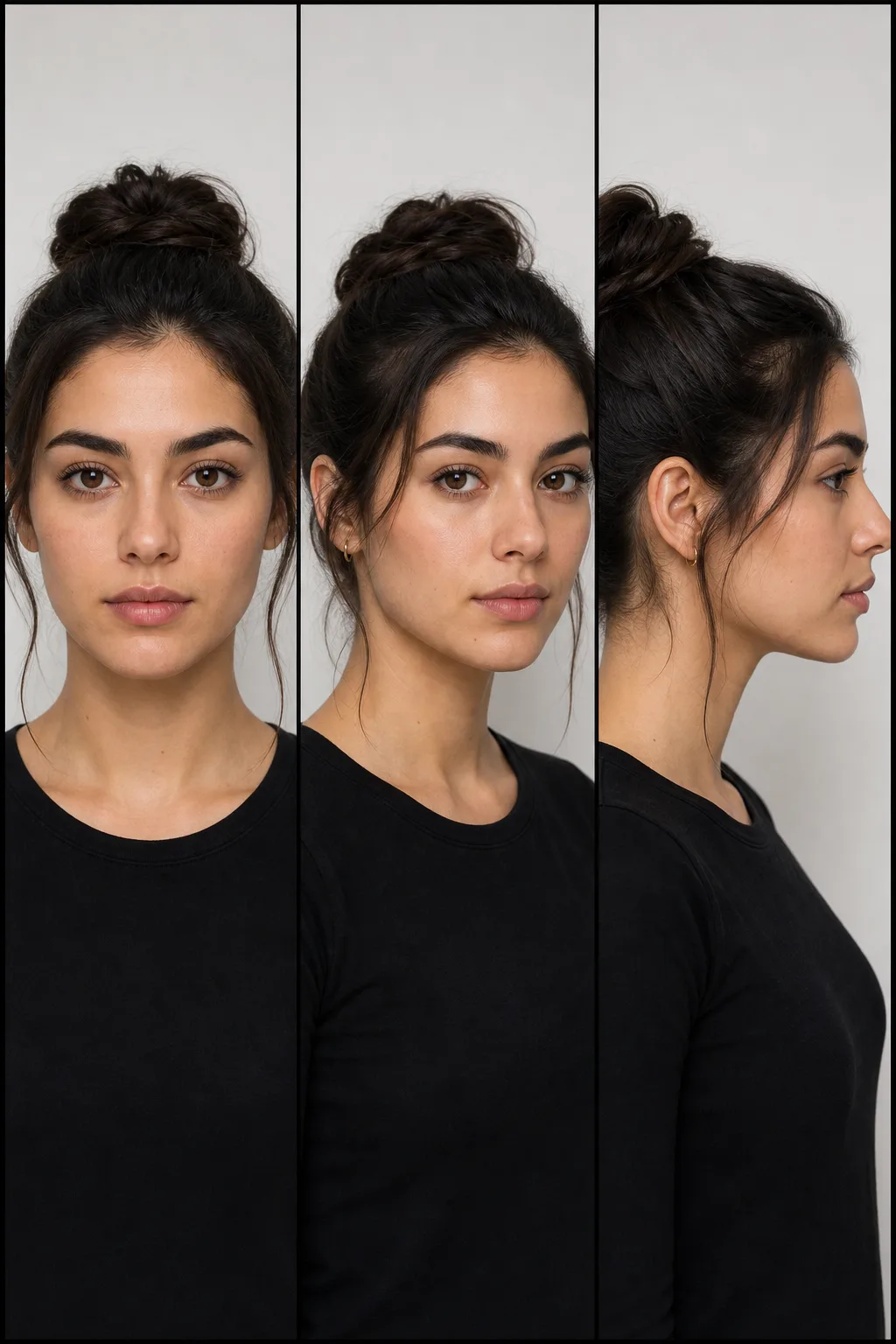
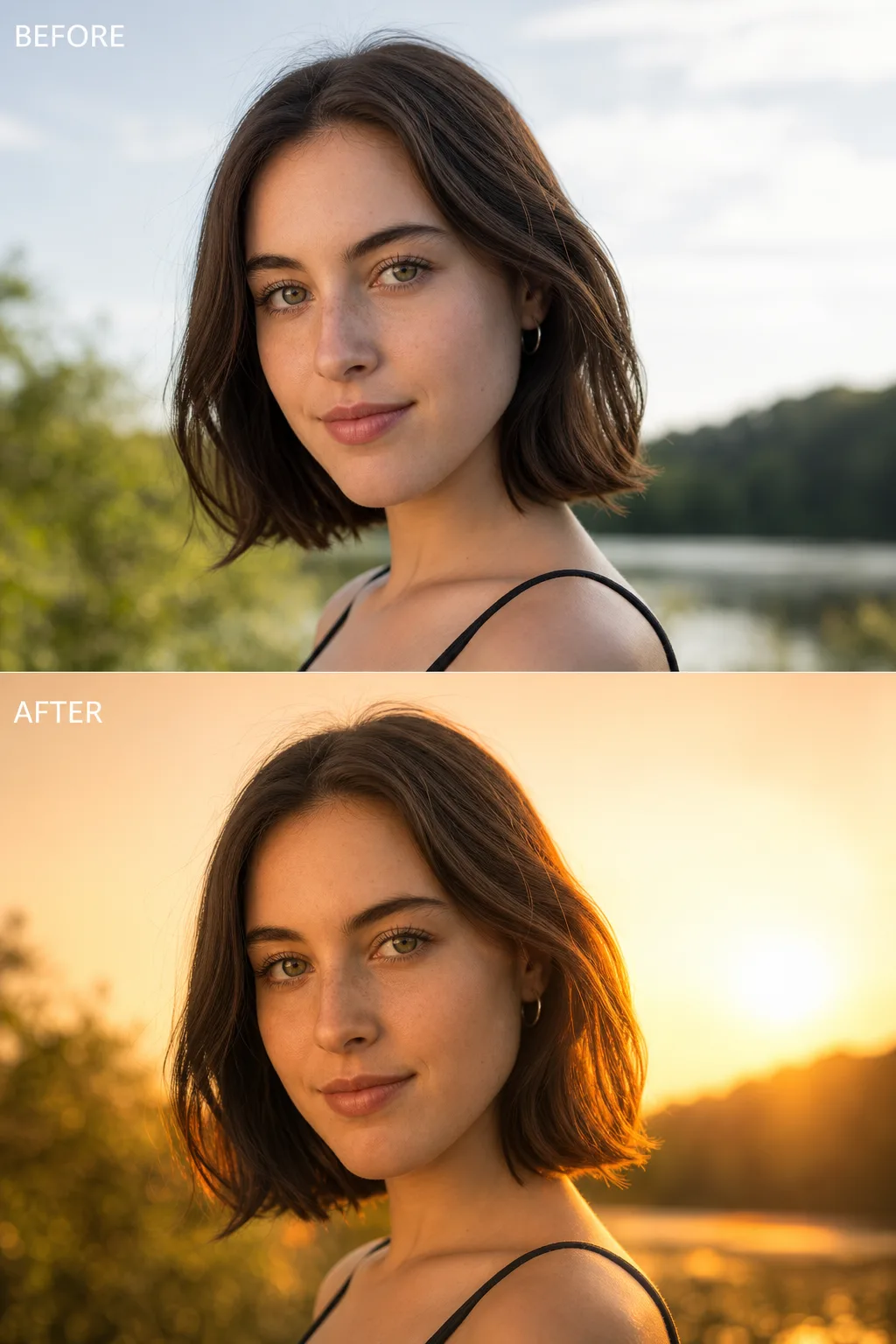
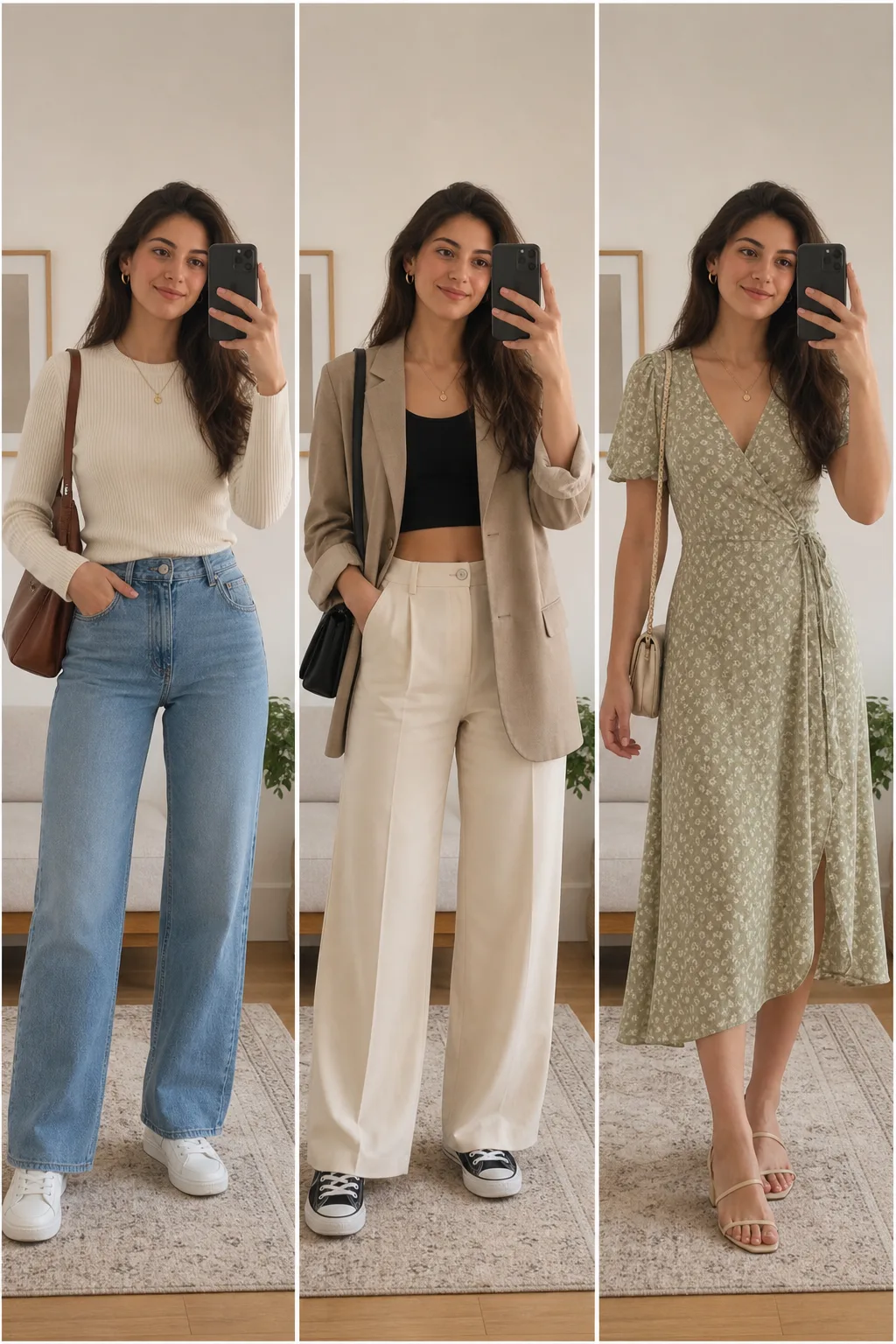
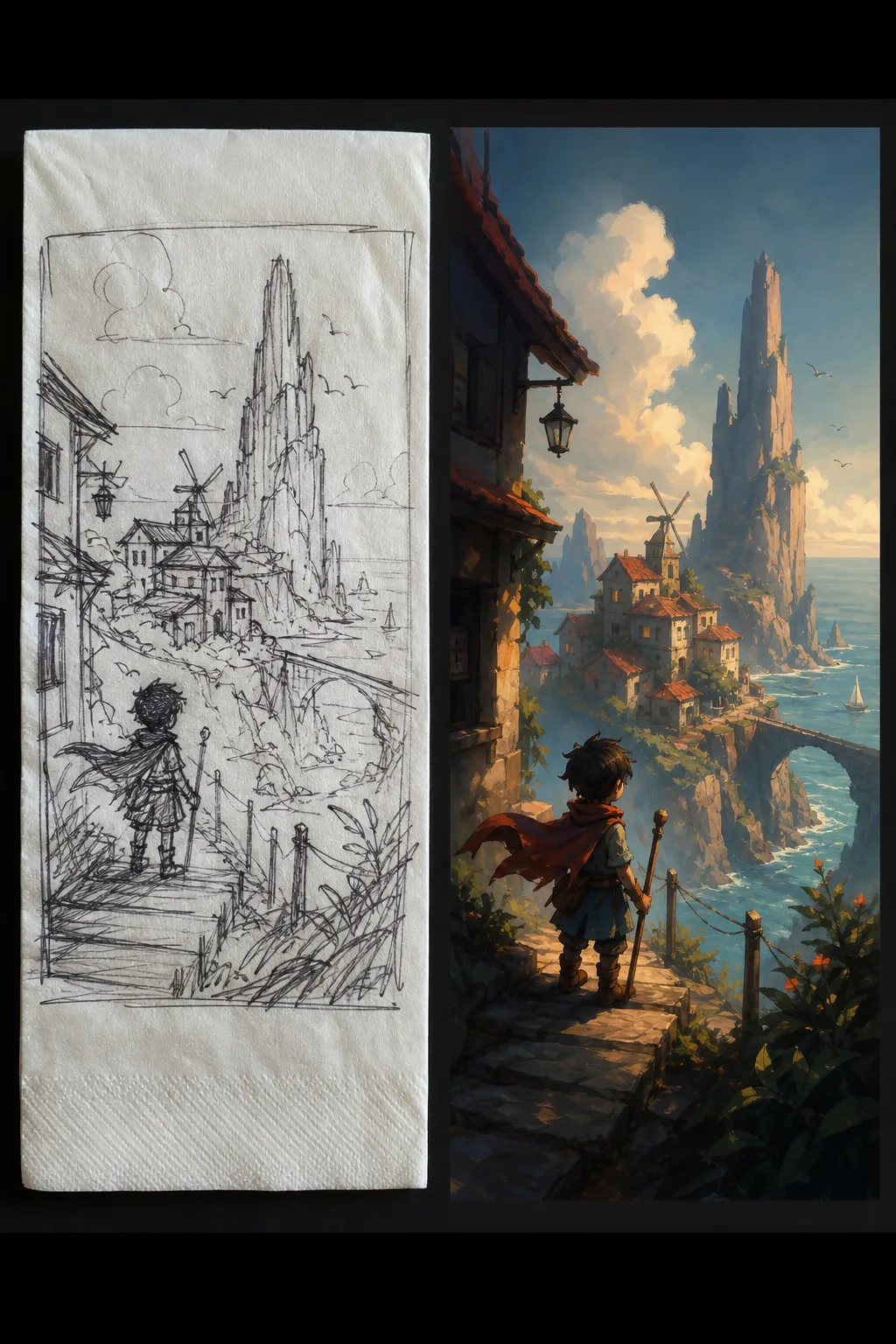
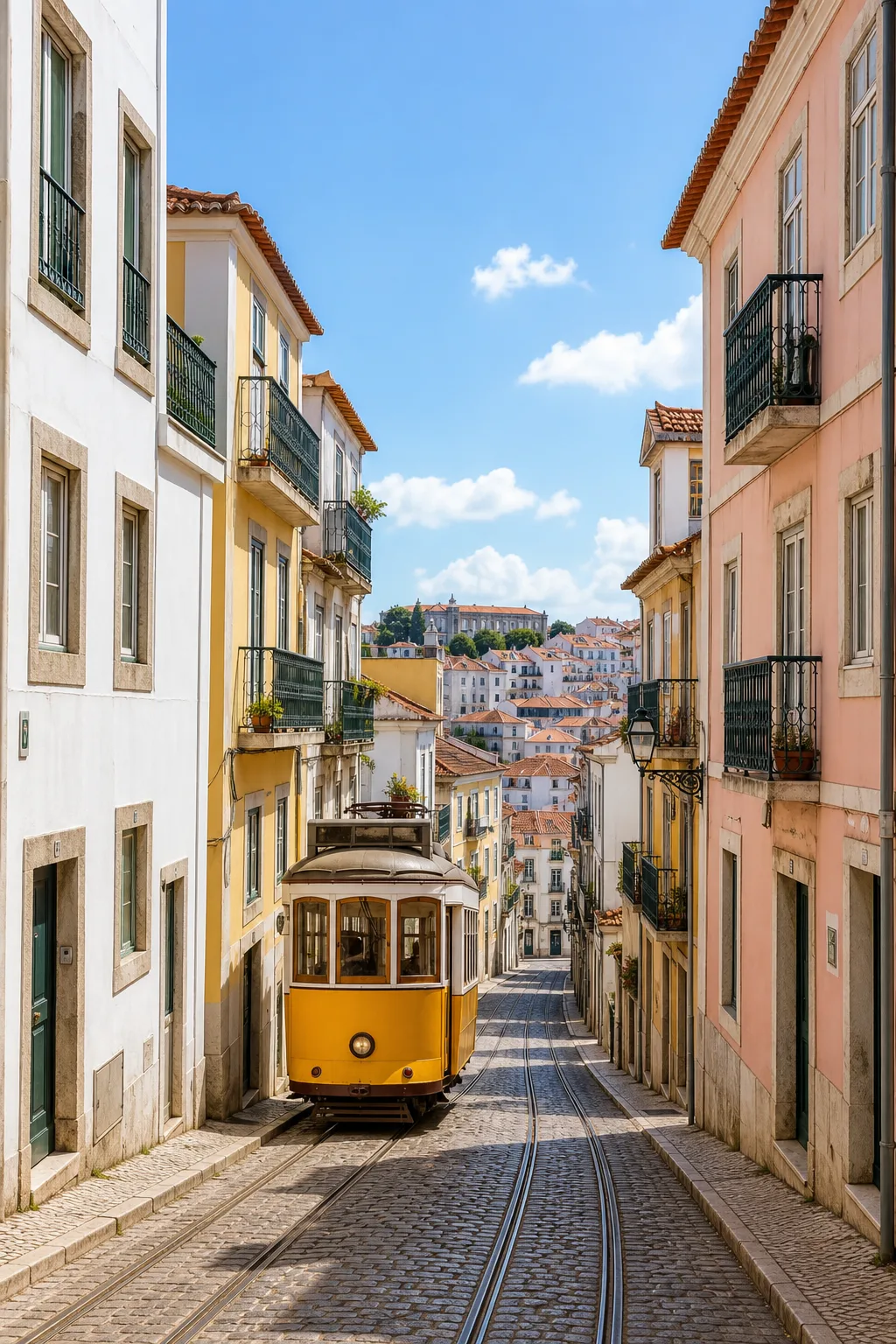
Powered by the best image models, your choice, per shot
The suite isn't tied to one engine. Pick the model that fits the frame, and switch any time without leaving your workflow.
AI image generator, frequently asked
What is an AI image generator for film?
An AI image generator for film turns a line of text or a reference image into a finished, cinematic still. Spark Station's AI Image Suite goes further than a single model: it bundles generation, editing, upscaling, relighting, virtual try-on and color grading into one workflow, and keeps a character's face, wardrobe and world consistent across every image you make.
How does Spark Station keep characters consistent across images?
You cast a character once with the Casting Director, and Spark Station locks that identity, face, features and look, so every subsequent image, angle and scene renders the same person. This continuity layer is the core differentiator that separates a filmmaking suite from a one-off image generator.
Which AI image models can I use?
The AI Image Suite is model-agnostic. You can generate with leading image models such as GPT Image and Flux, and pick the resolution you need, up to 4K, without leaving the workflow. Because the suite isn't tied to one model, you always use the best engine for each shot.
Can I edit an existing image instead of generating from scratch?
Yes. Upload any image and use Inpaint to paint elements in or out, Reimagine Scene to restyle it, Relight to change its lighting, Color Grading to apply a cinematic look, Upscaler to push it to 4K, or Face Swap and Virtual Try-On to change who and what is in the frame, all non-destructively.
Who is the AI Image Suite for?
Filmmakers building storyboards and key art, marketers producing on-brand campaign visuals, and e-commerce teams making product and model imagery at scale. Anyone who needs many images of the same character, product or world benefits most from the consistency layer.
Ready to generate your first scene?
Open the AI Image Suite, cast a character, and watch it hold across every shot. No card, no download, just start.