What is an AI comic generator?
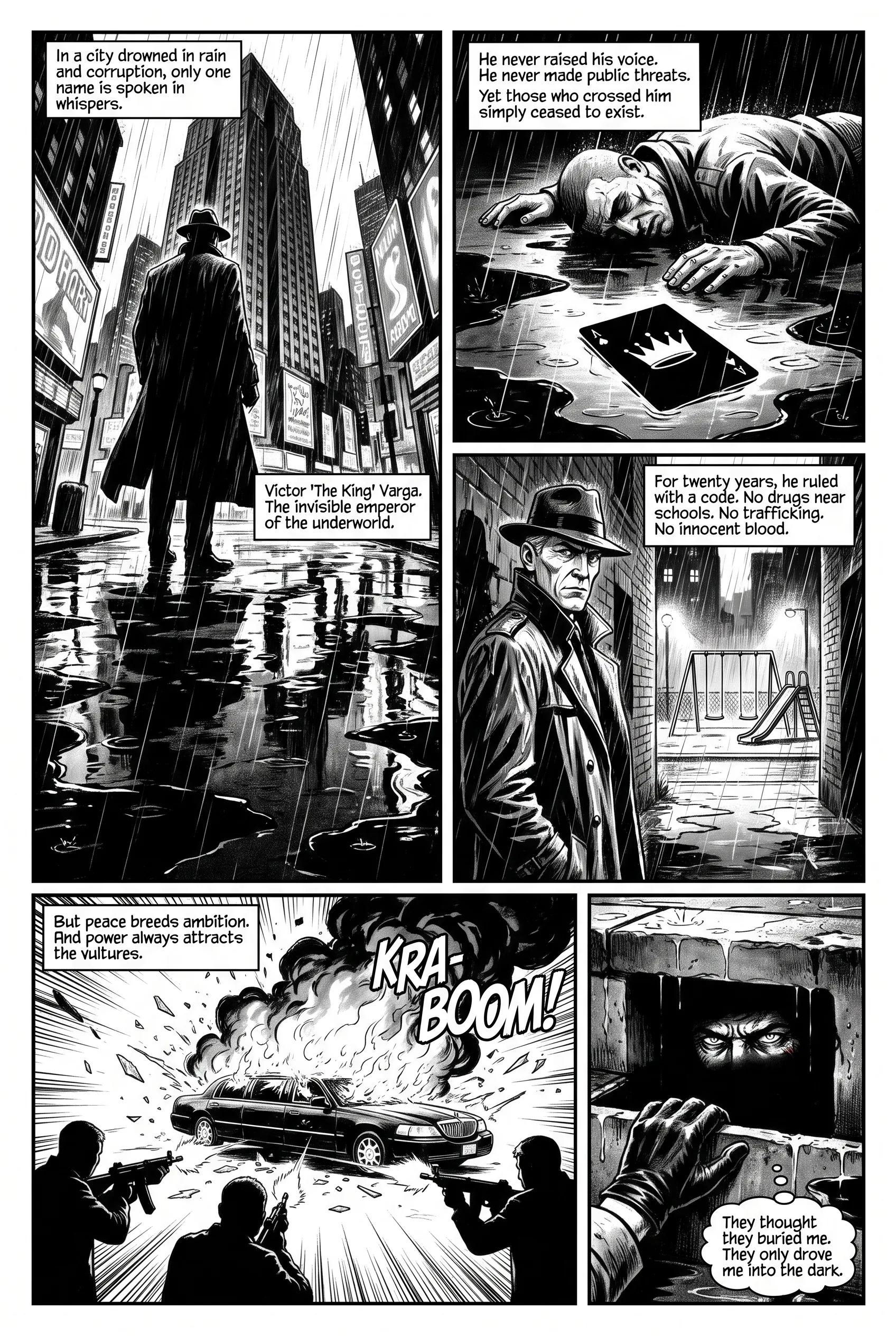
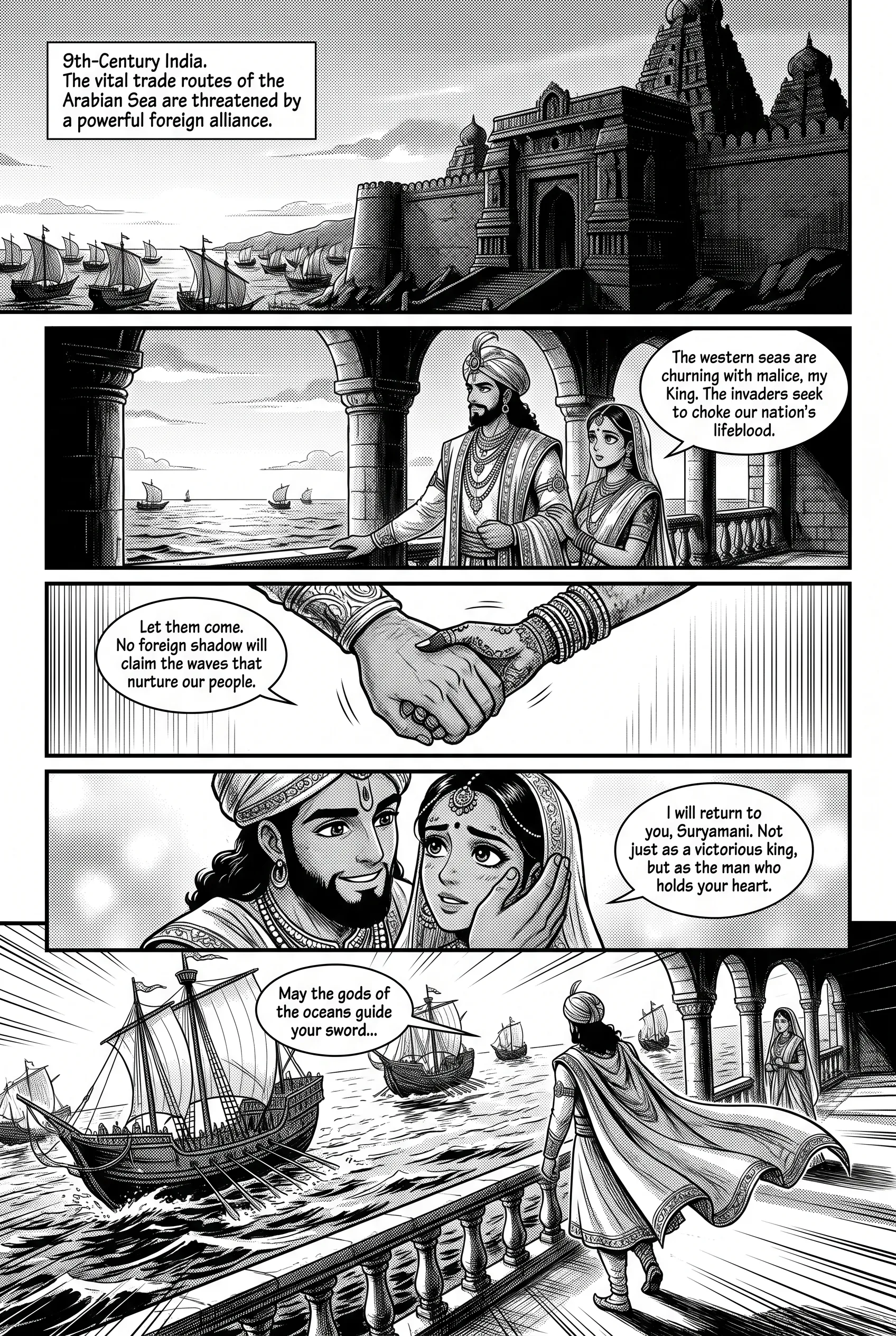
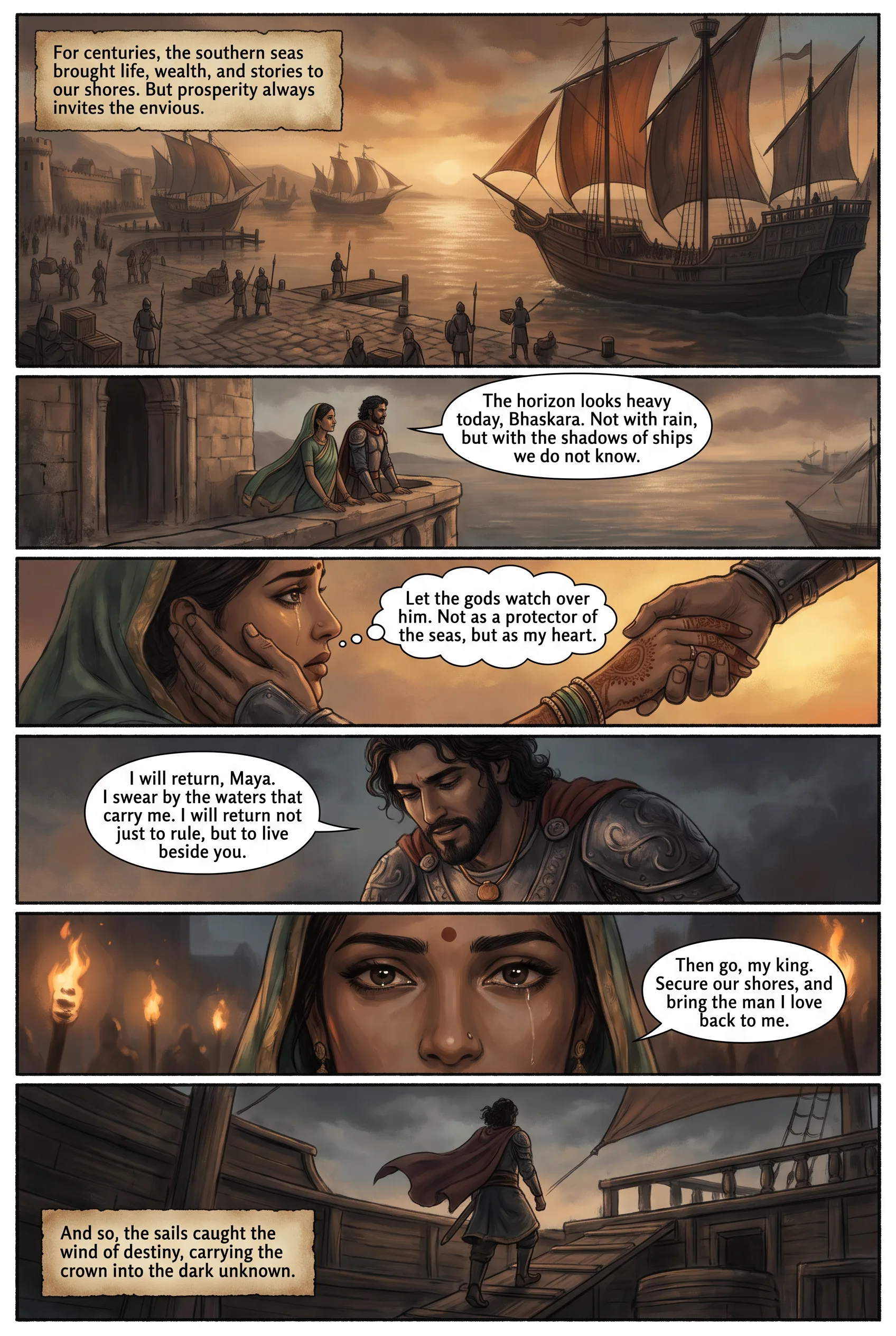
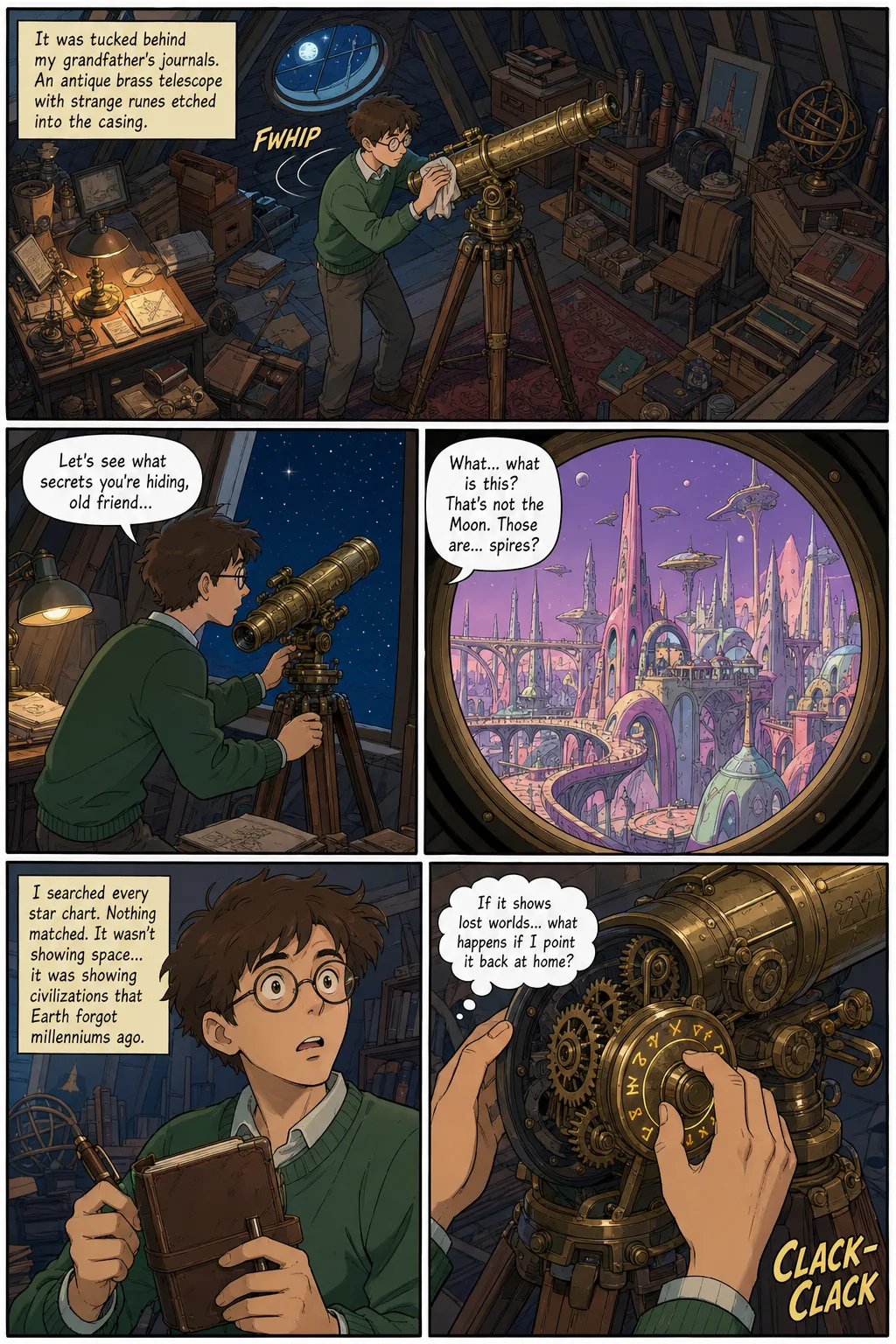
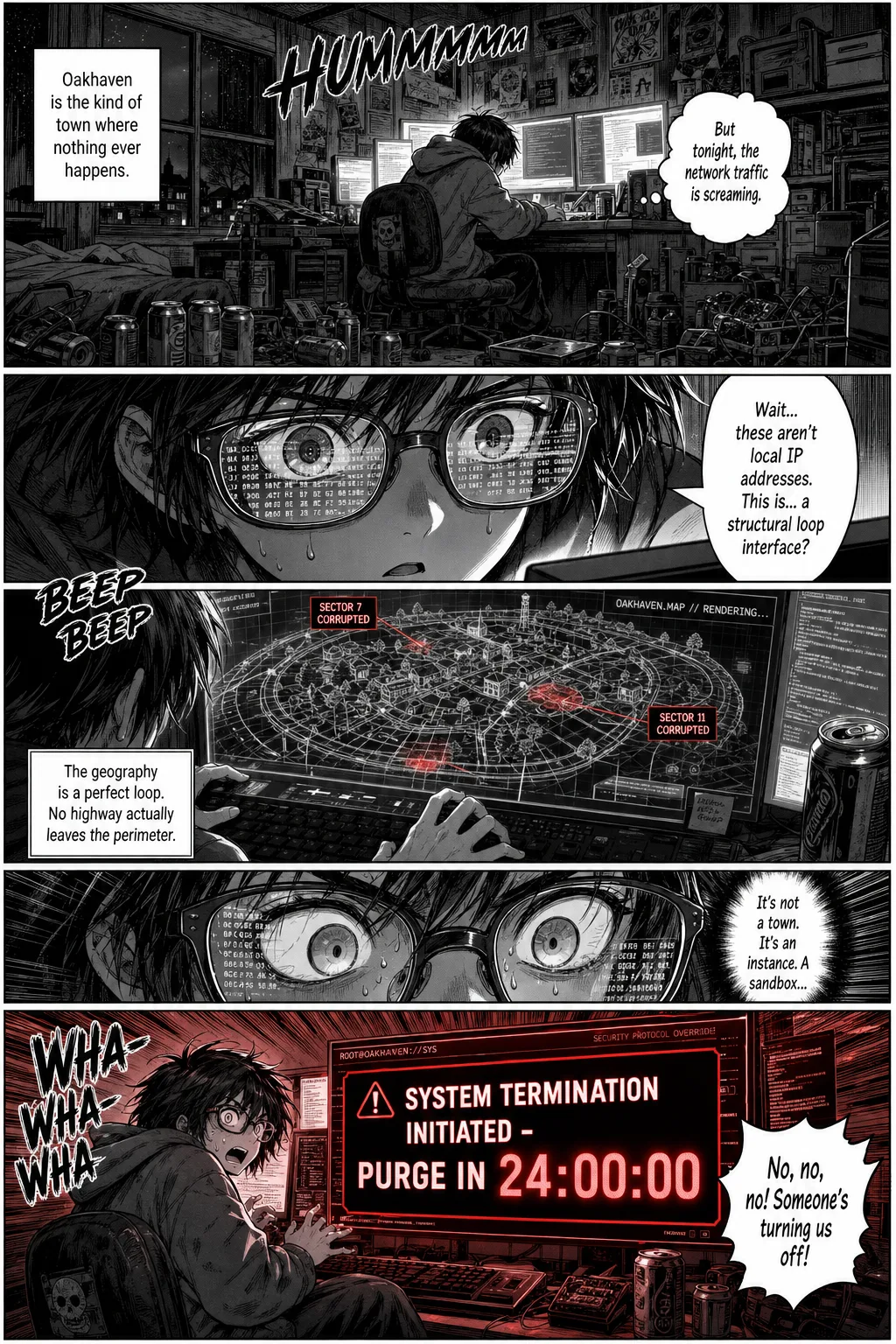
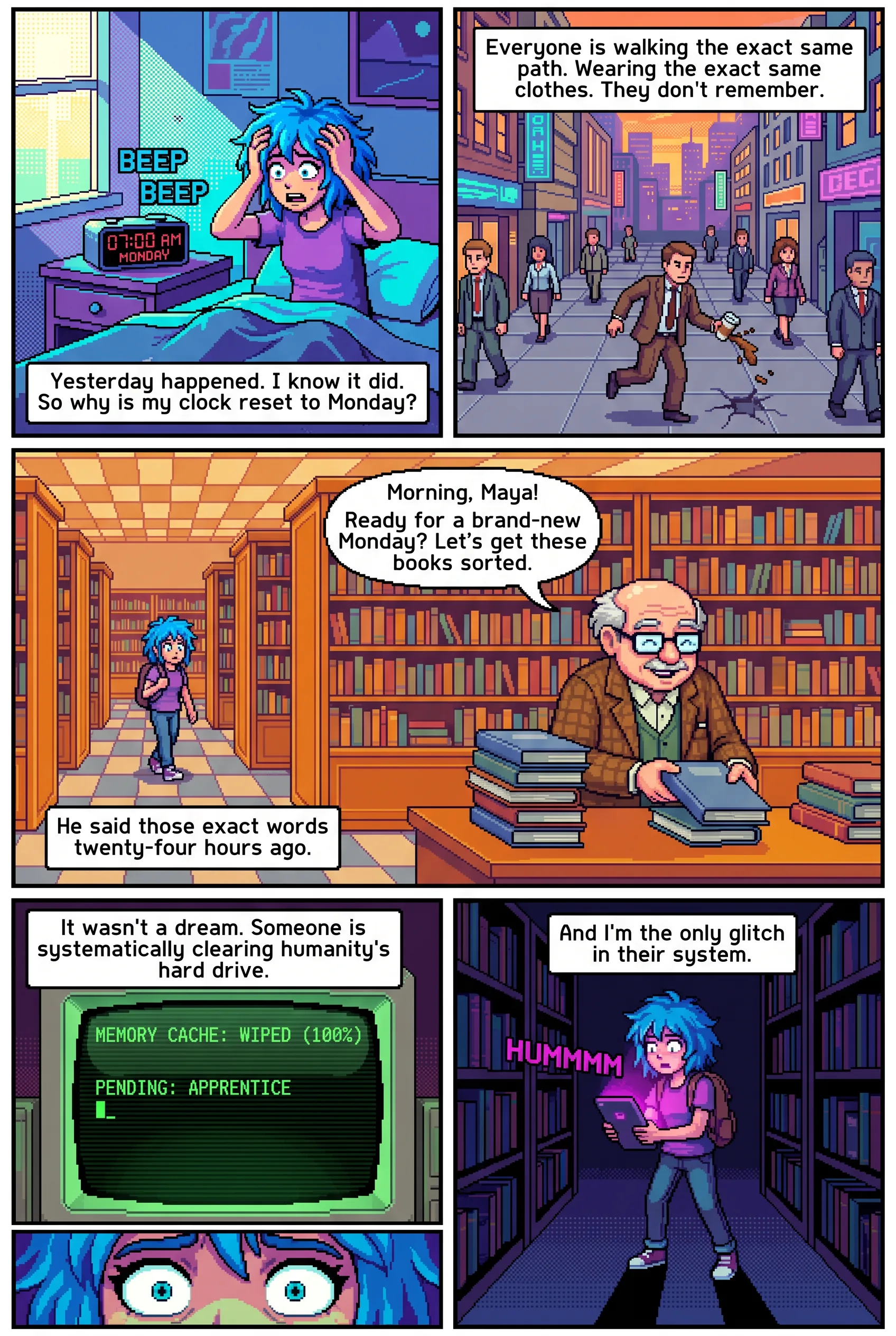
An AI comic generator turns written text, a story, script or synopsis, into a finished, illustrated comic book with panels, speech bubbles and sound-effect lettering. SparkStation's Comics Generator plans a full panel-by-panel breakdown first, with an editable scene description, camera angle and dialogue for every panel, so you can review and adjust the comic before any final art is rendered.
Can I control the dialogue and captions in an AI-generated comic?
Yes. Every panel gets its own editable fields, scene description, characters in frame, camera angle, sound-effect (SFX) lettering, and one or more dialogue lines, each with a speaker and a text box, before the final art is generated. You can add, remove or rewrite any dialogue line on any panel.
Does the AI comic generator keep characters looking the same across panels?
You can optionally upload a character reference photo, which the tool uses in every page prompt for consistency, keeping the same face recognizable panel to panel and page to page, the same continuity problem SparkStation's dedicated Character & Scene Consistency tools solve for AI video and images.
What comic art styles are available?
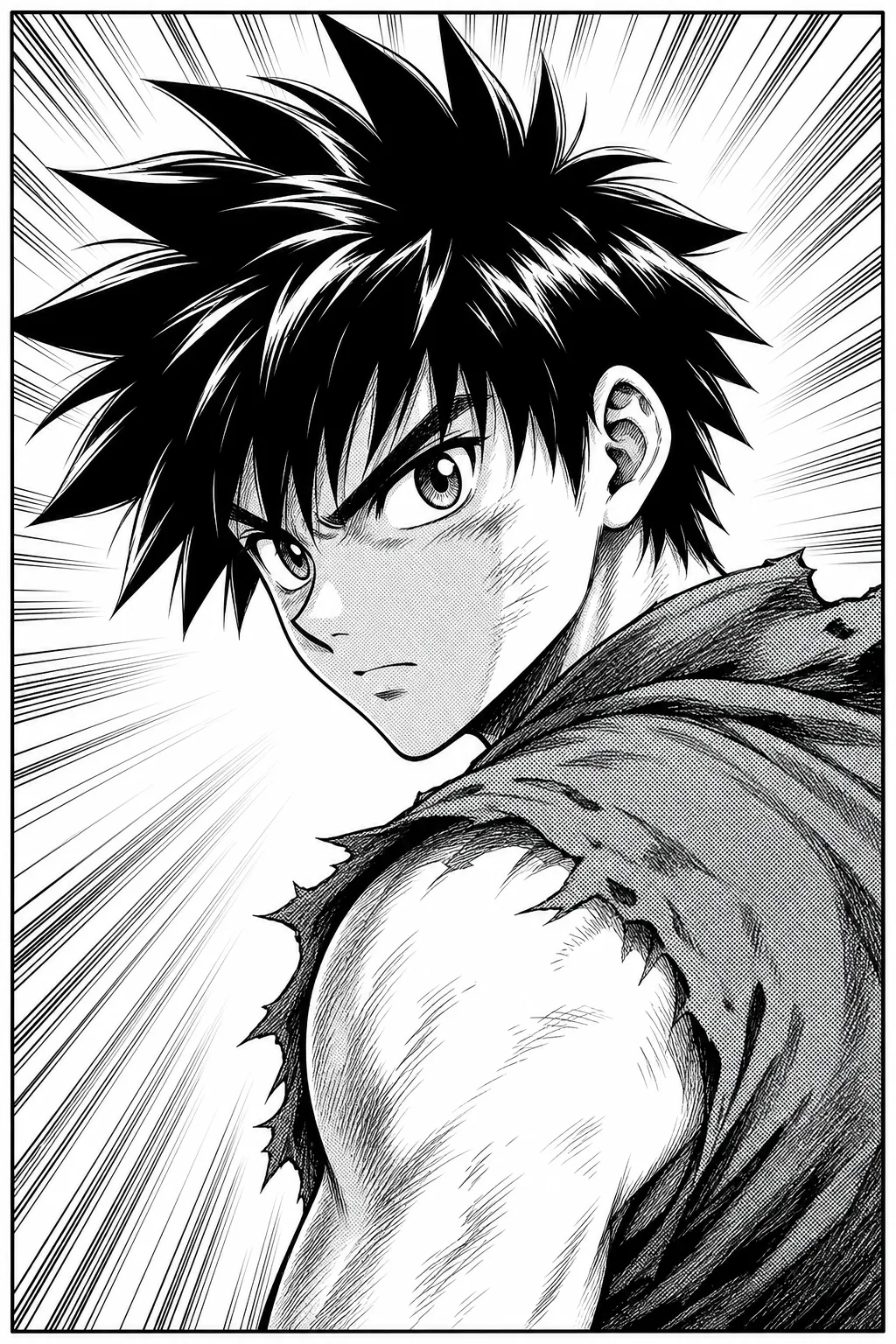
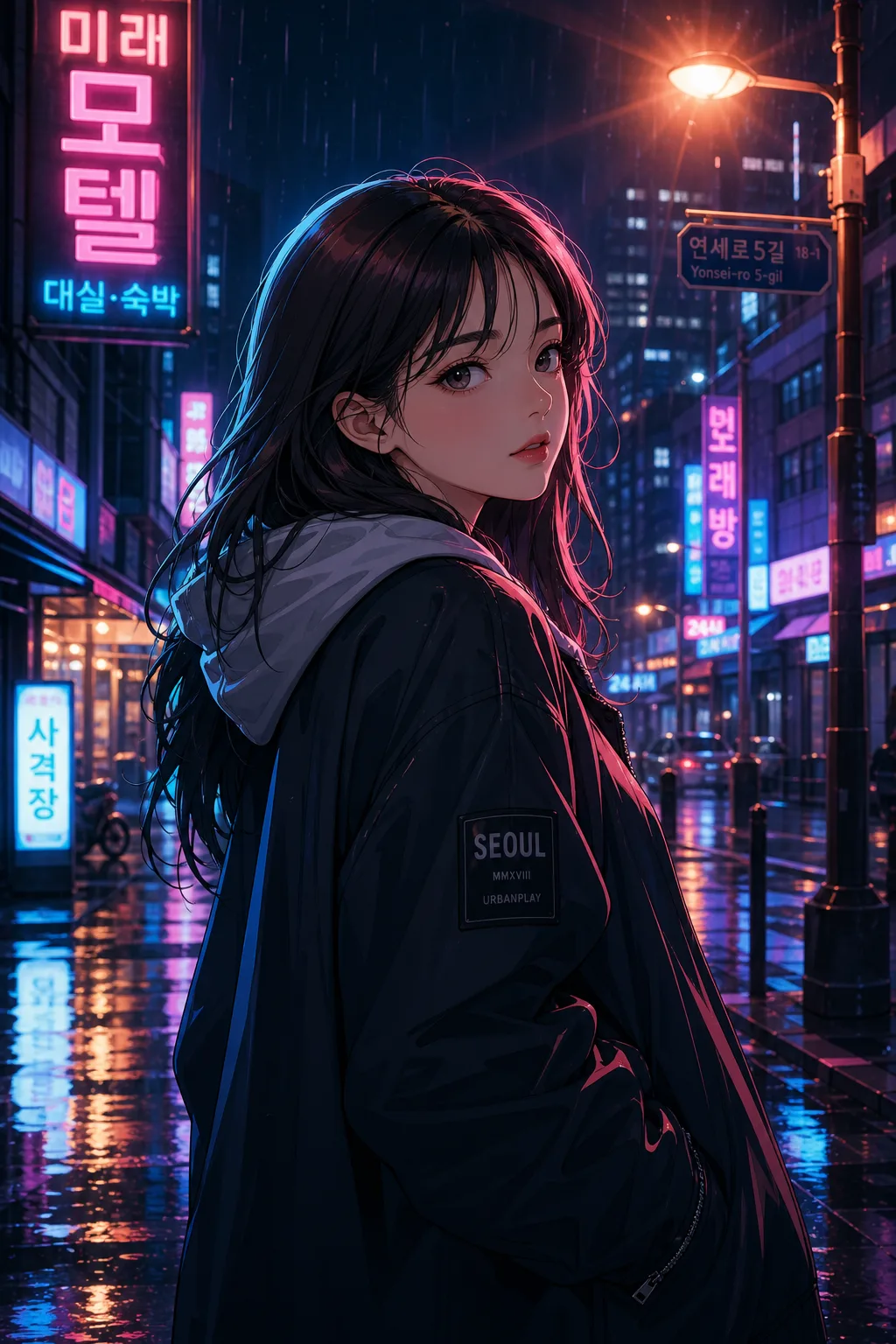
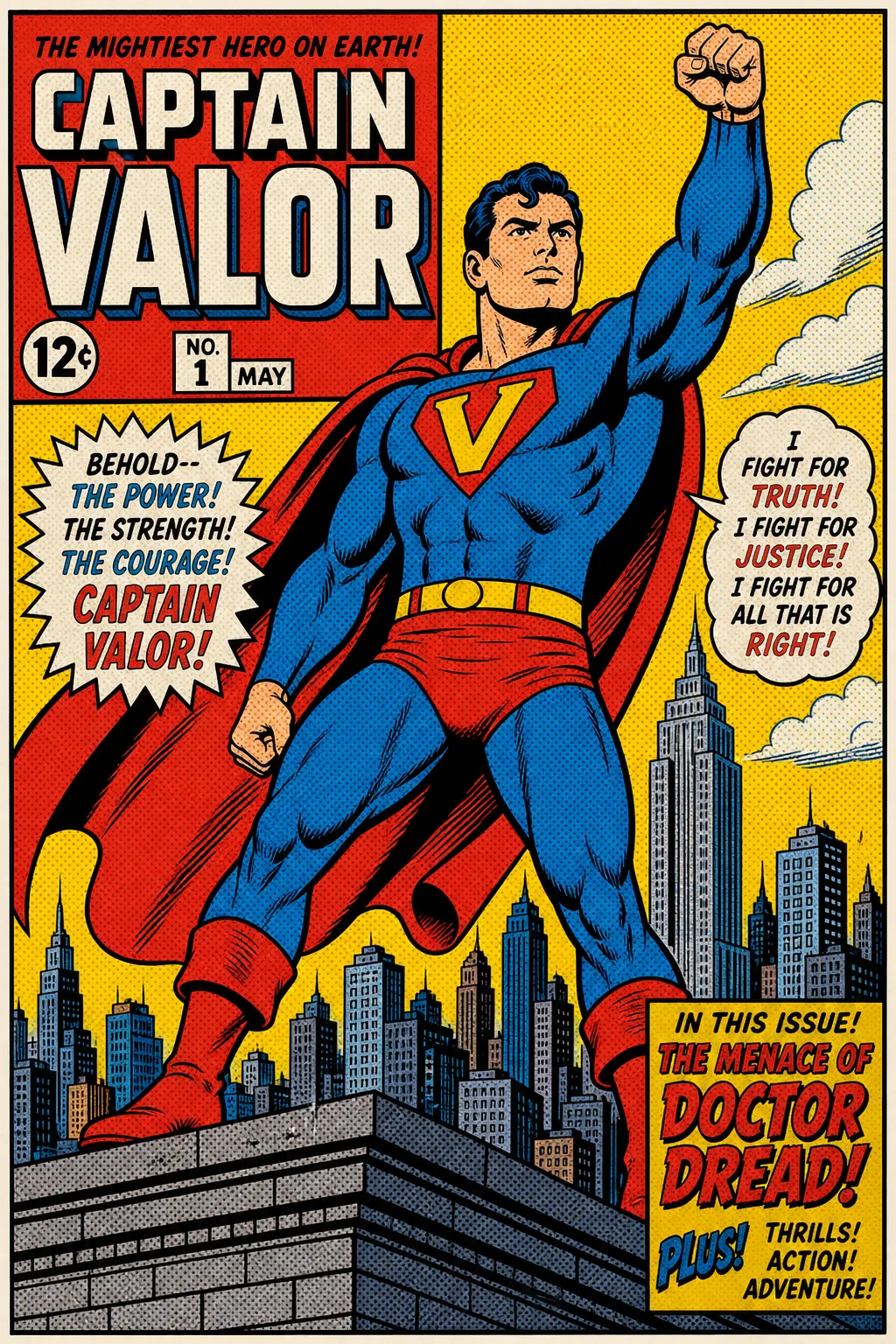
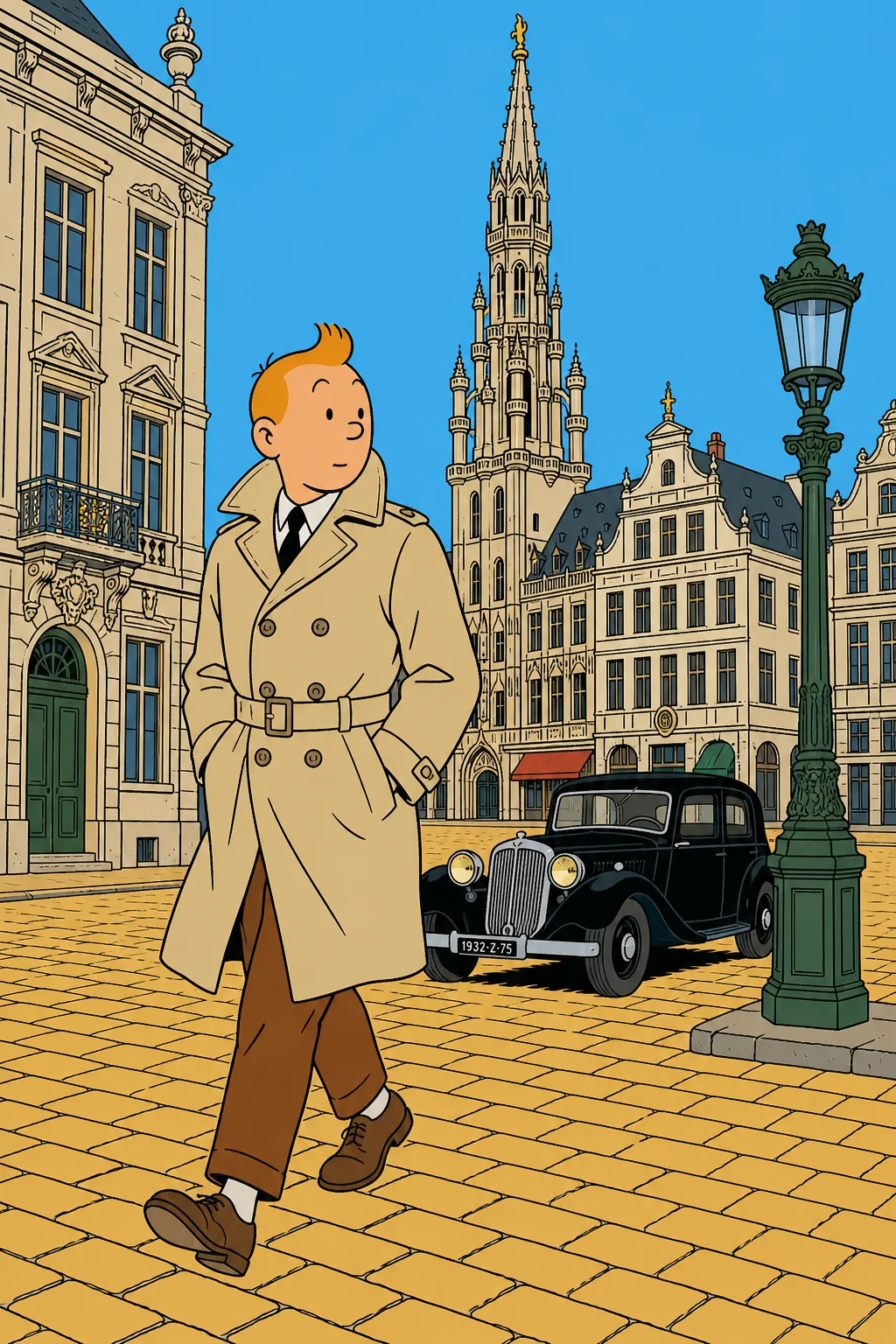
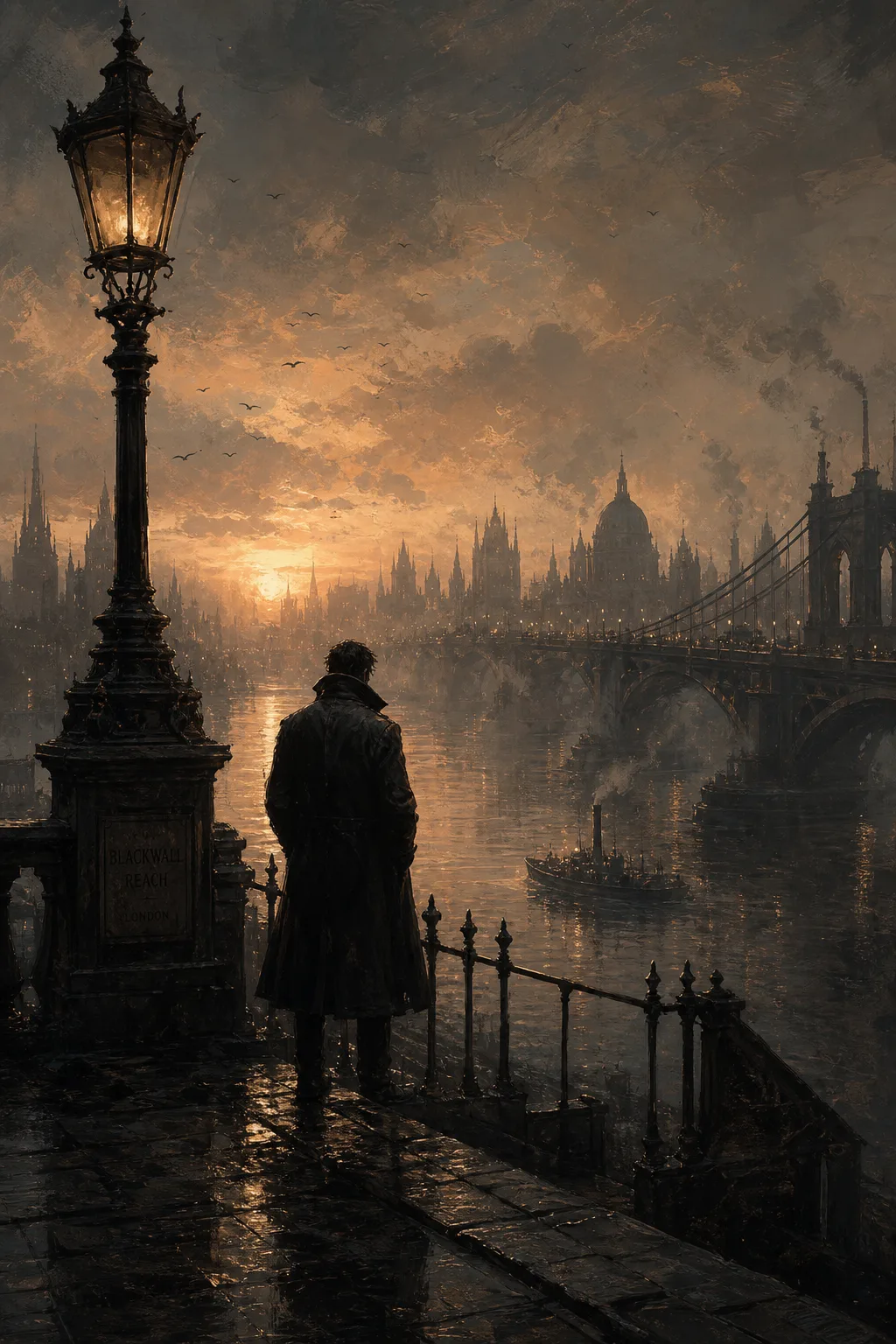
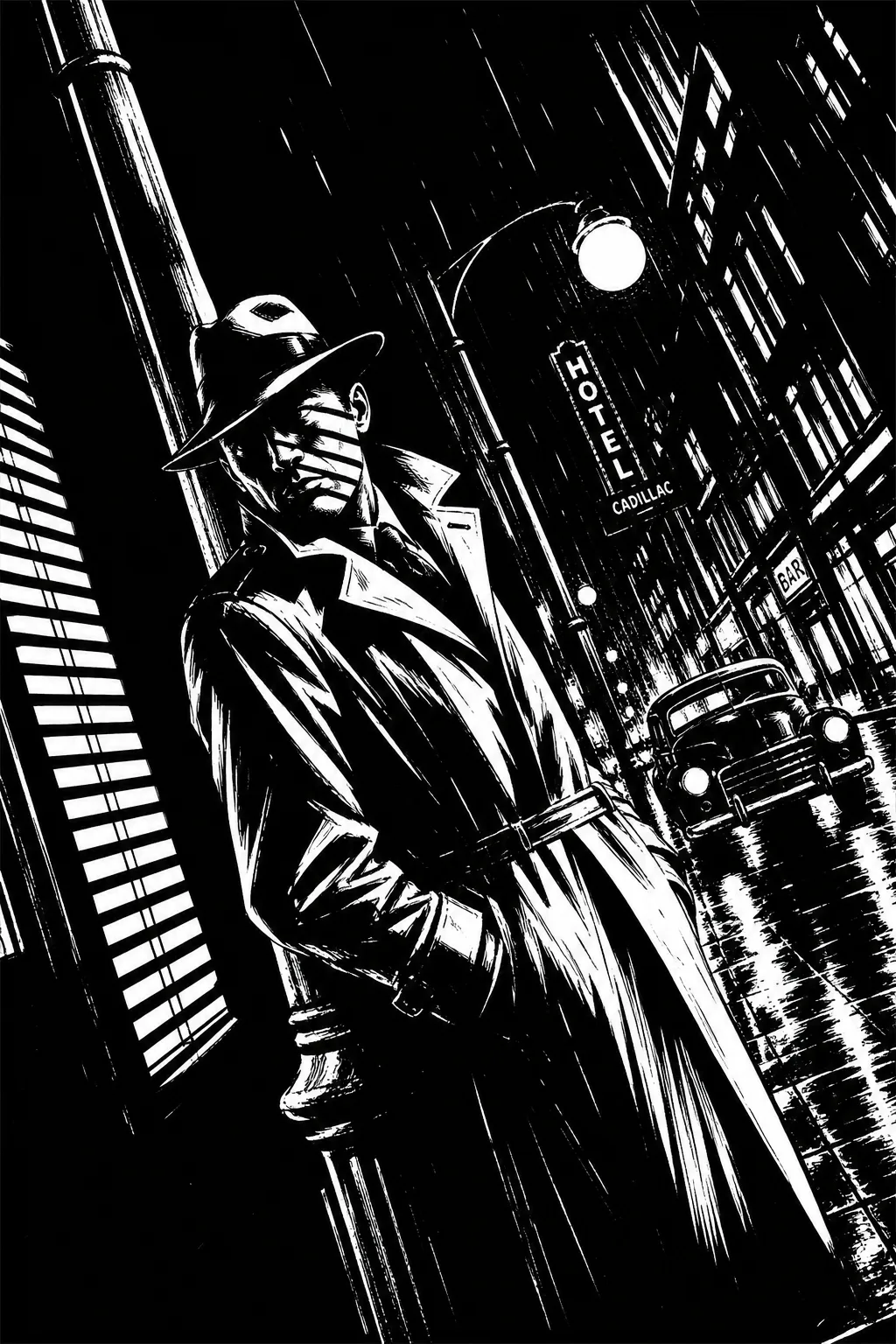
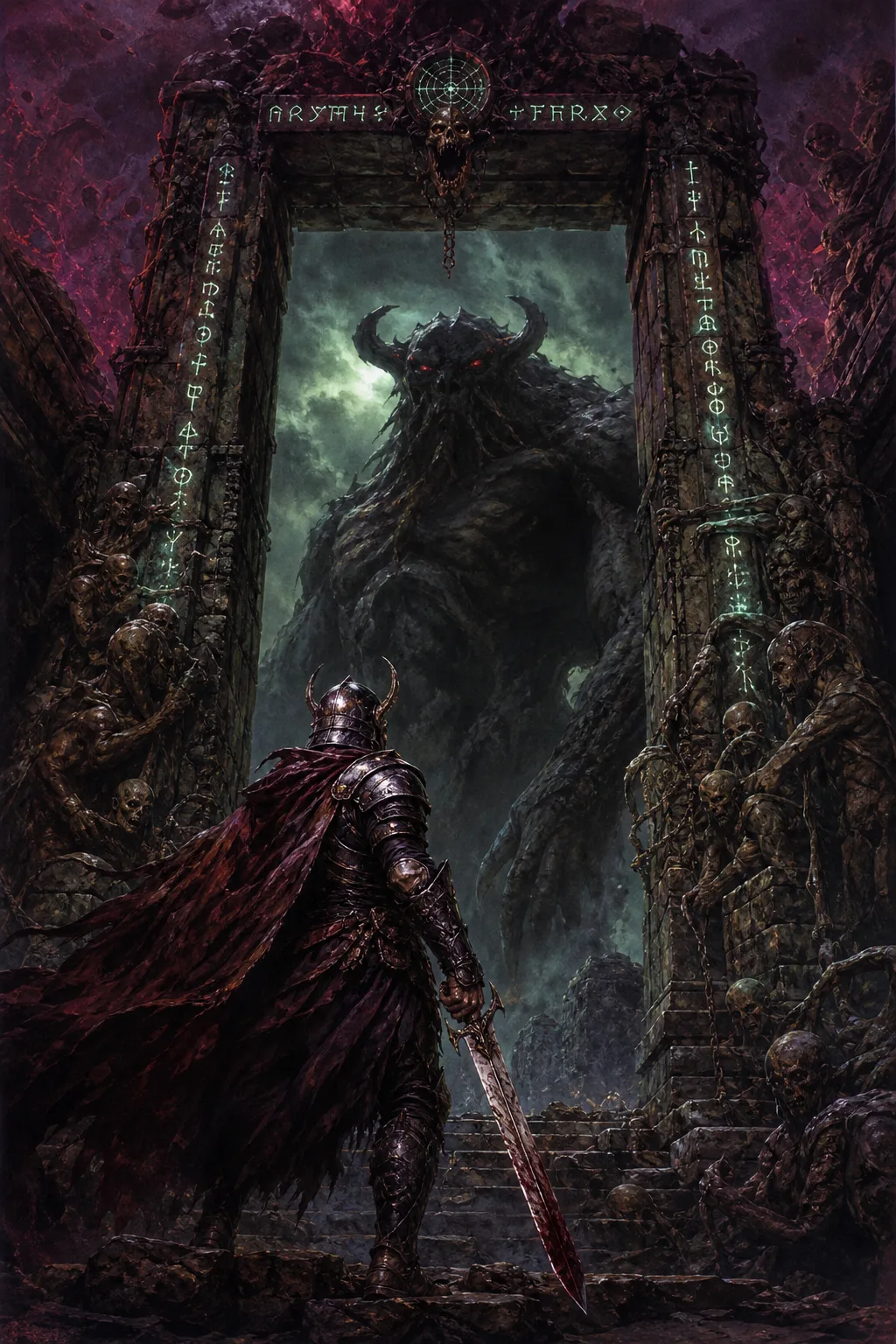
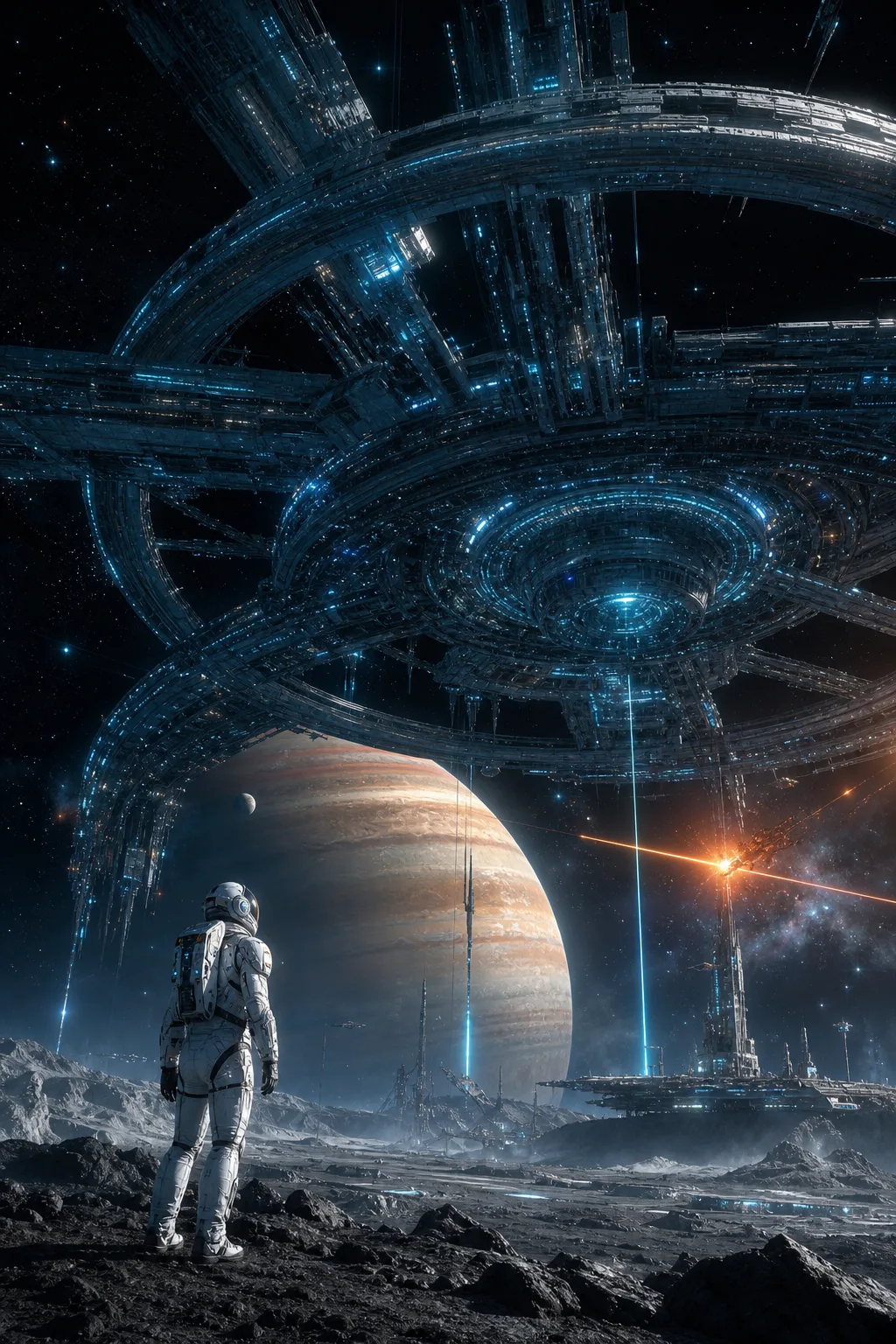
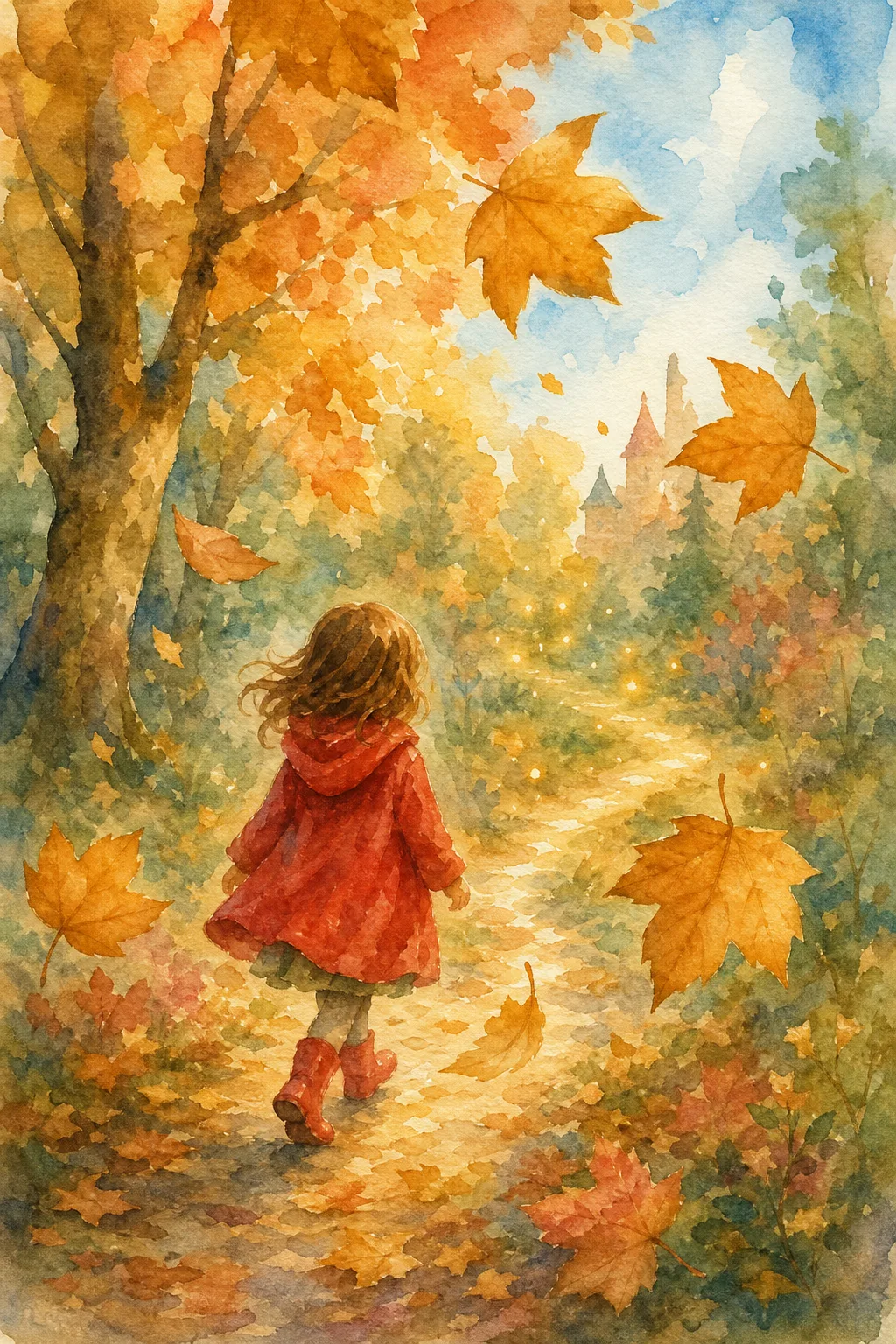
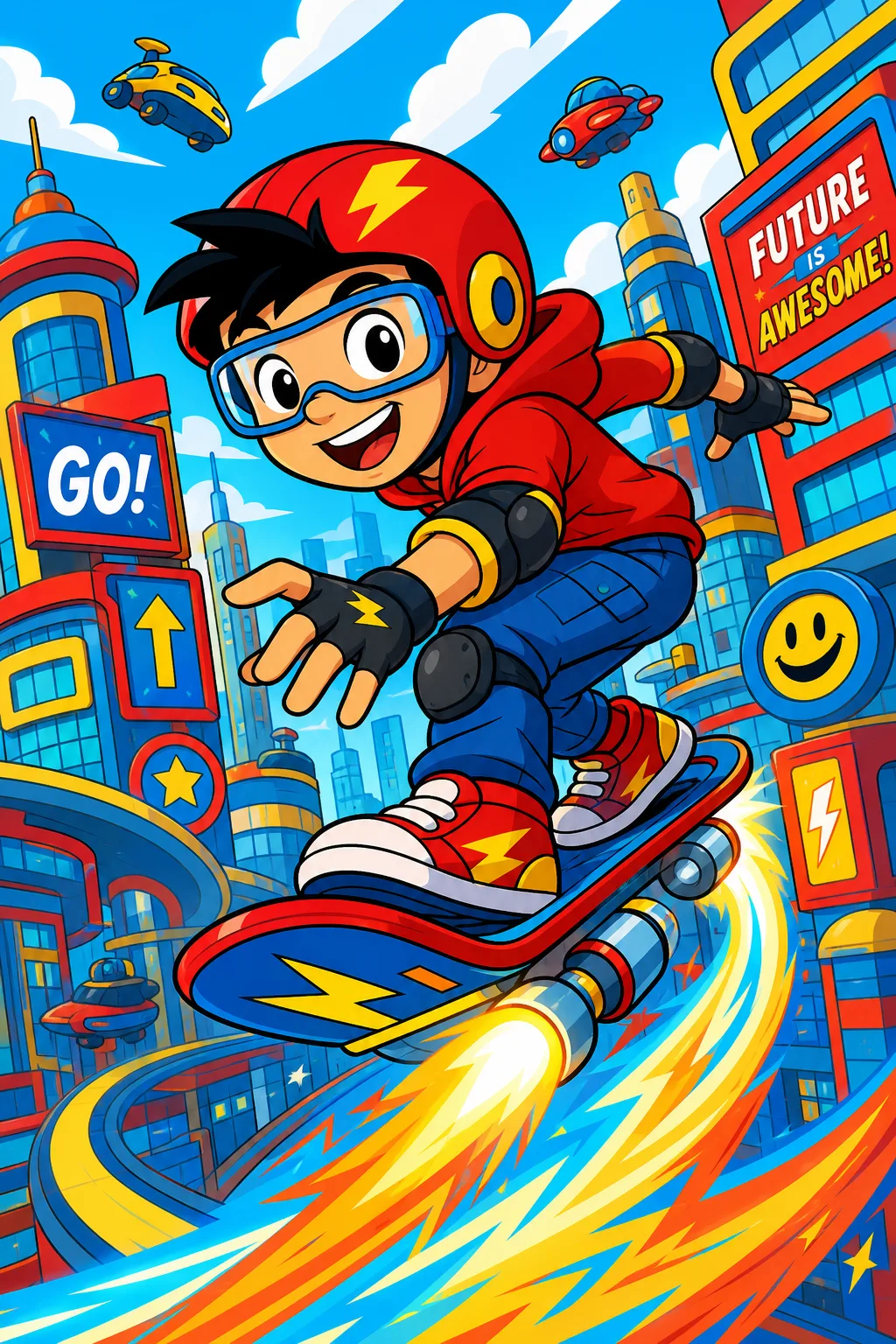
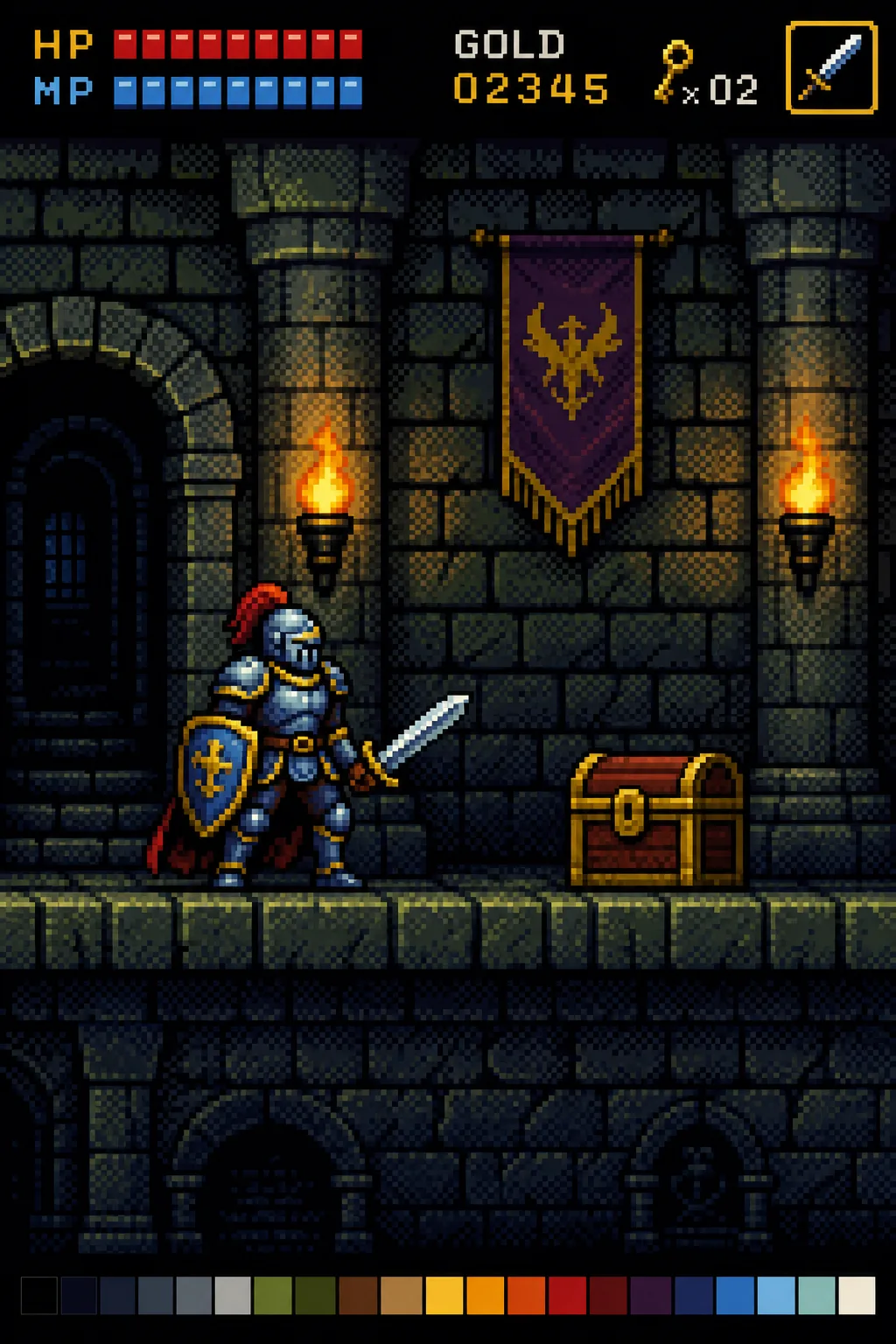
Twelve: Manga, Webtoon, American Comics, European BD, Graphic Novel, Noir B&W, Dark Fantasy, Sci-Fi Epic, Retro Pop Art, Watercolor, Cartoon Adventure and Pixel Comic, each with its own distinct visual treatment, from Japanese screen-tone ink to Ben-Day-dot primary colours to a Tintin-style clear line.
How many pages and panels can a generated comic have?
Page count has no fixed limit, you set it directly. Panels per page come in three bands (3-4, 5-6 or 7-8), and the AI decides the actual panel count and layout within that band per page, rather than forcing every page into one identical grid.
Can I export a generated comic as a PDF?
Yes. Every finished comic can be read directly in a Scroll view or a page-by-page Flipbook view, and exported as a PDF from the same reader.
What's the difference between Portrait, Landscape and Vertical Scroll orientation?
Portrait and Landscape lay out traditional printed-comic-style pages. Vertical Scroll produces the tall, continuous-strip format used by webtoons and mobile-first comic platforms, matching the reading pattern of the Webtoon style itself.